This is an advanced version of Notepad that allows you to search, replace, change background and foreground text color. It also provides registry editing options. See attached source code for more details.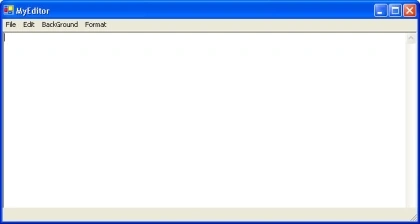
3 comments
Join the conversation! Your thoughts help the community grow.

Join to leave a comment
Members earn 10 SHARP for a comment, 10 SHARP for a reaction, and 1,000 SHARP for every article they publish.

Devendra KumarPosted Oct 19, 2010, 8:50 AM EDT
How to cteate option in notepad find replace please send me coding
Gustavo MachadoPosted Oct 26, 2009, 9:56 AM EDT
Hello mate, Very interesting post. I have done my notepad myself, and I can suggest to do a very little improvement for the Find's up and down option. Take the position of the cursor like this: m_nFilePointerPosition = txtBox.SelectionStart; Cheers!