Here are the steps to build
Hololens App with C++ Template.
- To start with make sure you have installed Visual Studio 2015 Update 2.
- Hololens Emulator
We will be showing development without Unity to start with.
Currently two languages are supported for development from Visual Studio,
We will be covering C++ first.
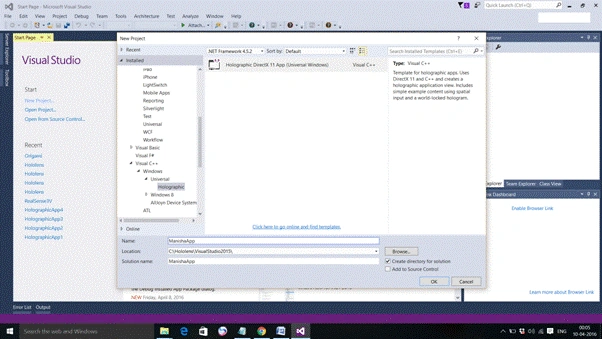
Open Visual Studio first, then click on
New Project.
Leave the specification as it is,
Click on Ok.
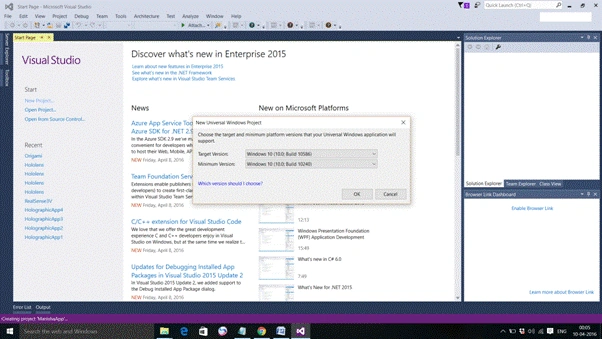
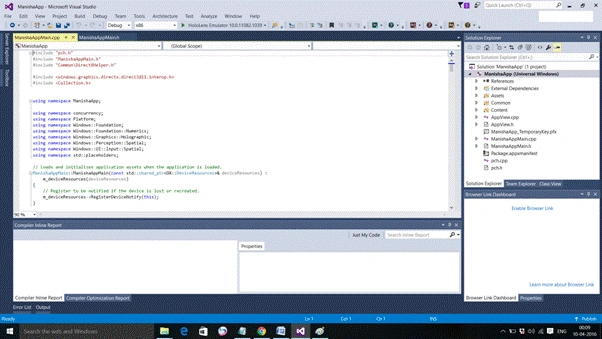
Here are the project details,
Select it for Hololens emulator,
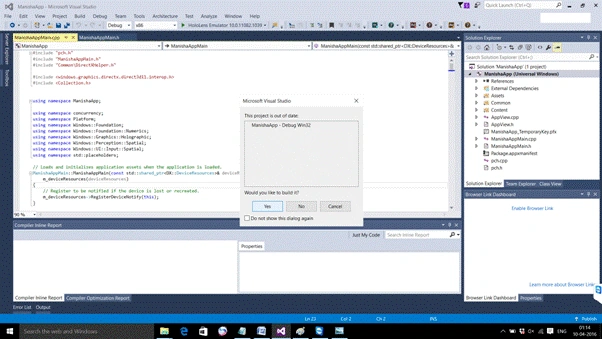
Now click on
Yes for the build,
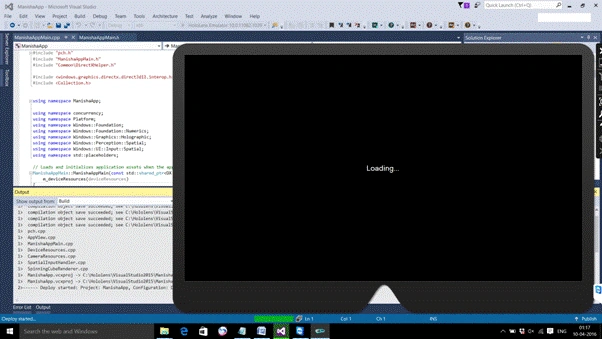
Now the Microsoft Hololens emulator will come up,
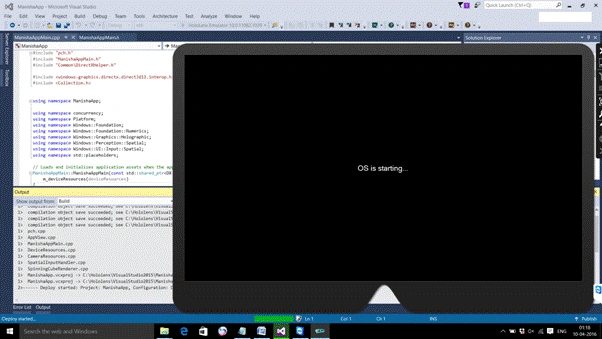
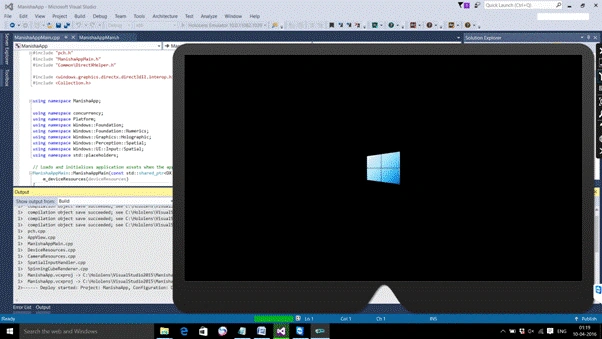
The OS is starting,
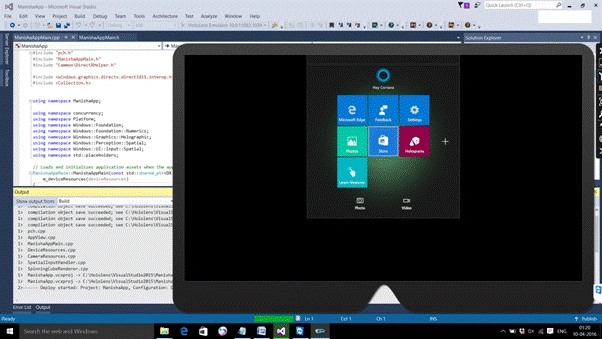
The main screen when the Hololens emulator starts.
The Hololens emulator in action,
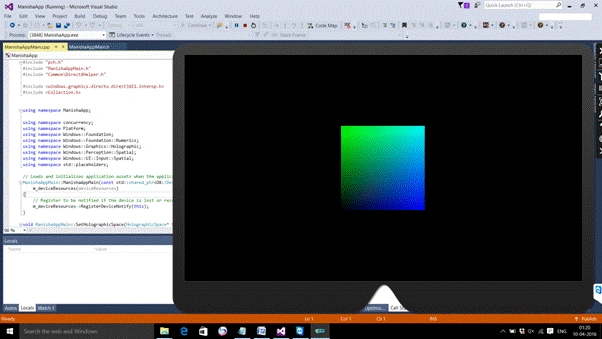
Now we will see the cube in action within Hololens frame,
Conclusion
With the help of C++ and other Direct X technology, we can build a lot of immersive apps for Hololen's experience.
Read more articles on Hololens:




Manisha BiswasPosted Apr 25, 2016, 5:02 AM EDT
No both the languages are supported i would be writing an article with C# soon
Bhuvanesh MohankumarPosted Apr 24, 2016, 9:06 AM EDT
any specific reason for selecting C++ than C# ?
Sr KarthigaPosted Apr 19, 2016, 6:47 PM EDT
Nice explanation
Shaili DashoraPosted Apr 13, 2016, 10:01 AM EDT
Nice one
Manisha BiswasPosted Apr 13, 2016, 8:12 AM EDT
Thank you
Rahul Kumar SaxenaTOP 100Posted Apr 12, 2016, 10:05 AM EDT
Good Show
Mohammed IbrahimPosted Apr 12, 2016, 10:02 AM EDT
nice
Debasis SahaTOP 100Posted Apr 12, 2016, 9:25 AM EDT
Good One..