
Introduction
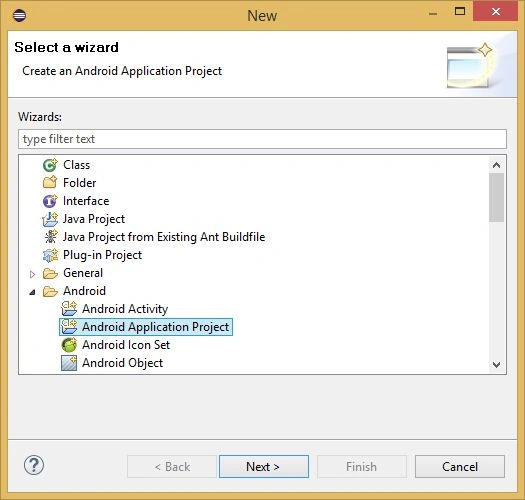
First, create an Android Project in the Eclipse IDE.
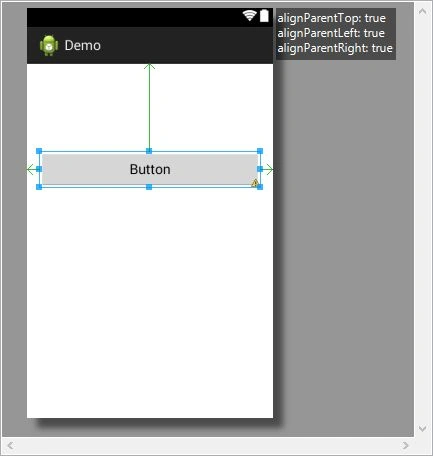
 Then open the XML file and drag and drop one button to the Graphical Layout of the XML file.
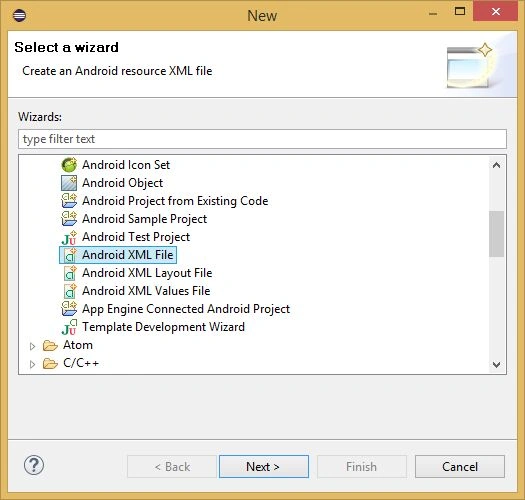
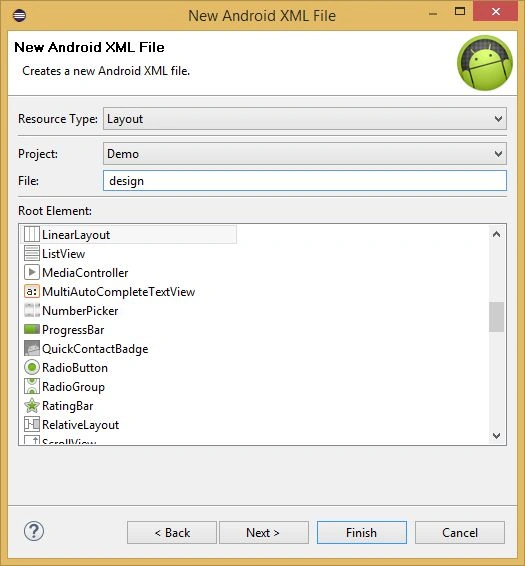
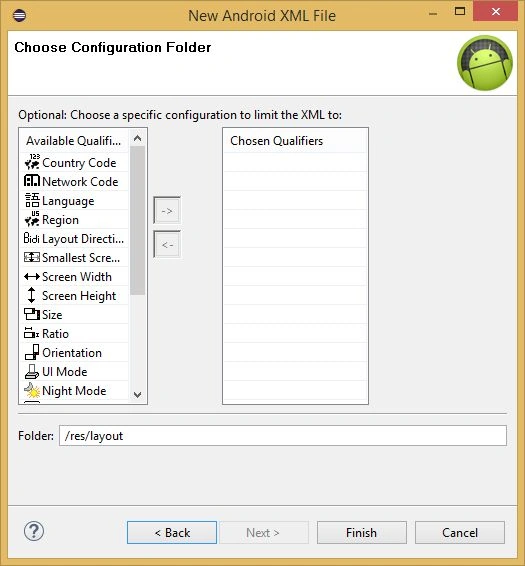
 Now create one XML file in the drawable folder and use two images for seeing the changes on a button press.
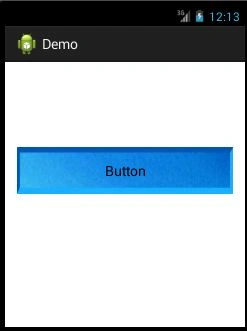
 Default Button Image.
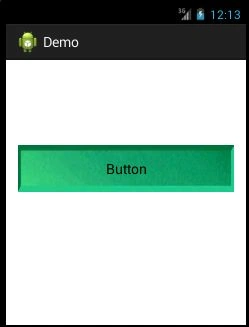
 On Button Pressed Image.
 Paste both the images into the drawable folder.
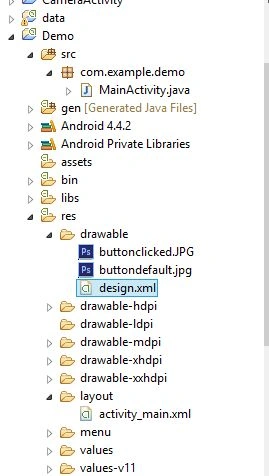 Open the design.xml file and write the following code in the XML file,
- <?xml version="1.0" encoding="utf-8"?>
- <selector xmlns:android="http://schemas.android.com/apk/res/android">
- <item android:state_pressed="true"
- android:drawable="@drawable/buttonclicked" /> <!-- pressed -->
- <item android:drawable="@drawable/buttondefault" /> <!-- default -->
- </selector>
- <RelativeLayout
- xmlns:android="http://schemas.android.com/apk/res/android"
- xmlns:tools="http://schemas.android.com/tools"
- android:layout_width="match_parent"
- android:layout_height="match_parent"
- android:paddingBottom="@dimen/activity_vertical_margin"
- android:paddingLeft="@dimen/activity_horizontal_margin"
- android:paddingRight="@dimen/activity_horizontal_margin"
- android:paddingTop="@dimen/activity_vertical_margin"
- tools:context="com.example.demo.MainActivity" >
- <Button
- android:id="@+id/button1"
- android:layout_width="wrap_content"
- android:layout_height="wrap_content"
- android:layout_alignParentLeft="true"
- android:layout_alignParentRight="true"
- android:layout_alignParentTop="true"
- android:layout_marginTop="97dp"
- android:text="Button"
- android:background="@drawable/design"/>
- </RelativeLayout>


Anu VPosted Nov 27, 2015, 11:02 PM EST
good one.. tx
Nilesh JadavPosted Aug 3, 2015, 8:14 PM EDT
Nice article sir
Chervine BhiwooPosted Aug 3, 2015, 7:25 PM EDT
Good one
Neeraj KumarPosted Aug 3, 2015, 11:58 AM EDT
thank you Santhakumar Munuswamy
Santhakumar MunuswamyPosted Aug 3, 2015, 10:35 AM EDT
Nice article. Thanks for sharing
Neeraj KumarPosted Aug 3, 2015, 8:47 AM EDT
Thank you Rakesh Chavda
Neeraj KumarPosted Aug 3, 2015, 8:46 AM EDT
Thank you Pankaj Kumar Choudhary
RakeshPosted Aug 3, 2015, 7:20 AM EDT
Good one
Pankaj Kumar ChoudharyTOP 100Posted Aug 3, 2015, 3:54 AM EDT
Nice Explain Neeraj........
Neeraj KumarPosted Aug 3, 2015, 3:07 AM EDT
Thank you Gopi Chand
Neeraj KumarPosted Aug 3, 2015, 3:06 AM EDT
Thank you Sibeesh Venu
Neeraj KumarPosted Aug 3, 2015, 3:06 AM EDT
Thank you Rajeesh Menoth
Gopi ChandPosted Aug 3, 2015, 2:13 AM EDT
Nice one
Sibeesh VenuTOP 100Posted Aug 3, 2015, 1:59 AM EDT
Nice share.
Rajeesh MenothPosted Aug 3, 2015, 1:34 AM EDT
Thank you for sharing