
Get the output of Addition, Subtraction, Multiplication, and Division of three numbers, which are entered by the user.
Step 1. Create a Console application in Visual Studio.
Step 2. Give proper naming for a Console application. Here I have given it as calc3numbers.
Step 3. Select Framework Version - Here, I have selected .NET 6.0, which is long-term support (LTS).
Step 4. By default, Hello World program is configured in the Console application. We can remove and create new ones from scratch.
C#
Console.WriteLine("Enter your first number");
int num1 = int.Parse(Console.ReadLine());
Console.WriteLine("You Entered number is " + num1);

Console.WriteLine("Enter your second number");
int num2 = int.Parse(Console.ReadLine());
Console.WriteLine("You entered number is" + num2);

Console.WriteLine("Enter your second number");
int num3 = int.Parse(Console.ReadLine());
Console.WriteLine("You entered number is" + num3);

Console.WriteLine("{0} + {1} +{2} = {3}", num1, num2, num3, num1 + num2 + num3);

Console.WriteLine("{0} - {1} - {2} = {3}", num1, num2, num3, num1 - num2 - num3);

Console.WriteLine("{0} * {1} * {2} = {3}  ", num1, num2, num3, num1 * num2, num3);

Console.WriteLine("{0} / {1}  / {2}= {3}", num1, num2, num3, num1 / num2 / num3);
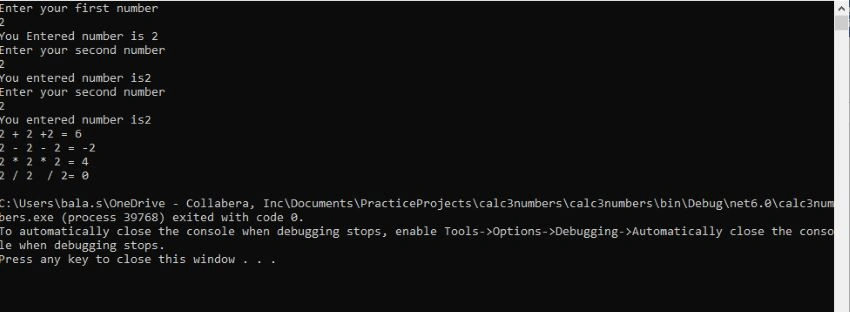
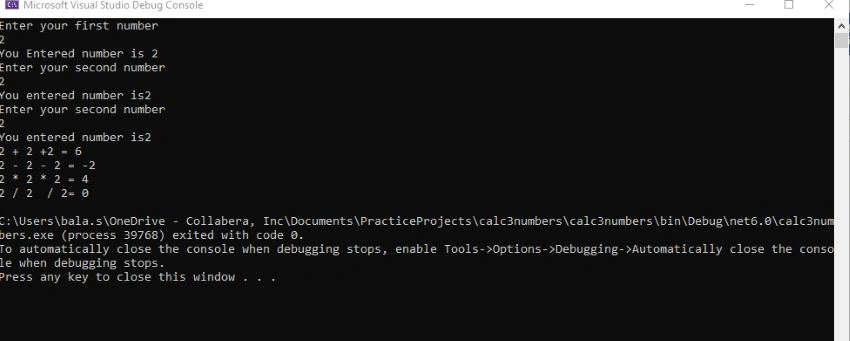
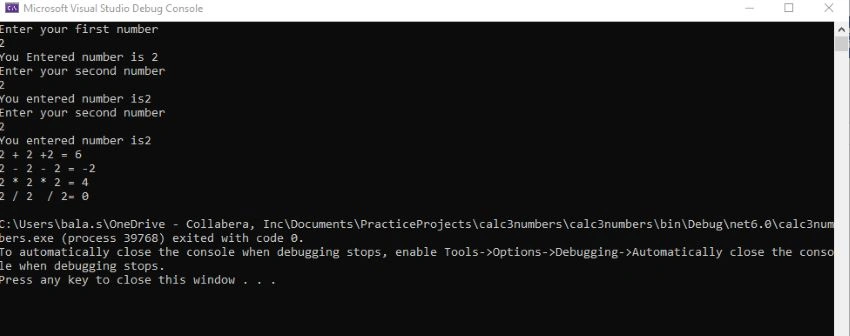
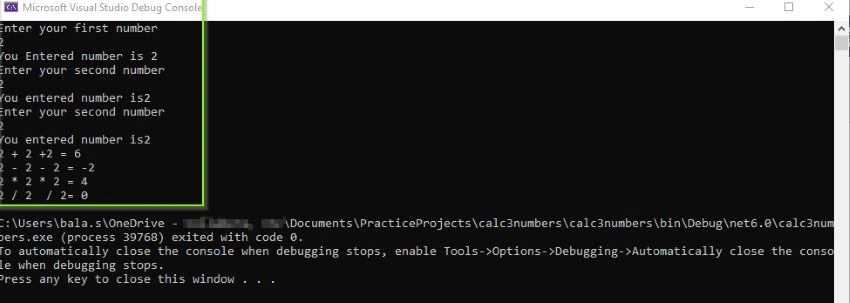
Step 5. Run your console application- the final output is captured.

Join the conversation! Your thoughts help the community grow.