
Introduction
Google Chrome Browser Extension works with JavaScript Object Notation (JSON). In JSON many files can be included depending on our requirements, such as HTML, CSS, IMAGES and JavaScript files.
You can also watch YouTube videos on Google Chrome Browser Extensions.
First create a folder and create a file named manifest.json. 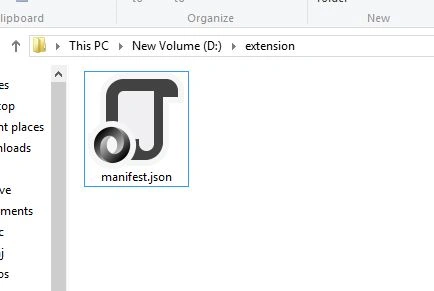
Then open this file in any text editor, such as Notepad or Notepad++. Provide the following code:
- 1. {
- 2.
- "manifest_version": 2,
- 3.
- "name": "Youtube Watcher",
- 4.
- "description": "Watch Videos of youtube",
- 5.
- "version": "1.0",
- 6.
- "browser_action": {
- 7.
- "default_icon": "icon.png",
- 8.
- "default_popup": "popup.html"
- 9.
- }
- 10.
- }
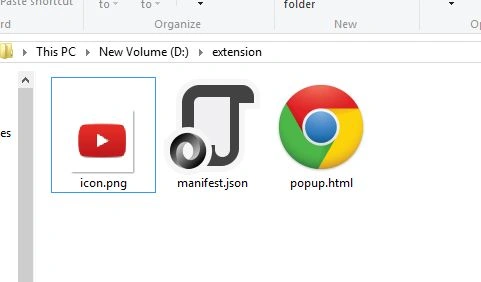
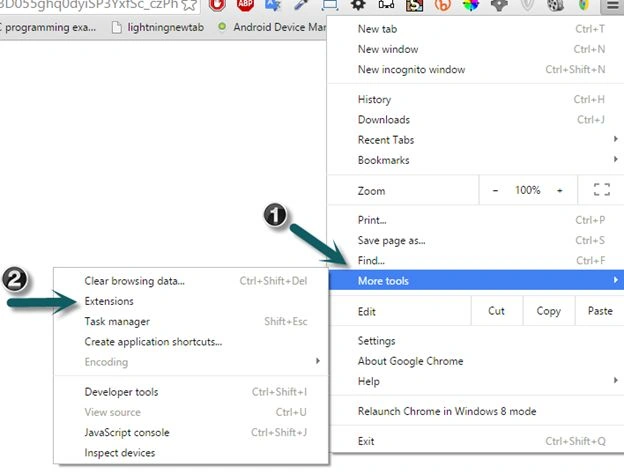
Now open Google Chrome Browser and go to Menu, select “More tools”, then “Extension”.
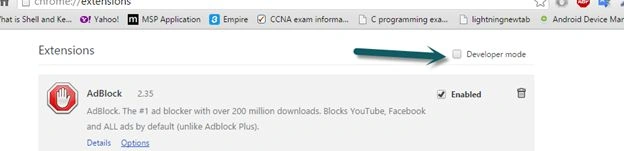
Check the Developer mode.
Click on ”load unpacked extension”.

Then go to your folder path that has all the three files.
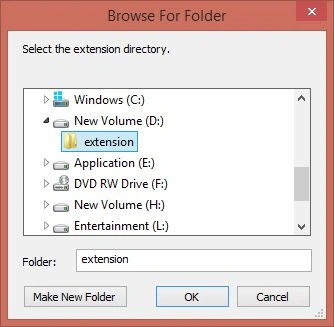
When you select the folder, the automatic result extension will be visible as in the following screenshot:
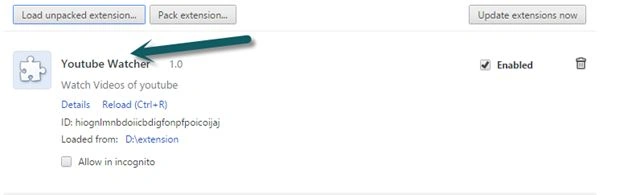
So, now you can watch a video from a Chrome extension.
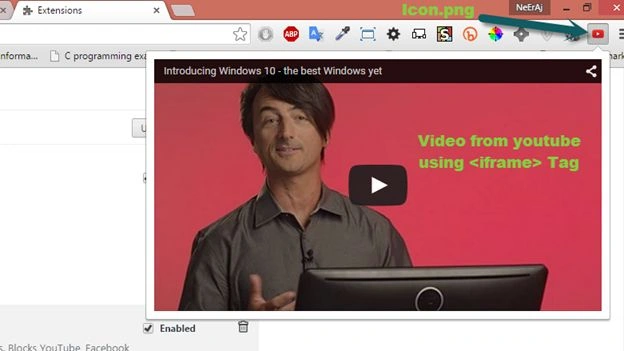
I hope that article will help you in understanding how to develop a Google Chrome extension. You can also make extensions, apps and themes for the browser accordingly.


Manoj KulkarniPosted Jul 15, 2015, 1:57 AM EDT
Nice article. Thank you for sharing !
Nilesh JadavPosted Jul 14, 2015, 8:09 PM EDT
Nice one sir
Santhakumar MunuswamyPosted Jul 14, 2015, 11:44 AM EDT
Thanks for nice article:)
Sibeesh VenuTOP 100Posted Jul 14, 2015, 8:59 AM EDT
Nice Share. Thank you :)
Sathish KumarPosted Jul 14, 2015, 1:15 AM EDT
Good info. Thanks for sharing.
Pankaj Kumar ChoudharyTOP 100Posted Jul 14, 2015, 12:56 AM EDT
NICE aRTICLE sIR...........