
Prerequisites
- Azure account
- FileZilla Client Software
After creating LAMP Stack Server then copy server IP Address for connecting FileZilla Software.
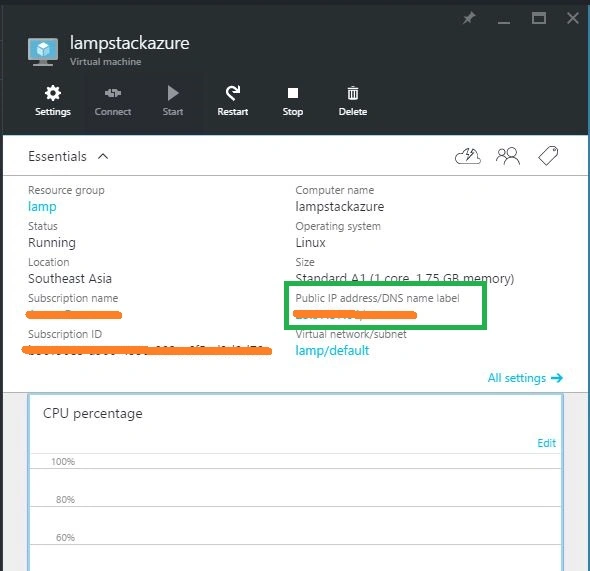
Now let's get started with the following steps:
Install FileZilla Software
FileZilla, the free FTP solution. Both a client and a server are available. FileZilla is open source software distributed free of charge under the terms of the GNU General Public License.
Step 1: FileZilla software download from following link,
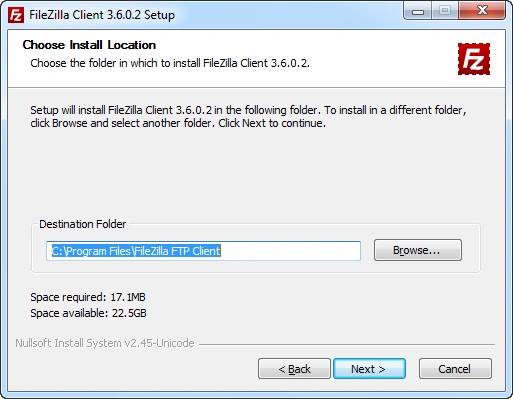
Step 2:
After Installing FileZilla Software, Open and enter the Server IP Address, Username and Password for Connect Client Machine to Server Machine.
After Installing FileZilla Software, Open and enter the Server IP Address, Username and Password for Connect Client Machine to Server Machine.

Step 3:
After successful login your remote azure lamp VM, then move to following file path /opt/bitnami/apps/phpmyadmin/htdocs and copy and paste your PHP Website Project Files from Local Machine to Virtual Machine.
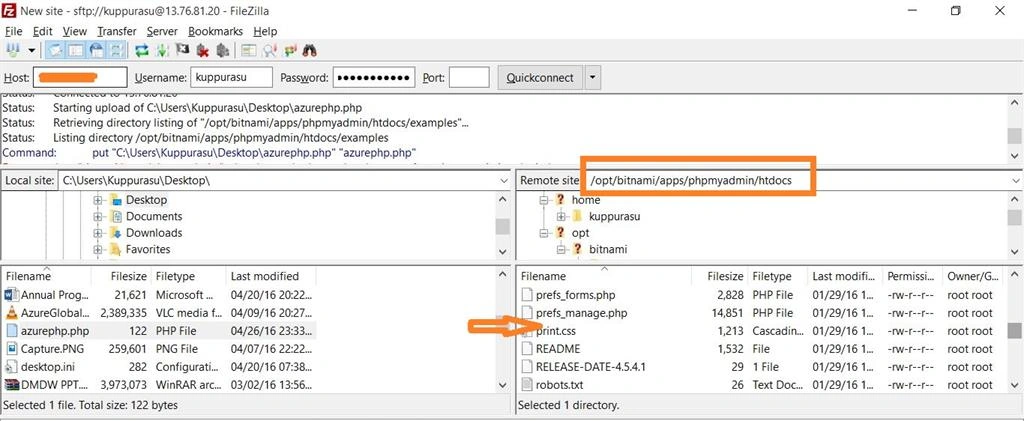
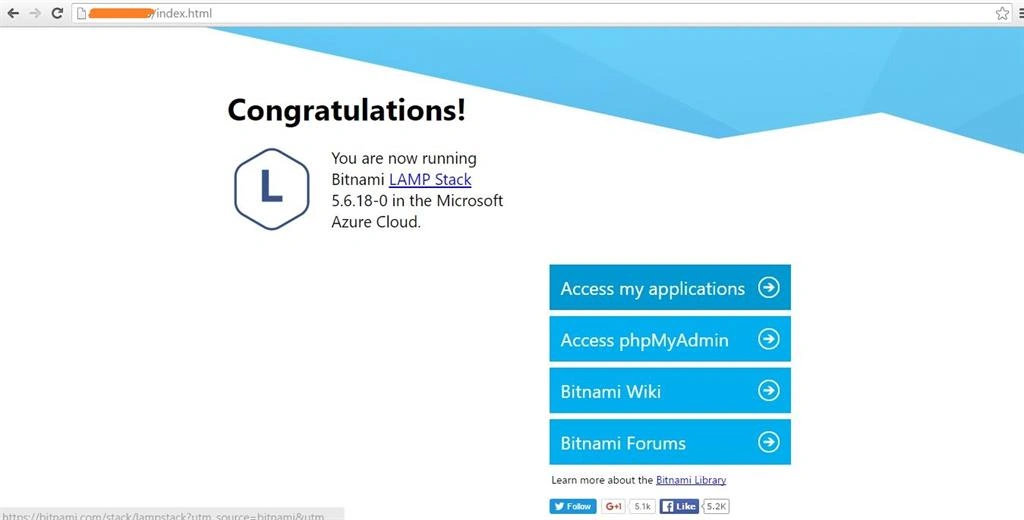
Now we are ready to run our project, then going to web browser type Server Name and Website Name.
Read more articles on Azure:


Amit DavePosted May 3, 2016, 6:29 AM EDT
Keep up the Good work!
Sonu ChaudharyPosted May 2, 2016, 1:53 AM EDT
Thanks for sharing
Vignesh ManiTOP 100Posted May 1, 2016, 5:14 AM EDT
Good one sir