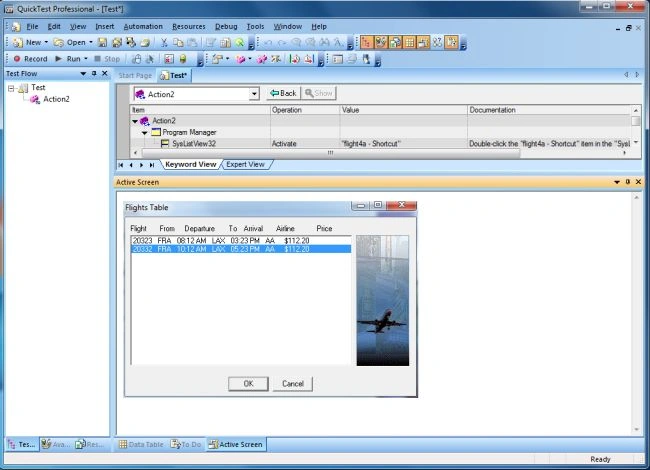
- Click on the step for which you want the transaction timing to end. That page is opened in the Active screen.
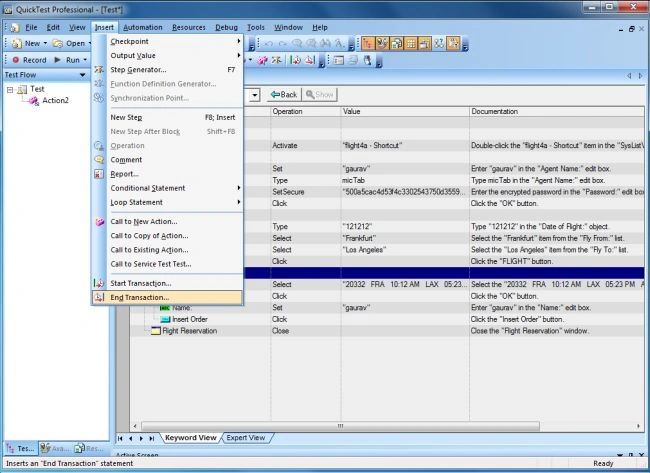
- Choose Insert > End Transaction or click on the End Transaction button. The End transaction box opens.
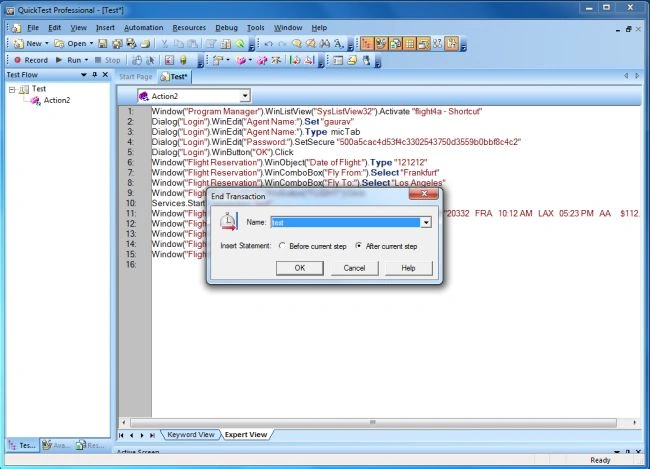
- The Name box contains a list of the transaction names you defined in the current test. Select the name of the transaction you want to end.
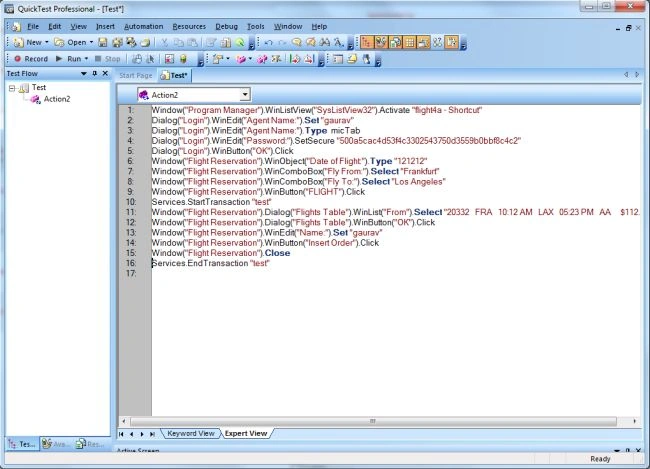
- Click on the OK button. An End Transaction step is added to the keyword view.
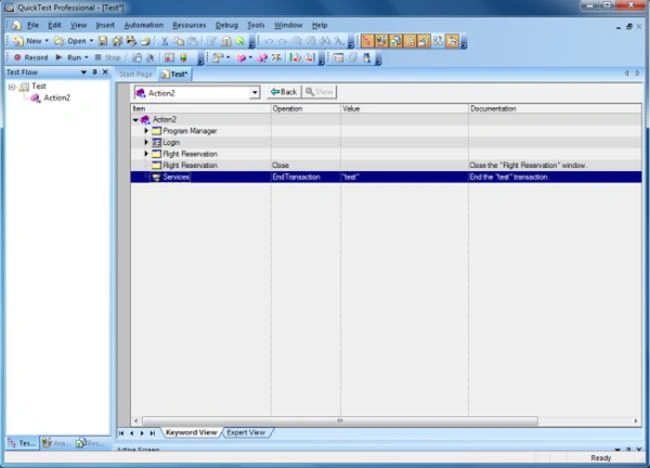
Ending Transactions in QTP in Automation Testing
In this article we discuss how to end a transaction.
During a Test Run, the end of the time measurement is signalled by an End Transaction. You can define the end of a transaction in the End Transaction dialog box. How to do that is explained in this article.

Join the conversation! Your thoughts help the community grow.