
How to Choose Between GPT-5.6 Sol, Terra, and Luna
Developers are rapidly adopting AI coding agents such as Codex to build applications, review code, fix bugs, write tests, and manage entire software projects.
But many developers are making an expensive mistake: they use the most powerful model for every task.
A complex database migration and a CSS color change do not require the same level of intelligence. Asking the strongest frontier model to handle every minor coding task is like hiring a principal software architect to rename files and fix formatting errors.
The better approach is model routing: choosing the right GPT-5.6 model based on the complexity and risk of the work.
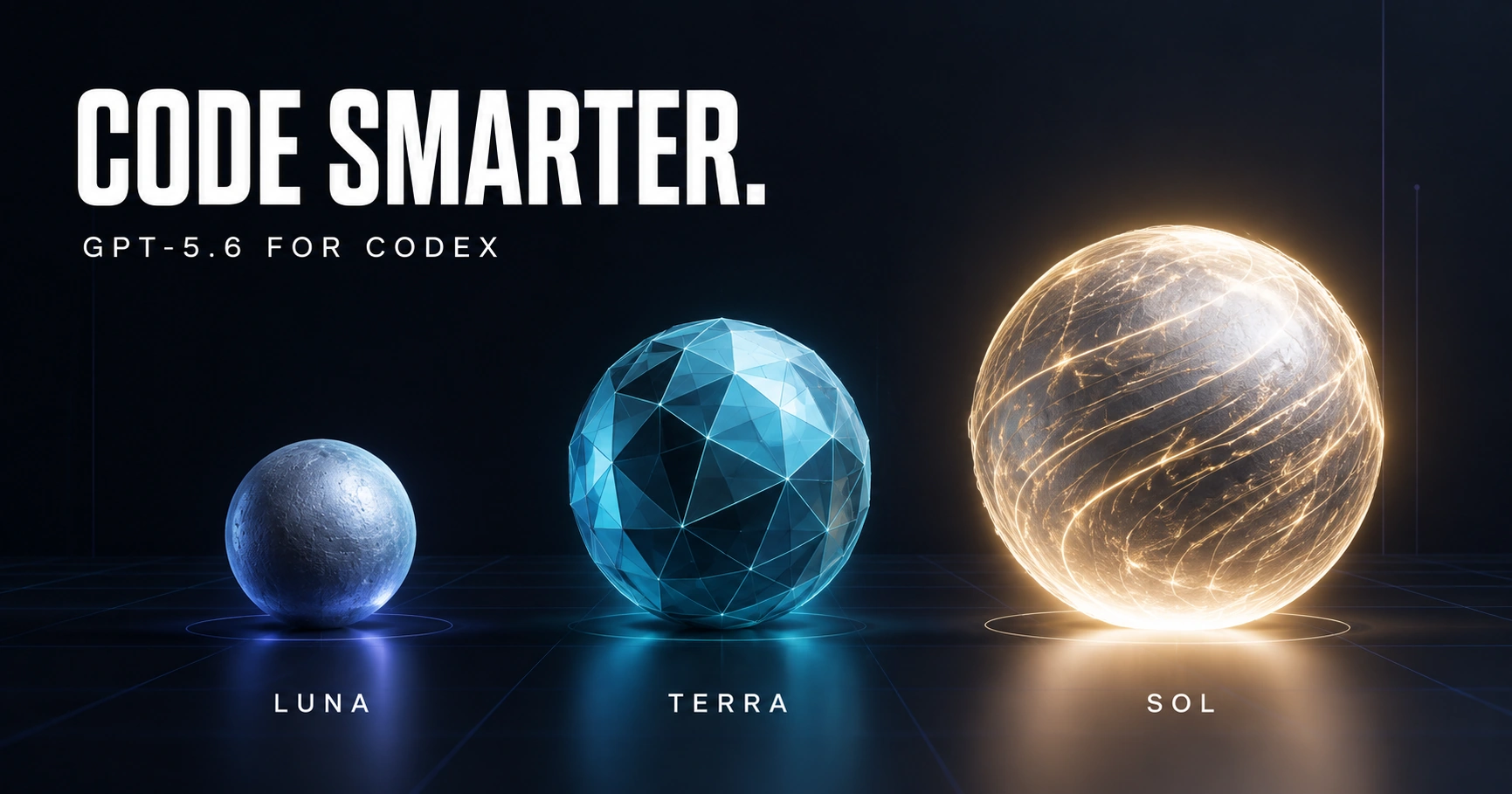
OpenAI currently offers three primary GPT-5.6 models for Codex:
GPT-5.6 Sol for difficult, ambiguous, and high-value work
GPT-5.6 Terra for everyday software development
GPT-5.6 Luna for clear, repetitive, and predictable tasks
Developers can also control reasoning effort separately. That means model selection is only half of the optimization. The reasoning level should also match the task.
According to the official OpenAI Codex model documentation, higher reasoning effort can improve results on complex problems, but it takes longer and consumes more tokens.
The goal should therefore be simple:
Use the least expensive model and lowest reasoning level that can reliably complete the task.
GPT-5.6 Luna: The Fast Execution Model
GPT-5.6 Luna is the fastest and most affordable model in the GPT-5.6 family. It works best when the instructions are clear, the expected output is predictable, and little architectural judgment is required.
Luna should handle the repetitive work surrounding the core application.
Use Luna for UI and styling tasks
Luna is usually sufficient for:
Changing colors, fonts, spacing, and borders
Making a page responsive
Converting a layout to Tailwind CSS
Creating a simple form from an existing design
Updating button labels and error messages
Adding loading indicators
Applying an established component pattern
Fixing straightforward accessibility labels
For example:
Update the profile form to use the existing
FormFieldcomponent. Preserve all validation and API behavior. Do not modify unrelated files.
The requirements are specific, and the correct implementation pattern already exists. There is little reason to invoke the strongest model.
Use Luna for mechanical code changes
Luna is also a good choice for:
Renaming variables, methods, or files
Updating imports
Converting repeated code into a known format
Adding types to obvious data structures
Generating DTOs from an existing schema
Updating deprecated method names
Applying the same modification across multiple files
Producing structured summaries of test or build output
Use Luna for routine tests and documentation
Once the feature behavior is already defined, Luna can:
Generate basic unit-test cases
Add missing test fixtures
Create mock data
Update README instructions
Add XML, JSDoc, or inline documentation
Document API parameters
Produce release-note summaries
Luna performs best when the developer can clearly describe what “done” looks like.
It should not be the first choice for an unexplained production failure, a major security review, or an architectural decision.
GPT-5.6 Terra: The Everyday Development Model
GPT-5.6 Terra should be the default model for most professional coding work.
OpenAI positions Terra as the pragmatic all-rounder: a balanced model for everyday work requiring reliable reasoning and tool use without the full depth of Sol.
For many development teams, Terra can probably handle 60% to 80% of normal engineering tasks.
Use Terra for feature development
Terra is well suited for:
Building API endpoints
Creating database-backed CRUD features
Connecting frontend pages to existing APIs
Adding authentication to a route
Implementing form validation
Integrating third-party APIs
Adding caching to an existing service
Building administrative dashboards
Creating background jobs
Implementing established business rules
A Next.js developer, for example, could use Terra to create a feature that includes:
A React form
A server action
Input validation
A database operation
Error handling
Relevant tests
This work requires understanding multiple files and how they interact, but it usually does not require frontier-level architectural analysis.
Use Terra for normal debugging
Terra should be the starting point for bugs such as:
Incorrect API responses
Broken state management
Form-submission failures
Authentication redirects
Database query errors
TypeScript compilation problems
Failed component tests
Dependency integration issues
A useful debugging prompt would be:
Investigate why authenticated users are redirected back to the login page. Begin with
middleware.ts,auth.ts, and the login callback. Identify the root cause before editing. Do not inspect unrelated directories.
The narrower scope helps Terra solve the problem without repeatedly searching the entire repository.
Use Terra for contained refactoring
Terra can handle refactoring when the boundaries are understood:
Extracting a service from a controller
Breaking a large component into smaller components
Removing duplicated logic
Moving data access into a repository layer
Converting JavaScript files to TypeScript
Replacing one library with another inside a limited module
Improving error handling within an existing architecture
Terra should not be asked to “modernize the entire application” without boundaries. That kind of vague instruction creates unnecessary exploration and may require Sol.
Use Terra for standard code review
Terra can review:
Pull requests
Feature implementations
API contracts
Error handling
Test coverage
Common security mistakes
Performance problems in a contained module
Ask it to prioritize meaningful issues instead of producing dozens of minor style comments:
Review this pull request for correctness, security, regressions, and missing tests. Report only issues that could affect production behavior. Do not comment on formatting already enforced by ESLint or Prettier.
GPT-5.6 Sol: The Architecture and Hard-Problem Model
GPT-5.6 Sol is the flagship model in the family. OpenAI recommends it for complex, open-ended work requiring deeper analysis, judgment, and polish.
Sol should be used where a wrong decision could create substantial technical debt, security exposure, downtime, or costly rework.
Use Sol for software architecture
Sol is the best fit for:
Designing a new system
Choosing service boundaries
Planning a monolith-to-microservices migration
Designing a multi-tenant SaaS architecture
Selecting a database strategy
Designing event-driven systems
Planning large-scale caching
Evaluating build-versus-buy decisions
Defining authentication and authorization architecture
Planning high-availability infrastructure
Architecture involves tradeoffs rather than one obvious answer. Sol is more valuable when the model must consider scalability, security, maintainability, operational complexity, and cost simultaneously.
Use Sol for difficult production bugs
Escalate from Terra to Sol when:
The failure crosses multiple services
Logs are incomplete or contradictory
The bug involves concurrency
The problem is intermittent
A memory leak is suspected
Data corruption may be occurring
A distributed transaction is failing
Several previous fixes have failed
The root cause may be architectural
Sol should not merely receive “fix this bug.” Give it evidence:
Relevant code
Error messages
Logs
Recent changes
Reproduction steps
What has already been attempted
This reduces repeated investigation and gives the model a better chance of resolving the issue in one pass.
Use Sol for security-sensitive code
Sol is the appropriate starting point for:
Authentication systems
Authorization and permissions
Cryptographic implementations
Payment processing
Wallet and token operations
Secret management
Security threat modeling
Vulnerability analysis
Multi-tenant data isolation
Compliance-sensitive workflows
AI output in these areas must still be reviewed by qualified engineers and validated with security tools. A more capable model reduces risk, but it does not replace professional security review.
Use Sol for large migrations
Examples include:
Migrating a large application between frameworks
Upgrading across several major framework versions
Replacing the authentication provider
Moving from one database platform to another
Reworking a legacy application into a modern architecture
Changing a public API without breaking existing consumers
Introducing a new tenancy model
Replacing a core payment or messaging system
Sol can first produce the migration strategy, identify dependencies and define rollback points. Terra can then implement many individual migration steps, while Luna handles predictable mechanical transformations.
This is where multi-model routing becomes especially powerful.
One Feature Can Use All Three Models
Developers do not need to select one model for the entire project. A single feature can move through different models during its lifecycle.
Consider building a subscription billing system.
| Development stage | Recommended model |
|---|---|
| Define billing architecture and security boundaries | GPT-5.6 Sol |
| Design webhook reliability and failure recovery | GPT-5.6 Sol |
| Implement API endpoints and database operations | GPT-5.6 Terra |
| Connect frontend screens to the API | GPT-5.6 Terra |
| Create standard form components | GPT-5.6 Luna |
| Generate test fixtures and mock data | GPT-5.6 Luna |
| Investigate an ordinary integration failure | GPT-5.6 Terra |
| Investigate duplicate production charges | GPT-5.6 Sol |
| Update documentation and release notes | GPT-5.6 Luna |
The expensive model makes the high-risk decisions. The balanced model performs the normal engineering. The fastest model handles predictable execution.
Match Reasoning Effort to the Task
Codex provides multiple reasoning levels:
Low
Medium
High
Extra High
Max
Ultra
Model and reasoning effort should be selected independently.
Low reasoning
Use Low for:
Small UI changes
Formatting
Renaming
Straightforward documentation
Simple test generation
Clearly defined code transformations
Medium reasoning
Use Medium for:
Normal feature development
API integrations
Standard debugging
Contained refactoring
Pull-request reviews
Medium is the appropriate default for most daily development.
High or Extra High reasoning
Use these levels for:
Multi-file debugging
Complicated business logic
Performance analysis
Security reviews
Large refactoring
Architectural tradeoffs
Max reasoning
Max gives one model more time to reason through an exceptionally difficult problem. Use it only when the additional depth is worth the extra time and usage.
Ultra reasoning
Ultra is different. It can use subagents to divide work into multiple parallel tasks.
Use Ultra when a project can be meaningfully divided, such as:
Reviewing separate application layers
Analyzing several independent services
Planning a large migration
Running parallel security, performance, and architecture reviews
Most programming tasks do not need Ultra. Using multiple agents to change one button or implement one endpoint is unnecessary and expensive.
Recommended Model Strategy for a Next.js Application
A practical routing strategy for a modern Next.js project might look like this:
| Area of the application | Model | Reasoning |
|---|---|---|
| CSS, Tailwind and responsive styling | Luna | Low |
| Basic React components | Luna or Terra | Low |
| Complex client-side state | Terra | Medium |
| Server actions and route handlers | Terra | Medium |
| Third-party API integration | Terra | Medium |
| Prisma or routine database queries | Terra | Medium |
| Database architecture and partitioning | Sol | High |
| Authentication implementation | Terra | High |
| Authentication architecture or security review | Sol | High |
| Unit tests and mock data | Luna | Low |
| Integration tests | Terra | Medium |
| End-to-end test strategy | Terra or Sol | Medium |
| Routine bug fixing | Terra | Medium |
| Intermittent production failures | Sol | High |
| Performance optimization | Terra first, Sol if complex | Medium or High |
| Application architecture | Sol | High |
| Major framework migration | Sol for planning, Terra for execution | High and Medium |
| Documentation and release notes | Luna | Low |
Create an Escalation Policy
Teams should not begin every task with Sol. They should begin with the least expensive reasonable option and escalate based on evidence.
A simple policy is:
Use Luna for clear and mechanical work.
Use Terra for normal software engineering.
Use Sol for high-risk, ambiguous, or system-wide work.
Increase reasoning only when the task requires deeper analysis.
Escalate after one or two failed attempts instead of allowing endless retries.
However, developers should not blindly force a cheaper model through a problem it cannot solve. Five failed Luna attempts may consume more time and tokens than one successful Sol attempt.
The objective is not the lowest cost per request. It is the lowest cost per accepted, production-ready result.
Final Takeaway
The future of AI-assisted development is not about finding one model that writes every line of code. It is about orchestrating models according to the value, complexity, and risk of the work.
Use GPT-5.6 Luna for clear execution.
Use GPT-5.6 Terra for everyday engineering.
Use GPT-5.6 Sol for architecture, security, complex debugging, and decisions that are expensive to reverse.
Then select the lowest reasoning effort that can reliably complete the task.
Developers who adopt this approach will not only reduce AI consumption. They will also receive faster responses, avoid unnecessary agent activity, and reserve frontier-level intelligence for the problems where it creates the greatest value.

Join the conversation! Your thoughts help the community grow.