
This article will teach us how to create a mention tag in the React application.
Prerequisites of React
- Familiarity with HTML and JavaScript.
- node.js installed
Create React Project
To create a React app, use the following command in the terminal.
JavaScript
npx create-react-app matui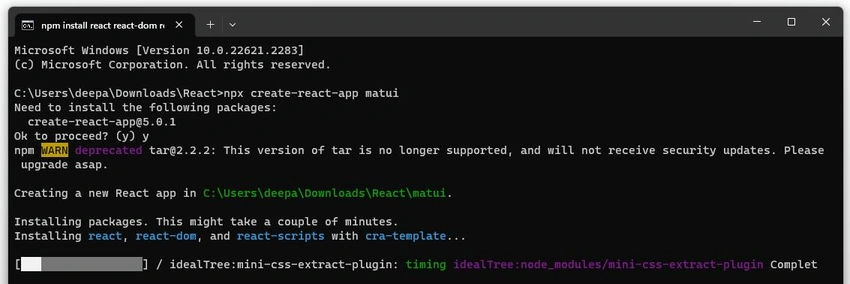
Install Bootstrap
Now install Bootstrap by using the following command.
JavaScript
npm install bootstrap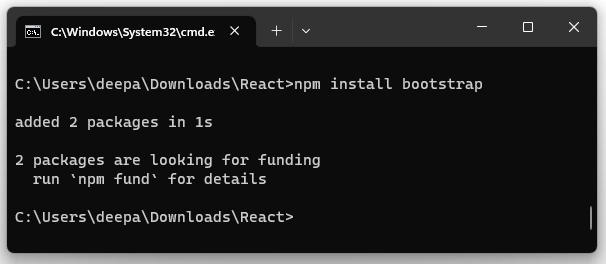
Now, open the index.js file and add the import Bootstrap.
JavaScript
import 'bootstrap/dist/css/bootstrap.min.css';Install React Mentions Module
Now Install the React Mentions Module by using the following command.
JavaScript
npm i react-mentions bootstrapNow right-click on the src folder, create a new component named 'mentiontagdemo.js', and follow the code.
JavaScript
import React from "react";
import { MentionsInput, Mention } from "react-mentions";
function TextMention() {
    const [textAreaVal, setTextAreaVal] = React.useState("");
    const users = [
        {
            id: 1,
            display: 'Mariah Carey',
            dept: 'IT',
            City: 50
        },
        {
            id: 2,
            display: 'Brenda Lee',
            dept: 'Hr',
            city: 44
        },
        {
            id: 3,
            display: 'Bobby Helms',
            dept: 'IT',
            city: 41
        },
        {
            id: 4,
            display: 'Burl Ives',
            dept: 'HR',
            city: 25
        },
        {
            id: 5,
            display: 'Adele',
            dept: 'Admin',
            city: 11
        }
    ];
    return (
        <div>
            <div class="col-sm-12 btn btn-info"> How to Create Mention Tag in React Application</div>
            <div class="col-sm-6">
                <MentionsInput class="form-control"
                    value={textAreaVal}
                    onChange={(e) => setTextAreaVal(e.target.value)}
                >
                    <Mention data={users} />
                </MentionsInput>
            </div>
        </div>
    );
}
export default TextMention;
Now, import the mentiontagdemo component in the src/App.js file.
JavaScript
import './App.css';
import TextMention from './mentiontagdemo'
function App() {
  return (
    <div className="App">
      <TextMention/>
    </div>
  );
}

export default App;
Now, run the project using the 'npm start' command and check the result.

Summary
This article provides a step-by-step guide on creating a mention tag in a React application.

Join the conversation! Your thoughts help the community grow.