
Prerequisites
- Azure account.
Now, let's get started with the steps, given below-
Step 1- Sign in to the online Microsoft Azure Portal.

On the SQL Servers blade, navigate to the monitoring blade of SQL database.
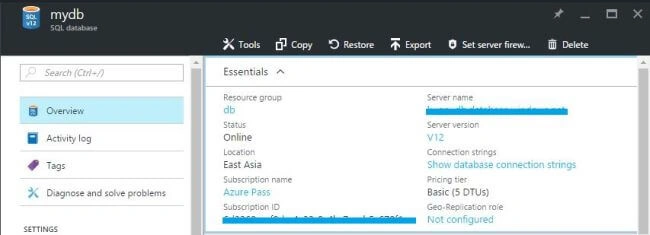
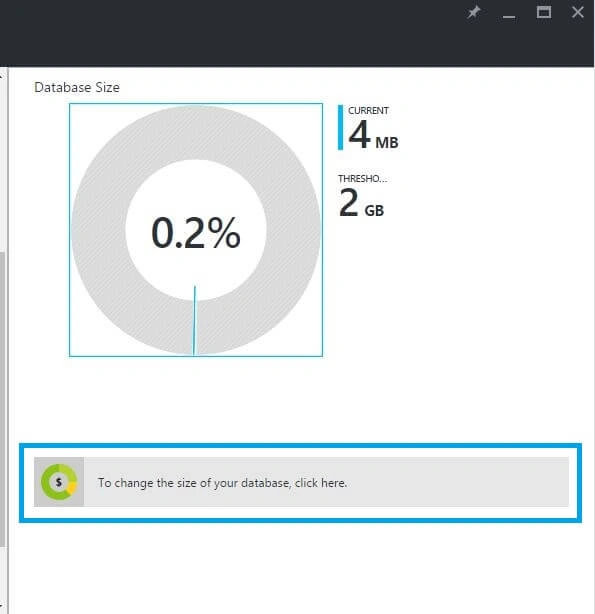
Click Database Size option, which will display the monitoring settings.

Click Here button needs to be clicked.
Finally, we change the database size in the Service tier.
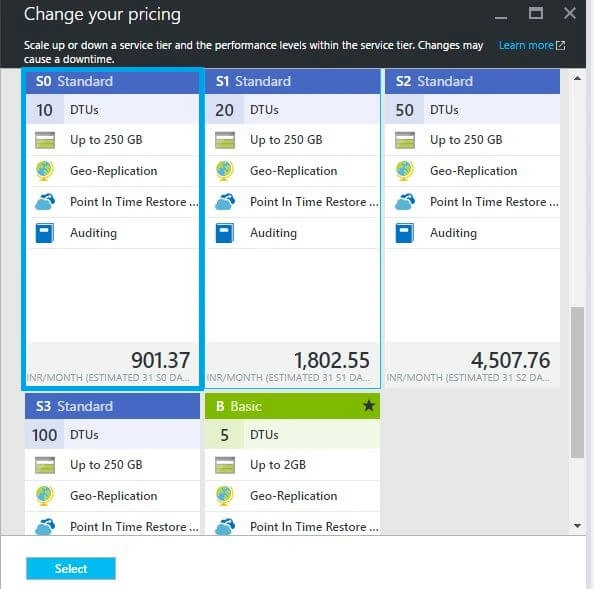
We will receive the notification and our database size will be changed.


Vignesh ManiTOP 100Posted Sep 16, 2016, 4:33 AM EDT
Good one Sir
Anu VPosted Sep 14, 2016, 8:53 PM EDT
Nice..