
HTML 5
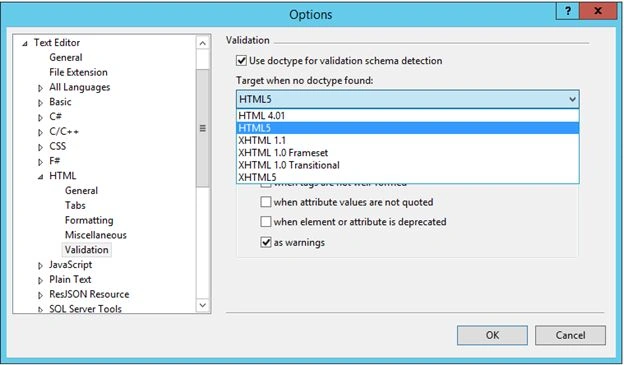
- <!DOCTYPE html>
- <meta charset="UTF-8">
The DOCTYPE declaration
HTML 5 Example
- <!DOCTYPE html>
- <html>
- <head>
- <meta charset="UTF-8">
- <title>Sibeesh Passion wish you a happy new year</title>
- </head>
- <body>
- Welcome to Sibeesh Passion</body>
- </html>
Before Introducing HTML 5
 After Introducing HTML 5

As you can see in the preceding image, HTML 5 has introduced:
- Header
- Nav
- Section
- Aside
- Article
- footer
Adding our own elements!
Yes, it is true, we can create our own element by introducing some styles, now we will see how to do this.
To do this we need a markup as follows.
- <!DOCTYPE html>
- <html>
- <head>
- <title>Your own element </title>
- <script>document.createElement("yourelement")</script>
- <style>
- yourelement {
- display: block;
- }
- </style>
- </head>
- <body>
- <div>
- Normal element
- </div>
- < yourelement >My element</ yourelement >
- </body>
- </html>


Sibeesh VenuTOP 100Posted Nov 17, 2015, 10:41 PM EST
Harshad Pansuriya Thank you
Harshad PansuriyaPosted Nov 17, 2015, 9:26 PM EST
Nice one
Sibeesh VenuTOP 100Posted Jan 4, 2015, 12:27 AM EST
Sanjay singh Thank you
Sanjay SinghPosted Jan 4, 2015, 12:21 AM EST
good one..