
In this article, we make a database in Microsoft Access and that database is used in SQL Server.
So let's take a look at a practical example of how to import a Microsoft Access database table into SQL Server 2012. The example is developed in SQL Server 2012 using the SQL Server Management Studio. There are some simple steps to do that as described here.
Creating an empty database in SQL Server
Now Press F8 to open the Object Browser in SQL Server Management Studio and expand it.
Database -> right-click-> select New database
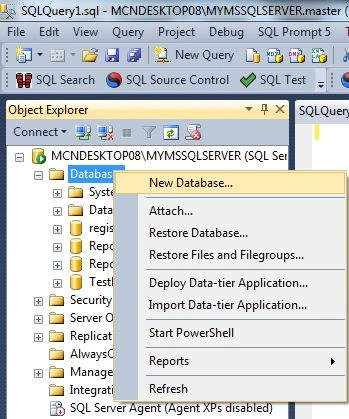
This would open the "New Database" window.
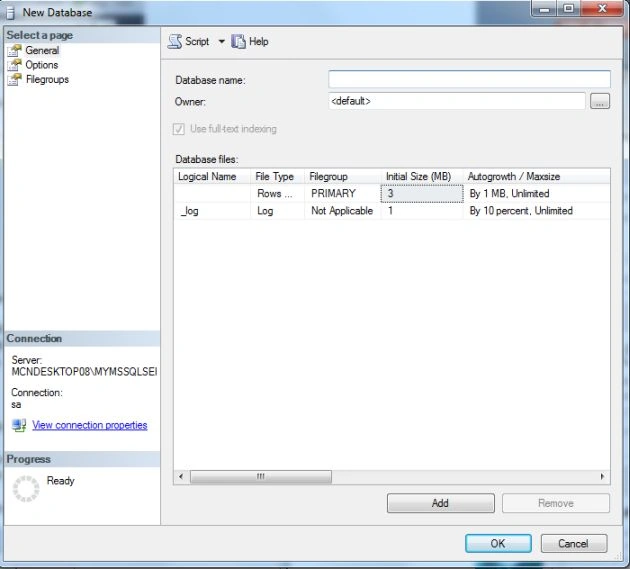
Now enter a database name to create a database.
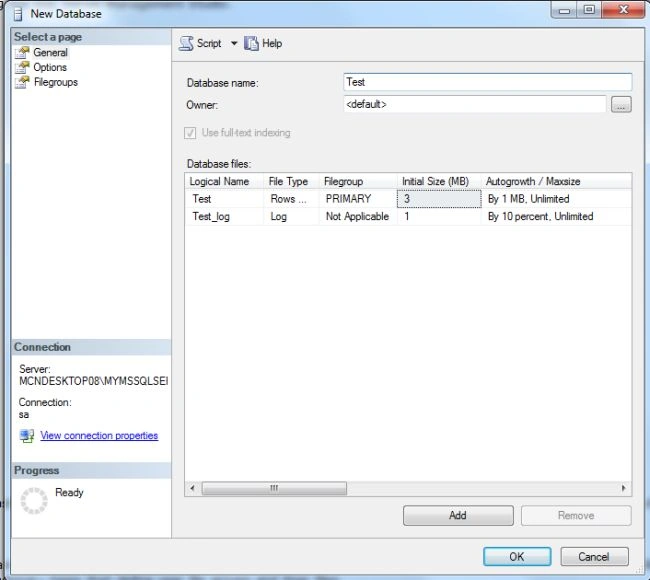
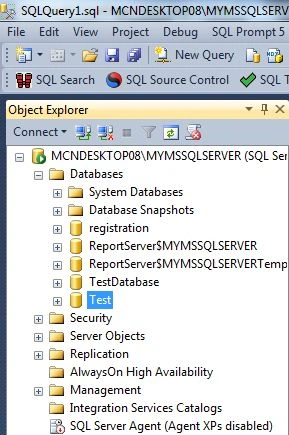
Now click on the OK button to create the database. The database will be shown in the Object Explorer.
Creating a table in the access database
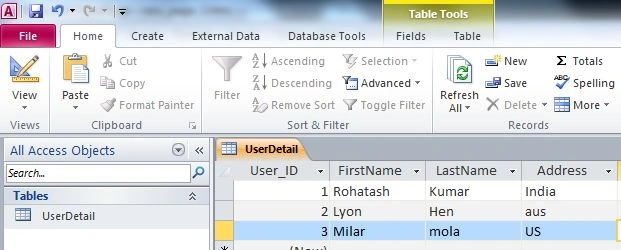
Now open the Microsoft Access database and create a database. The Access database looks as in the following.
Importing access database in SQL Server
Now right-click on the Test database and select the Import Data option.
database Name -> Tasks -> Import data
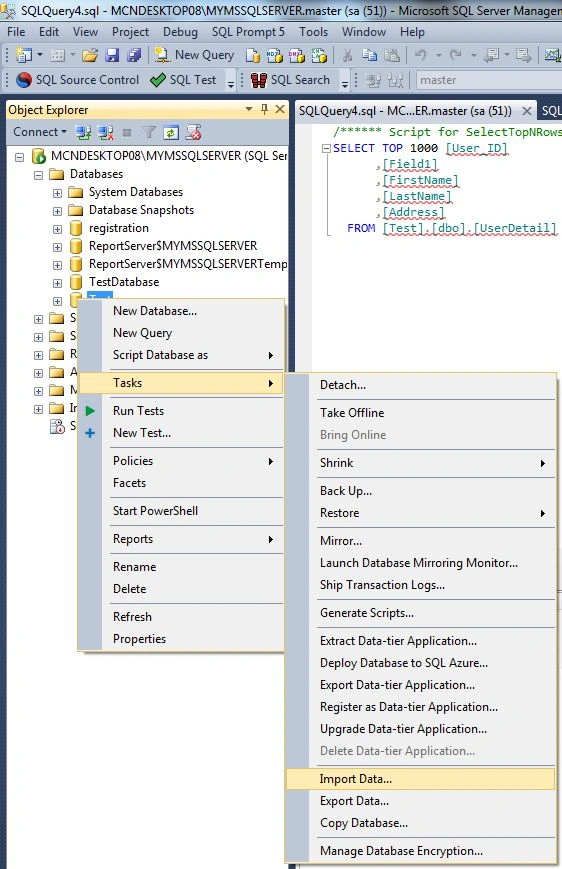
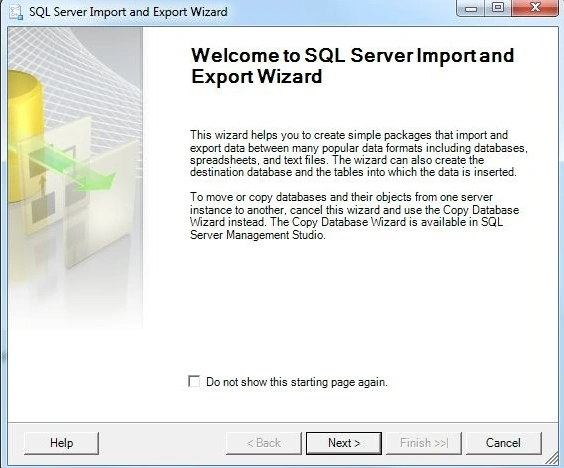
Now click on Import data. The import and export wizard will be opened.
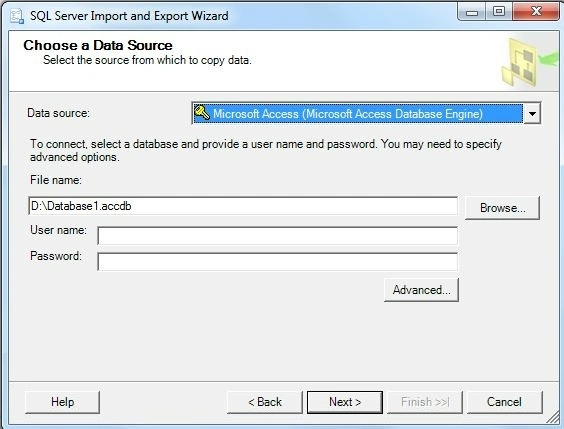
Now select a Data Source. And browse the file from the system.
Now click on the Next Button enter the computer name or server name and select a database.
Server Name: MCNDESKTOP08\MYMSSQLSERVER
Database name: Test
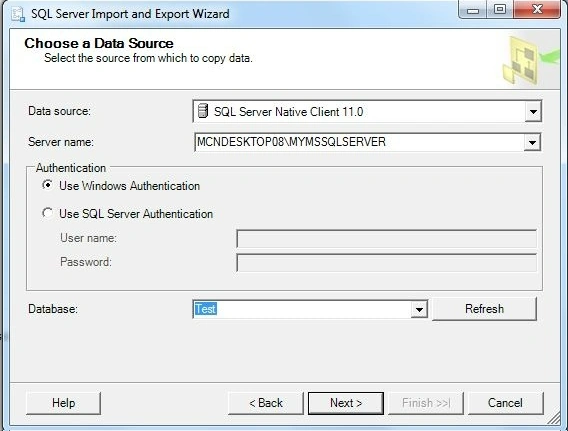
Now click on the Next Button.
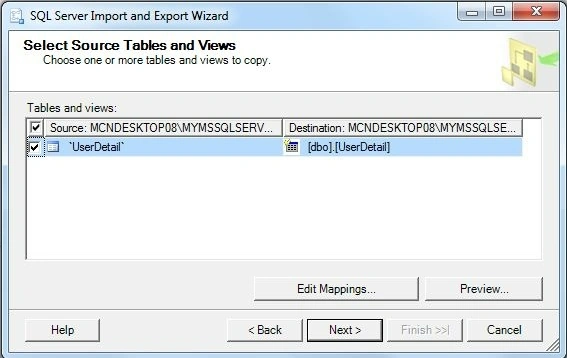
Now click on the Next Button.
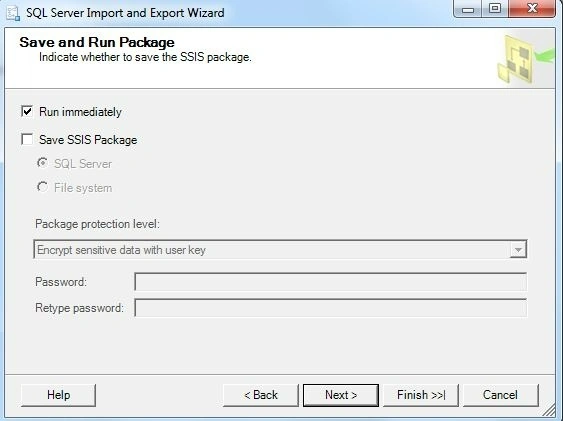
Now again click on the Next Button.
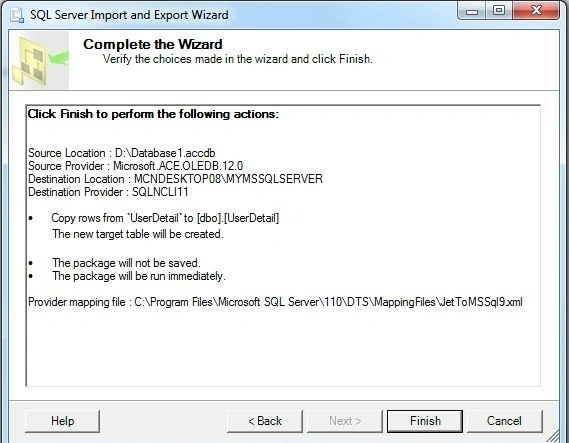
Now click on the Finish Button.
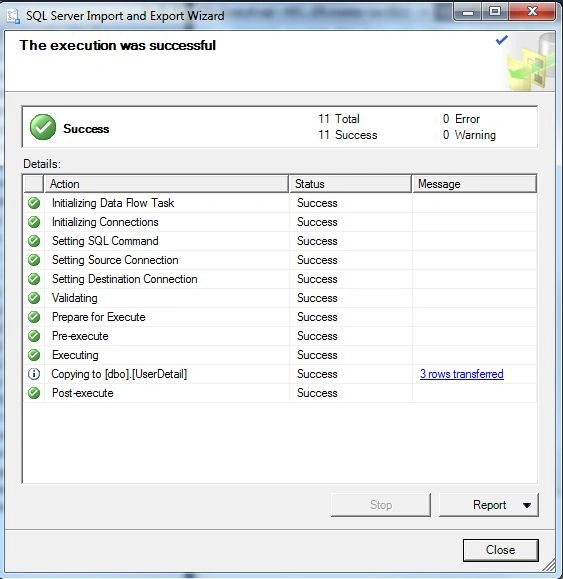
And finally, click on the Close button.
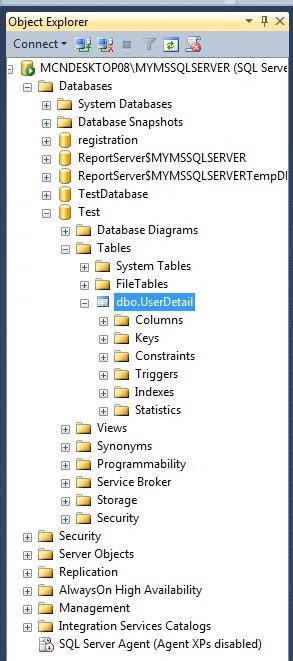
All of your Access data is nicely imported into a SQL Server 2008 database. Now refresh the test database and expand it to see the imported table.


tom cooperPosted Aug 26, 2020, 9:30 AM EDT
Hello, thanks for the article, i tried to migrate my Access database but got many errors about incorrect data type and syntax error at or near, so I was forced to look for something else and i found dbconvert for access and ms sql (https: //dbconvert.com/access/mssql/) which migrated all my tables and queries without any errors.
Ramon QuintanaPosted Jul 4, 2019, 8:54 AM EDT
Hi, i followed these steps but i got incorrect format in numeric fields after import the table from access to sql server, for example: in Access i have 54.000,32 a value but once in sql i got 54000,32 i need the same format like in Access is in..some help??
valmikeshwar reddyPosted Sep 25, 2016, 11:21 PM EDT
Good one helped
Hari ShankerPosted Apr 12, 2016, 10:17 PM EDT
Nice article
Rohatash KumarTOP 100Posted Oct 28, 2012, 7:01 PM EDT
I will try to do that in My next article. Mskommik MiriaM
Mskommik MiriaMPosted Oct 24, 2012, 12:50 PM EDT
Many Thanks : Helpful ARTICLE : May GOD Bless You&Your Work. Sir can we import access database in SOL server through ASP.Net. If Yes, plz explain me how can i implement this..? It will help me a lot . Ms kommik e-mail = [email protected]
Swati AgarwalPosted Oct 15, 2012, 2:14 AM EDT
Sir can we import access database in SOL server through ASP.Net. If Yes, plz explain me how can i implement this.. It will help me a lot......
Rohatash KumarTOP 100Posted Oct 3, 2012, 11:36 PM EDT
Thanks Kamal.I will do it in my next article.
Kamal RawatPosted Oct 3, 2012, 8:15 PM EDT
@milan das: you can use SSMA Services to migrate everything including Views as well.
Rohatash KumarTOP 100Posted Sep 25, 2012, 11:30 PM EDT
Thanks. Deepak
Deepak MiddhaPosted Sep 25, 2012, 11:03 PM EDT
Nice Article sir.
Rohatash KumarTOP 100Posted Sep 25, 2012, 1:55 AM EDT
Thanks. Manish
Milan DasPosted Sep 22, 2012, 2:03 AM EDT
Hi Rohatash, Sometimes back i have tried to import the Access database to Sql server using the same process that you have followed & everything went fine but the problem i faced is that the Ms-Access Queries got formed as table in my Sql Database,So Is there any way that we can import these "Ms-Access Queries" to Views in the Sql Database?
Manish SharmaPosted Sep 21, 2012, 11:16 PM EDT
nice article..a deep information on SQL server ...