
Introduction
Wordpress is the world's best CMS. It is used to create a blog website and it is a very flexible CMS. The Wordpress CMS also uses dynamic themes and plug-ins that make Wordpress easy to use and a better GUI for any user that wants to use it in their website.
IIS server works on the .NET Framework that is already exists in the Windows OS .
First download the Microsoft Web Platform Installer: Microsoft Web Platform Installer 5.0.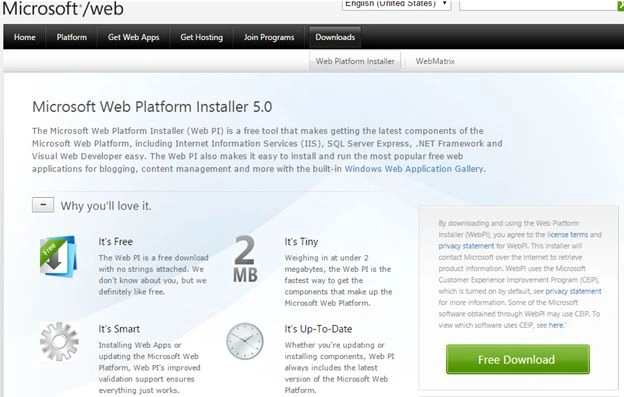
After download run the .exe file.
Go to the Application Tab and add the Wordpress CMS.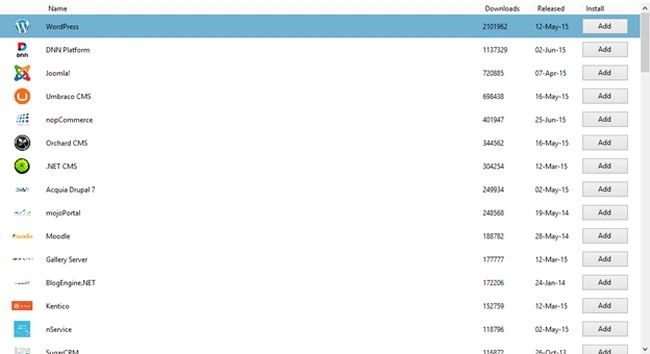
Then click on the Install button.
Select MySQL Database and provide the Password for the database and then click Continue.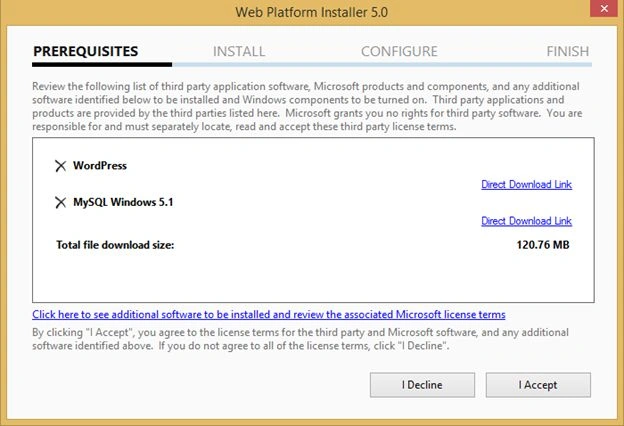
I have also installed Web Matrix, therefore it is not showing in the list of the preceding figures.
In the screen click “I Accept”.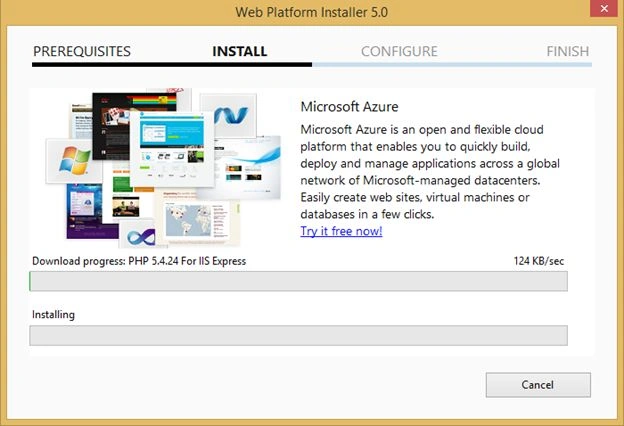
Allow the Web Platform Installer installation to complete.
Insert Security Keys.
To read in detail about Wordpress security keys click here.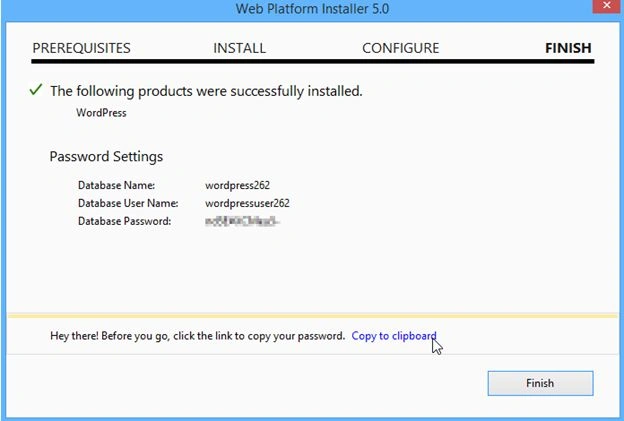
Click on the link “Copy to clipboard” to save your password in the file and then click Finish.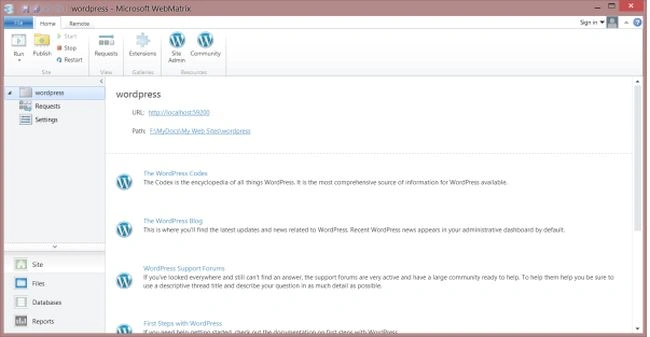
Microsoft Web matrix is for the Wordpress documentation, the site admin and for services like Start, Stop and Restart your Wordpress CMS in the browser.
Install Wordpress and IIS Server Using Web Platform Installer
In this article you will learn how to Install Wordpress and IIS Server using Web Platform Installer.


Prasanna MuraliPosted May 20, 2016, 7:59 AM EDT
Nice
Manoj KulkarniPosted Jul 23, 2015, 7:16 PM EDT
Nice article. Thank you for sharing
SharadPosted Jul 5, 2015, 11:10 PM EDT
Nice Article...
Gopi ChandPosted Jul 5, 2015, 9:20 PM EDT
Nice
Santhakumar MunuswamyPosted Jul 5, 2015, 12:23 AM EDT
Good one
Rahul PrajapatPosted Jul 4, 2015, 11:05 PM EDT
Good one neeraj
Pankaj Kumar ChoudharyTOP 100Posted Jul 4, 2015, 4:44 PM EDT
Nice Explain Neeraj...........