
Introduction
In this article I will explain how to use jQuery to show a span on Hover in PHP. I will use a simple example of showing a span on hover using HTML, jQuery and CSS. You can include our PHP project for showing a span.
Example
This is your CSS script. Include this code in the head section.
ul
{
margin:0px;
padding:0px;
}
#pictures li
{
list-style:inline;
margin:0px;
padding:0px;
}
#pictures span
{
display:none;
}
#pictures hover
{
visibility:none;
}
The following is your jQuery code for showing a span on a Hover using jQuery functions:
$(function () {
$(".imageanimation").hover(function () {
$(this).closest("li").next("span").show(500);
},
function () {
$(this).closest("li").next("span").hide(400);
});
});
This is your final code. You can try this example for showing a span on the Hover event:
<html>
<head>
<style>
ul
{
margin:0px;
padding:0px;
}
#pictures li
{
list-style:inline;
margin:0px;
padding:0px;
}
#pictures span
{
display:none;
}
#pictures hover
{
visibility:none;
}
</style>
<script type="text/javascript" src="http://ajax.googleapis.com/ajax/libs/jquery/1.3.2/jquery.min.js"></script>
<SCRIPT language="javascript">
$(function () {
$(".imageanimation").hover(function () {
$(this).closest("li").next("span").show(500);
},
function () {
$(this).closest("li").next("span").hide(400);
});
});
</script>
<title>Example of Show span on hover</title>
</head>
<body>
<ul id="pictures">
<li>
<img src="bird.gif" class="imageanimation"/>
</li>
<span>
Flying Bird
</span>
<li>
<img src="white_horse.gif" class="imageanimation"/>
</li>
<span>
Running Horse
</span>
</ul>
</body>
</html>
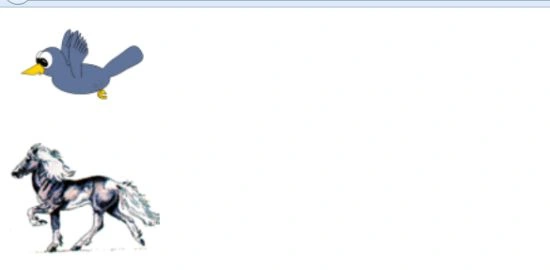
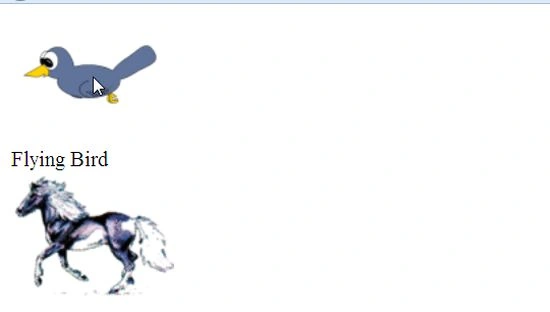
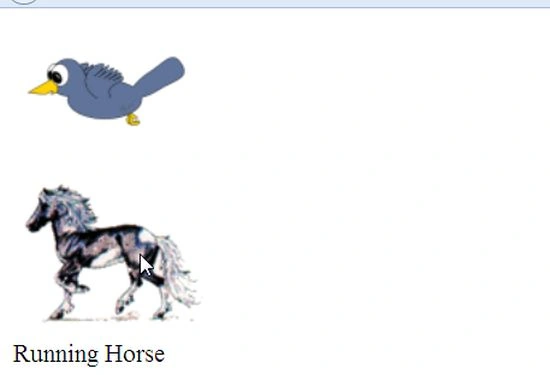
Output
For example, you can see that:

Join the conversation! Your thoughts help the community grow.