
This article explains how to map a network drive into a SharePoint Document Library.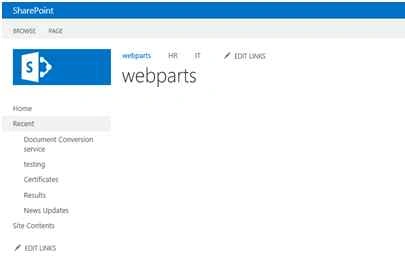
Open the SharePoint site.
Create a Document Library.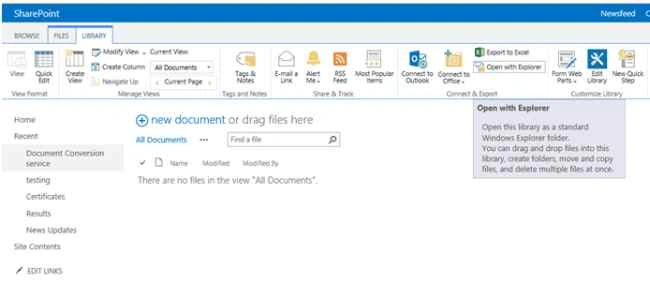
Click on Library in the top of the ribbon.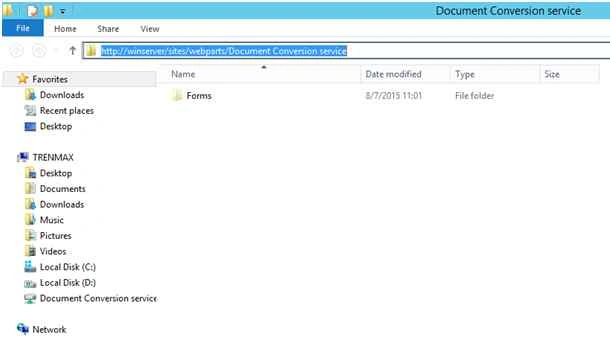
Click on Open with explorer.
Copy the path you get.
Go to My Computer.
Click on Map Network drive.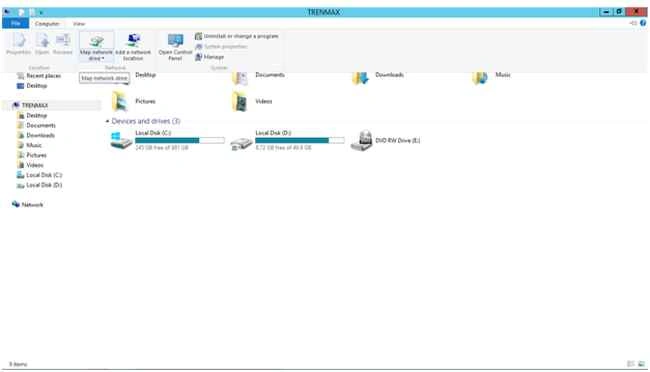
Just paste the copied path.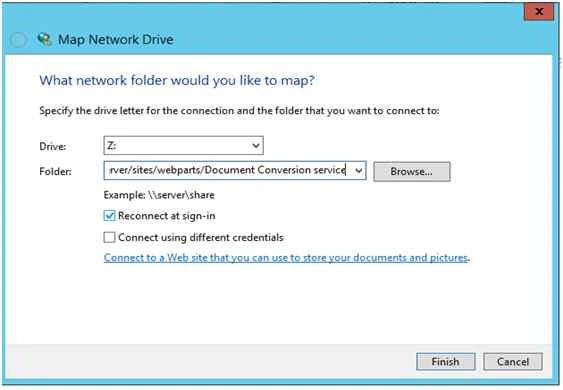
Click Finish.
Now it's created.
Now I will add some documents here.
Add two documents into the mapped drive.
Open the site now.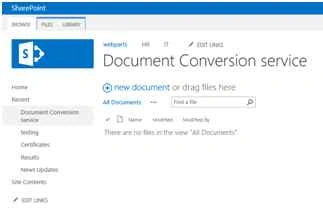
Refresh the page.
Let's see the document, it has been mapped successfully.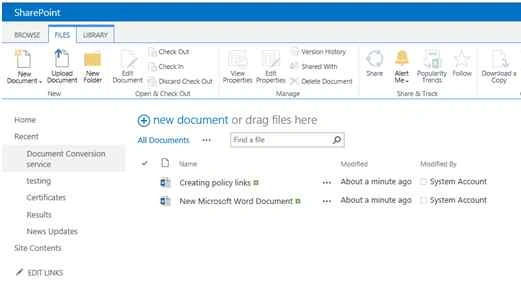
Happy SharePoint.
Mapping Network Drive Into SharePoint Library
In this article you will learn how to map a Network Drive into a SharePoint Library.


Rajkiran SwainPosted Nov 6, 2015, 3:27 AM EST
very nice
Vinodh NarayananPosted Aug 12, 2015, 8:59 PM EDT
Santhakumar Munuswamy thanks a lot sir
Vinodh NarayananPosted Aug 12, 2015, 8:58 PM EDT
Thanks a lot friends
Santhakumar MunuswamyPosted Aug 12, 2015, 11:07 AM EDT
Nice Article. Thanks for sharing
Karthikeyan KPosted Aug 11, 2015, 4:14 AM EDT
Thanks for share...
Vinodh NarayananPosted Aug 10, 2015, 10:28 PM EDT
Sibeesh Venu Thanks
Sibeesh VenuTOP 100Posted Aug 10, 2015, 10:21 PM EDT
Nice Share
Vinodh NarayananPosted Aug 10, 2015, 9:39 PM EDT
Gopi Chand Thank you
Gopi ChandPosted Aug 10, 2015, 9:24 PM EDT
Well done
Vinodh NarayananPosted Aug 10, 2015, 9:06 PM EDT
Thank u guys
Debasis SahaTOP 100Posted Aug 10, 2015, 9:01 PM EDT
Good One..
Rajeesh MenothPosted Aug 10, 2015, 8:54 PM EDT
Nice One
Ankit BansalPosted Aug 10, 2015, 8:32 PM EDT
good one..
Abhay ShankerPosted Aug 10, 2015, 7:02 PM EDT
nice..