
Introduction
Objects are used to store collections of data and complex entities. Objects are variables too, but they can contain many values. JavaScript objects belong to the Non-Primitive Data type.
There are two types of Objects,
- User-defined Objects
- Built-in Objects
User-defined Objects
In the objects defined/created by the user to solve any given problem. Users can create objects, such as Student, House, Car, Company, etc.
Built-in Objects
A built-in object is an object that is of the primitive and non-primitive data types, handling some specific tasks. They are different types of Objects in JavaScript.
Common reference Objects
- Array Object
- Boolean Object
- Math Object
- Date Object
- String object
- Regular Expression Object
DOM (Data Object Model)
- Attributes Object
- Element Object
- Style Object
- Document Object
BOM (Browser Object Model)
- Windows Object
- Navigator Object
- Location Object
- Screen Object
- Storage Object
Object Creation
There are three types of objects that can be created in JavaScript.
- By Object literal
- By creating an instance of the object
- By using Constructors
We can access the properties and method of the object,
- By Dot operator – objname. property value
- By Square brackets – [property]
Creating an object in a literal way
Example
<!DOCTYPE html>
<html>
<head>
    <title>Objects in JavaScript</title>
    <meta charset="utf-8">
</head>
<body>
    <h2>By Object literal</h2>
    <script type="text/javascript">
        var student={};              //literal
        student.name= 'VijayKumar';
        student.rollno= '17CS095';
        student.dept= 'CSE';
        student.year= '3rd year';
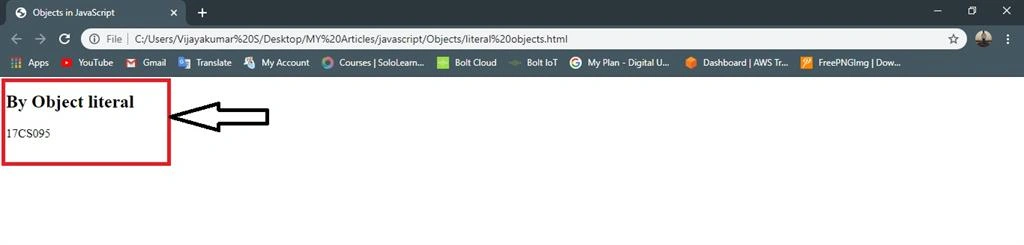
        document.write(student.rollno);
    </script>
</body>
</html>
Output
Creating Instance of an Object
Example
<!DOCTYPE html>
<html>
<head>
    <title>Objects in JavaScript</title>
    <meta charset="utf-8">
</head>
<body>
    <h2>Instance Of an Object</h2>
    <script type="text/javascript">
        var Faculty= new Object();  // instance of an Object
            Faculty.name= 'RajKumar';
            Faculty.rollno= '950';
            Faculty.dept= 'ECE';
            Faculty.salary= '30,000';
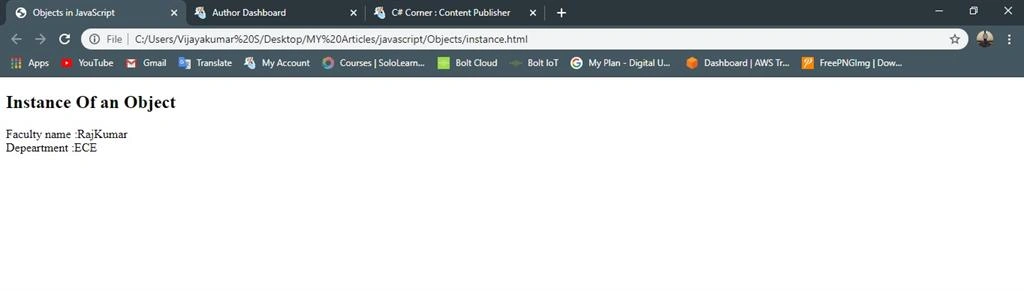
        document.write("Faculty name :"+Faculty.name,"<br/>"+"Depeartment :"+Faculty.dept);
    </script>
</body>
</html>
Output
By using a Method Constructors
Example
<!DOCTYPE html>
<html>
<head>
    <title>Objects in JavaScript</title>
    <meta charset="utf-8">
</head>
<body>
    <h2>Constructor Objects</h2>
    <script type="text/javascript">
        function student(name, rollno, dept, year,) //Methods constructor
        {
            this.name=name;
            this.rollno=rollno;
            this.dept=dept;
            this.year=year;
        }
        var student1= new student("Vijay",95,"CSE","3rd year");
        var student2= new student("Surya",80,"ECE","3rd year");
        var student3= new student("Naveen",90,"EEE","2rd year");
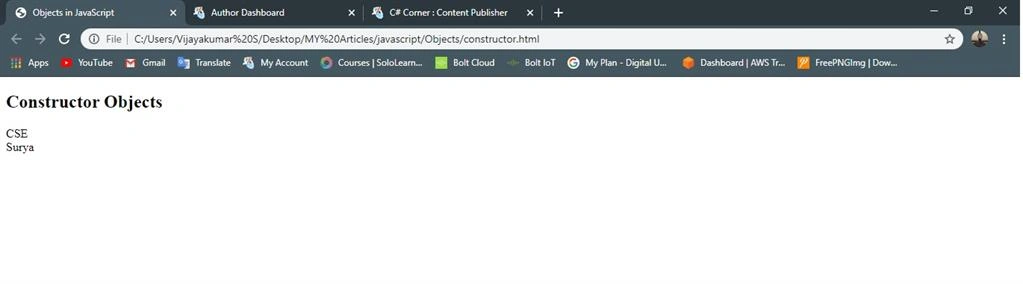
        document.write(student1.dept,"<br />");
        document.write(student2.name);
    </script>
</body>
</html>
Output
Array of Object
An array is a collection of similar data types. An array is another programming language. It is a data type; in JavaScript, Array is an Object. It stores multiple values in a single
variable. We can declare an Array Object in JavaScript in three ways,
- literal
- instance of object
- Method Constructors
Literal Syntax
Var name = [“arr 1”,” arr 2”,” arr 3”]See the demo
<!DOCTYPE html>
<html>
<head>
    <title>Objects in JavaScript</title>
    <meta charset="utf-8">
</head>
<body>
    <h2>Instance Of an Object</h2>
    <script type="text/javascript">
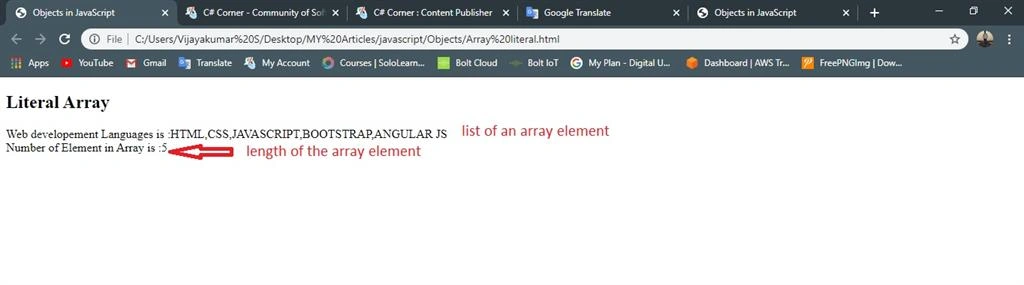
        var myarray = ["HTML","CSS","JAVASCRIPT","BOOTSTRAP","ANGULAR JS"]
        document.write("Web developement Languages is :"+myarray,"<br />");
        document.write("Number of Element in Array is :"+myarray.length);
    </script>
</body>
</html>
Output
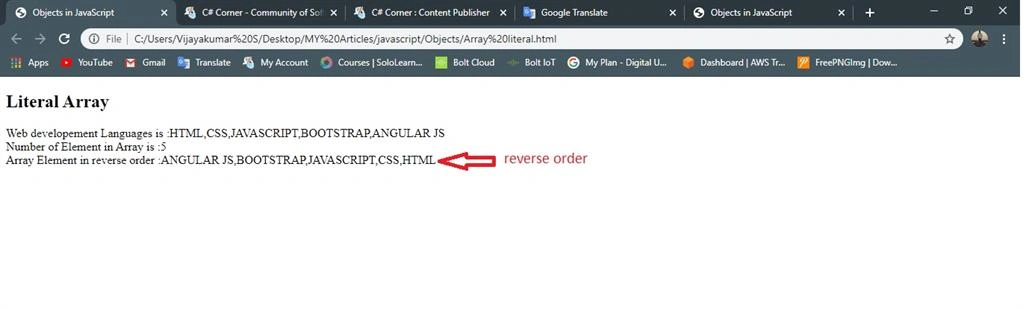
Another example in the Array reverse Method().
Example
<!DOCTYPE html>
<html>
<head>
    <title>Objects in JavaScript</title>
    <meta charset="utf-8">
</head>
<body>
    <h2>Instance Of an Object</h2>
    <script type="text/javascript">
        var myarray = ["HTML","CSS","JAVASCRIPT","BOOTSTRAP","ANGULAR JS"]
        document.write("Web developement Languages is :"+myarray,"<br />");
        document.write("Number of Element in Array is :"+myarray.length,"<br />");
        document.write("Array Element in reverse order :"+myarray.reverse());
    </script>
</body>
</html>
Output
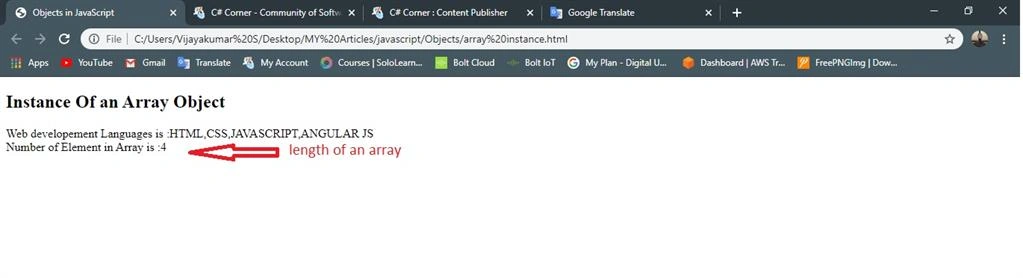
Instance of Object
<!DOCTYPE html>
<html>
<head>
    <title>Objects in JavaScript</title>
    <meta charset="utf-8">
</head>
<body>
    <h2>Instance Of an Array Object</h2>
    <script type="text/javascript">
        var myarr1 = new Array(); // instance of an Object
        myarr1[0]="HTML";
        myarr1[1]="CSS";
        myarr1[2]="JAVASCRIPT";
        myarr1[3]="ANGULAR JS";
        document.write("Web developement Languages is :"+myarr1,"<br />");
        document.write("Number of Element in Array is :"+myarr1.length,"<br />");
    </script>
</body>
</html>
Output
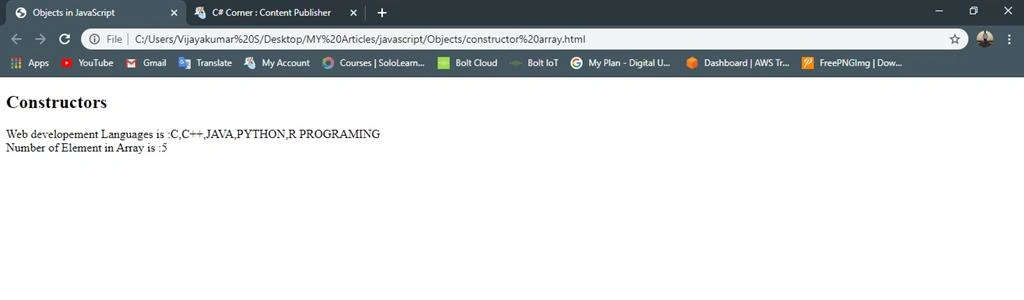
By using Constructors
<!DOCTYPE html>
<html>
<head>
    <title>Objects in JavaScript</title>
    <meta charset="utf-8">
</head>
<body>
    <h2>Constructors</h2>
    <script type="text/javascript">
        var myarray =["C","C++","JAVA","PYTHON","R PROGRAMING"]   //constructor
        document.write("Web developement Languages is :"+myarray,"<br />");
        document.write("Number of Element in Array is :"+myarray.length,"<br />");
    </script>
</body>
</html>
Output
Summary
In this article, we learned about objects in JavaScript. In the next article, I will explain the other core objects. I hope this article was helpful to you. Thanks!

Join the conversation! Your thoughts help the community grow.