
Introduction
To access files or folders faster to which you've been working on, you must look for the shortest way to open it, or you choose the shortest path where the folder is saved. In Windows 10 there is something called a Quick Access page to where you can pin your desired folder so that you have very fast access.
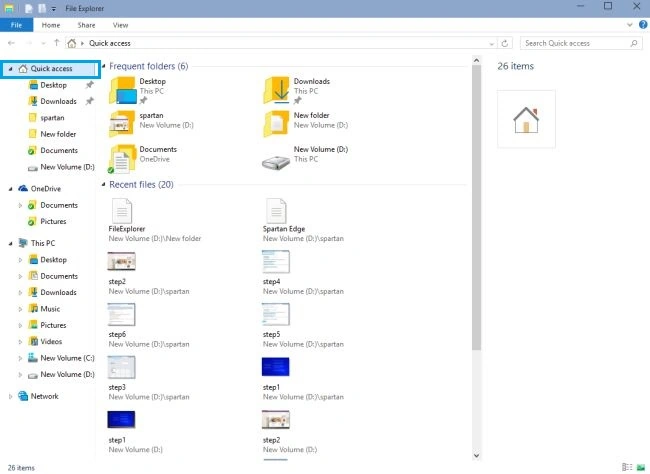
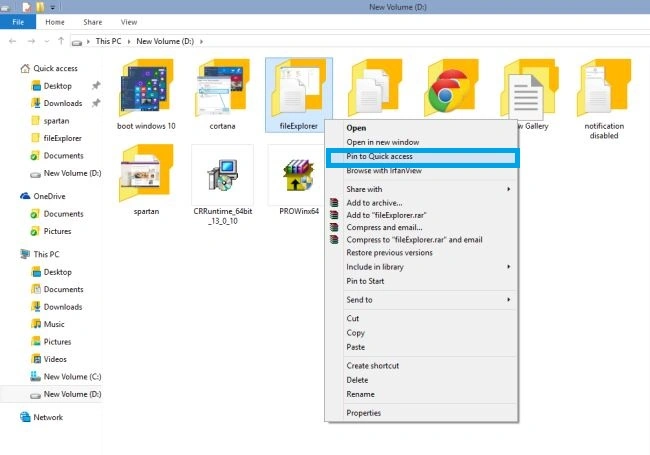
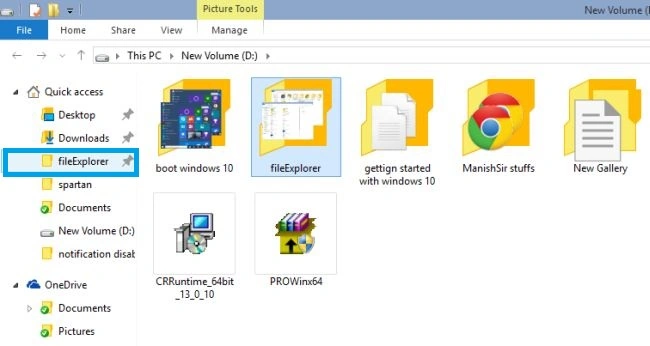
Pin to Quick Access
Adding files to One Drive from File Explorer

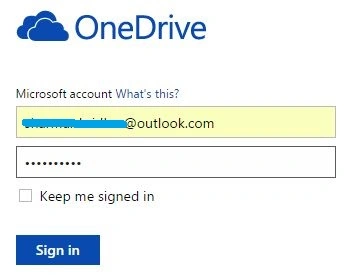
To add files from File Explorer to One Drive, use the following procedure.
In File Explorer, drag and drop your files into One Drive.
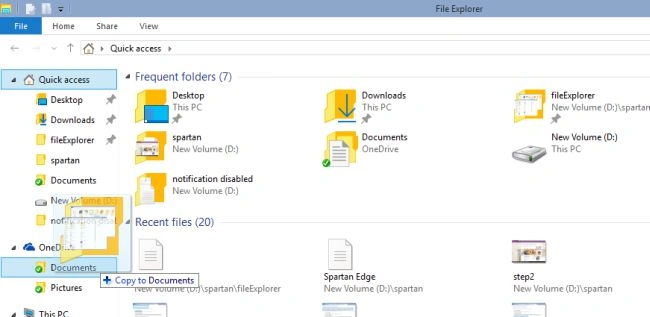
The file will be saved in the One Drive Files folder.
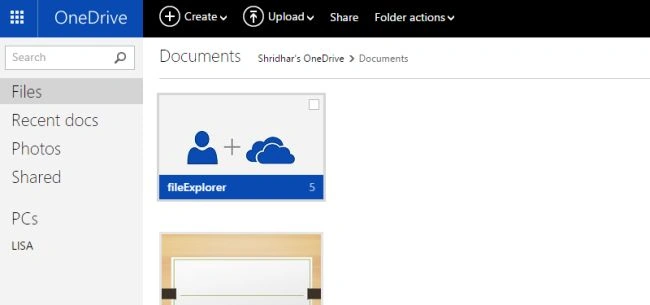
Saving Files to One Drive
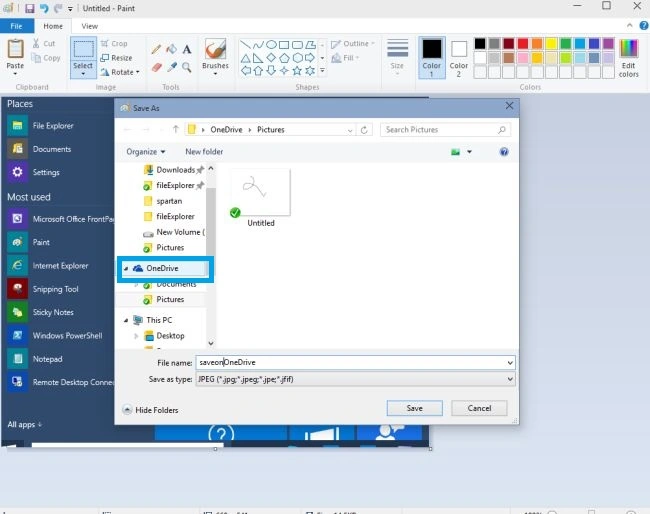
Similarly, you can access the file from One Drive to your File Explorer.
Summary
In this article, we learned about Quick Access and Add Files to One Drive in Windows 10.


Sibeesh VenuTOP 100Posted Feb 23, 2015, 10:53 PM EST
Shridhar Sharma You are welcome.
Shridhar SharmaPosted Feb 23, 2015, 10:04 PM EST
nice to know you guys finding it helpful. Thanks Rahul Saxena and Sibeesh Venu Pros :)
Sibeesh VenuTOP 100Posted Feb 23, 2015, 8:32 PM EST
Good one.
Rahul Kumar SaxenaTOP 100Posted Feb 23, 2015, 7:33 PM EST
knowledgeable... ;)