
Introduction
When we sometimes create a new project but can't create the project because of an error like the one below. Here I have provided steps to resolve the issue.
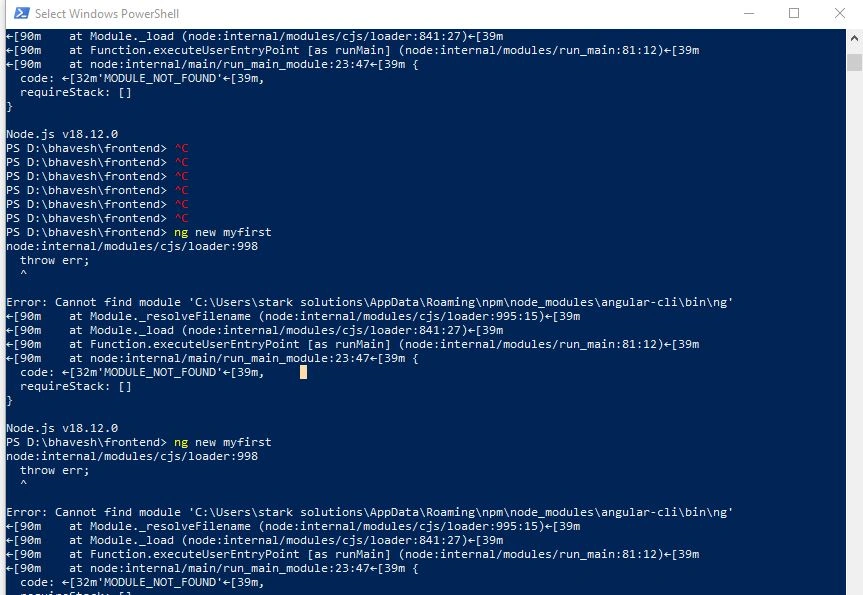
Step 1
Run CMD as Run as administrator mode.
Step 2
Uninstall angular cli.
Code
npm uninstall -g @angular/cliStep 3
Remove npm package files from the appdata folder.
Step 4
Open Run option by pressing Windows + R key. Then type %appdata% and press OK.
Step 5
Open the npm folder from the Roaming folder that you got in explorer.
Step 6
Delete ng and ng.cmd files from the npm folder if exists.
Open node_modules folder from there and delete @angular and angular/cli folder if exists.
Step 7
Reinstall the angular cli
Code
npm install -g @angular/cliCreate a new Project with the use of command
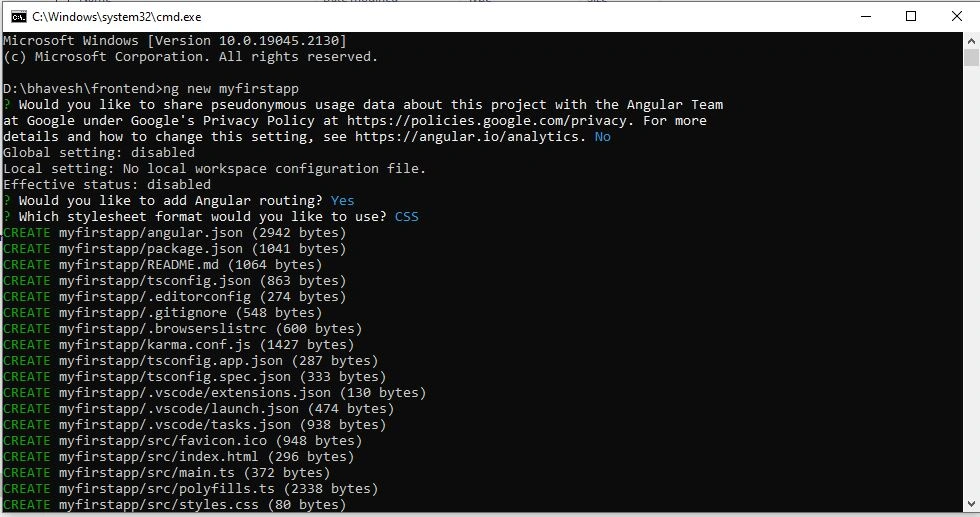
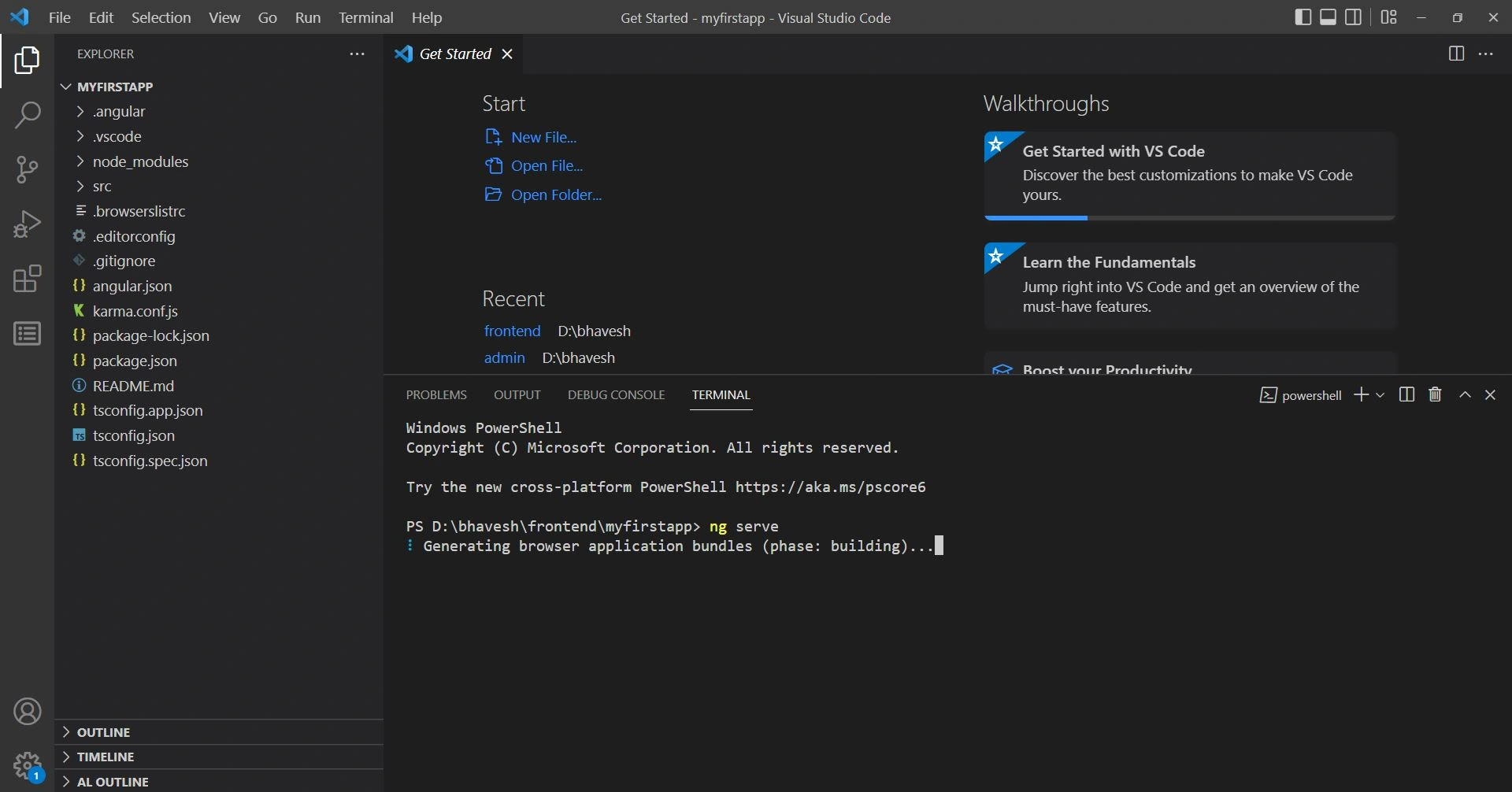
App is created and run with ng serve command like this


Uday DodiyaPosted Nov 14, 2022, 11:03 PM EST
Nice article