
To apply a style to an image in Word 2013, right click on the image and select Style option.
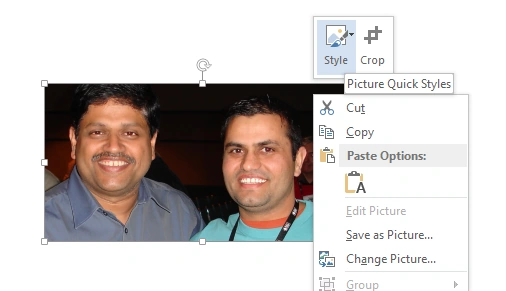
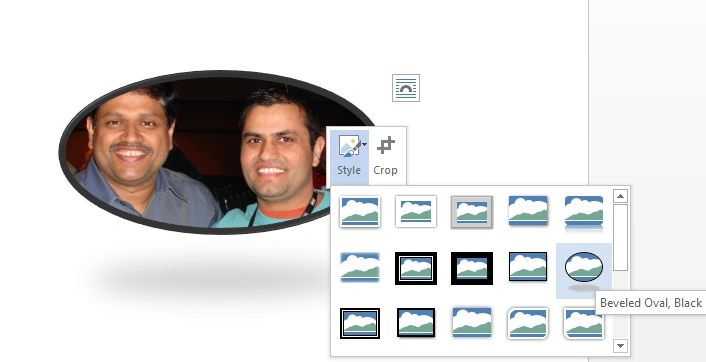
Then select one of the styles and hit ENTER.
You are done!
Join the conversation! Your thoughts help the community grow.

Join to leave a comment
Members earn 10 SHARP for a comment, 10 SHARP for a reaction, and 1,000 SHARP for every article they publish.
 DevSocialUpcoming · 3rd editionAI Agents ConferenceDec 1–3, 2026Live onlineFree to attend5days leftRegisterMembers onlyFeatured eBookClaude for AI-Native BuildersDownload now
Write an article and earn +1,000 SHARP when it is approved.
Write an article
Gowtham RajamanickamTOP 100Posted Apr 9, 2016, 9:38 PM EDT
good