
Introduction
Scott Guthrie, Microsoft's executive vice-president of cloud and enterprise introduced Visual Studio Code at Microsoft Build 2015 conference held on Wednesday. Visual Studio Code is the first code editor and first cross-platform development tool supported by OSX, Linux and Windows in the Visual Studio Family. Visual Studio Code provides built-in support for ASP.NET 5 development with C#, Node.js as well as for web technologies such as HTML, CSS, Less, SASS and JSON and so on.
Installation Procedure
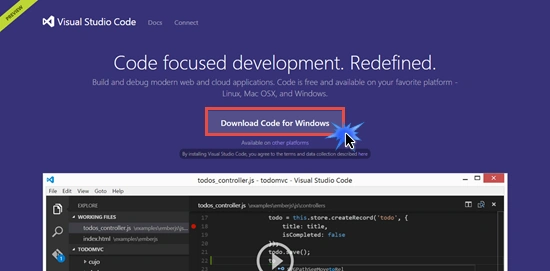
Go to https://code.visualstudio.com/ and click on the Code for Windows button.
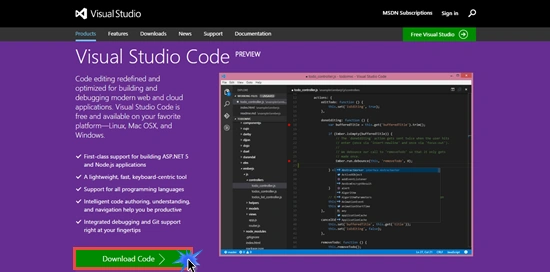
Or go to https://www.visualstudio.com/products/code-vs and click on the Download Code button.
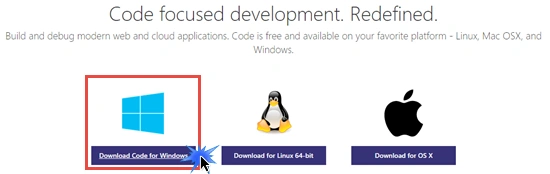
Select the operating system/platform on which you want to install (the code is free and available for Linux, Mac OSX and Windows). I will install it on my Windows Operating System.
After the Downloading VSCodeSetup.exe (58 MB approx), double-click on setup. It will hardly take 1 minute to complete the installation.

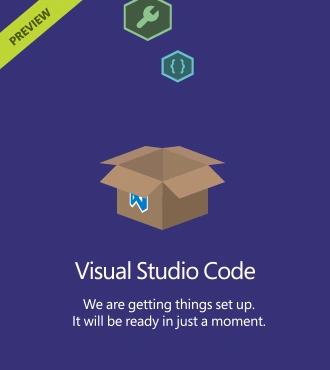
Installation Completed Successfully. We are ready to explore its cool features.
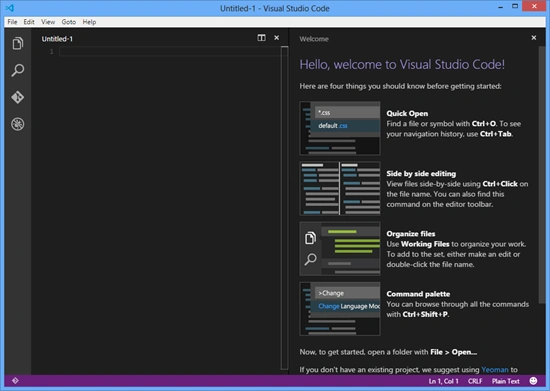
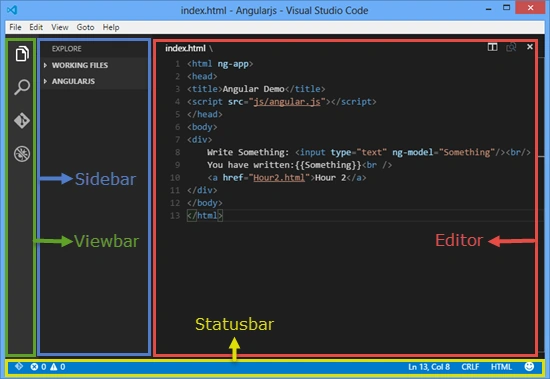
The VSCode user interface is divided into the following 4 areas:
- Editor
- Sidebar
- Statusbar
- Viewbar
Features
- Command Palette
Using the Command Palette, you can access all the functionality of VSCode. Press Ctrl+Shift+P or F1 to open the Command Palette.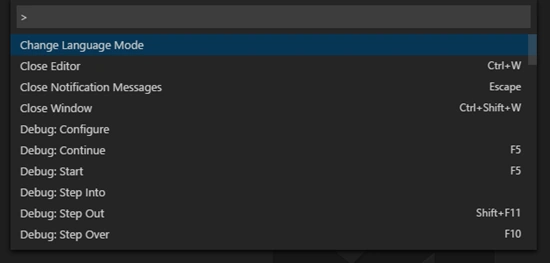
- Multi-Cursor
VSCode has support for Multiple cursors. You can edit the same file at multiple places by pressing Alt+Click to add another cursor (much similar to the Sublime Editor).
- IntelliSense and Syntax coloring
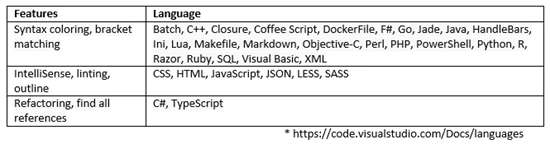
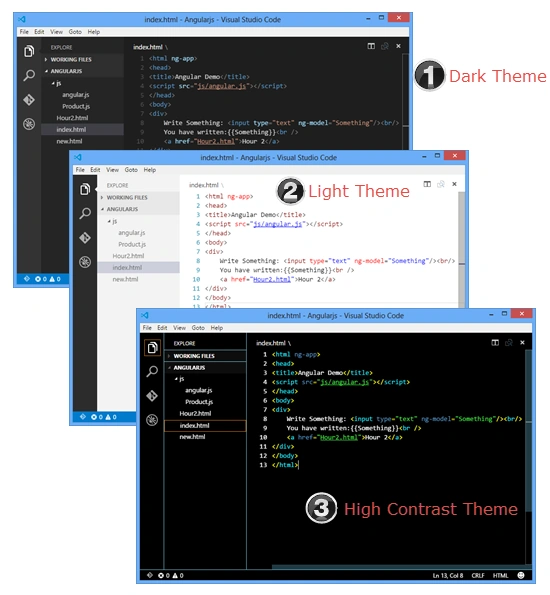
- Debugging, Themes Customization and many other features.
For more information, visit Visual Studio Docs


Kiran MaramPosted May 5, 2015, 3:36 AM EDT
I tried this VCode, its very good. Can you please help me to configure Git
Anoop Kumar SharmaPosted May 4, 2015, 10:26 AM EDT
Thanks Karthik Muthu Karuppan..!!
Karthik Muthu KaruppanPosted May 4, 2015, 10:04 AM EDT
nice
Anoop Kumar SharmaPosted May 2, 2015, 4:53 AM EDT
Thanks Gowtham Rajamanickam..!!
Gowtham RajamanickamTOP 100Posted May 2, 2015, 12:48 AM EDT
good
Anoop Kumar SharmaPosted May 2, 2015, 12:10 AM EDT
Thanks Nitin Tyagi and Santhakumar Munuswamy :-)
Santhakumar MunuswamyPosted May 1, 2015, 10:57 PM EDT
Good work
NitinPosted May 1, 2015, 9:42 PM EDT
informative..thanks for sharing