
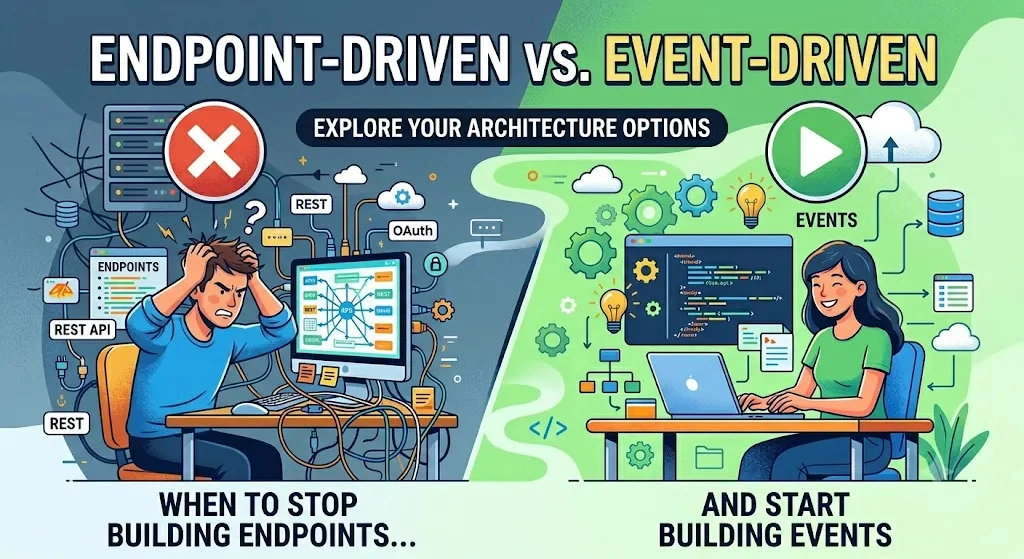
We’ve all been there. You start a fresh backend project, and it feels amazing. The code is clean, the endpoints are fast, and everything just works.
But fast forward six months. That cute little project has turned into an absolute monster.
You open up the codebase, and suddenly you’re staring at a mess:
You have API endpoints that nobody actually calls — they just exist so a cron job can ping them to start a background task.
You’ve got heavy scheduling logic buried deep inside your application code.
Queues, background workers, and controllers are all tangled up together like cheap headphones.
One massive service is trying to handle web traffic, process files, and send emails all at the same time.
Before you know it, deploying a tiny typo fix takes fifteen minutes. Your cloud bill is creeping up because your servers are running 24/7 just waiting around for work. Trying to scale the app feels like playing Jenga in an earthquake.
How did we get here? We got here because as developers, our muscle memory is always to build an API. Got a new requirement? “Oh, just spin up a new controller and create a POST endpoint.” But here is the honest truth: Not every backend problem needs an API.
The “Do-It-All” Backend Trap
When you force background tasks, heavy processing, and random schedules into a standard web API, you are setting yourself up for a bad time.
Let’s look at a real-world example: a standard e-commerce checkout.
When a customer clicks “Buy Now,” a lot of things need to happen:
Charge the credit card.
Deduct the item from inventory.
Send a confirmation email.
Notify the warehouse packing team.
Generate a PDF receipt and save it to storage.
If you build all of this directly inside your main web API, you’re asking for trouble. What happens if the email service goes down or gets slow? Your whole API hangs. The user sees a spinning wheel, thinks it didn’t work, and clicks “Buy” three more times. What happens if a massive holiday sale hits? Your API gets choked trying to generate thousands of PDF receipts, and real customers can’t even browse the store anymore.
You don’t need a bigger, heavier backend server to fix this. You just need to stop making your API do chores it shouldn’t be doing.
The Better Way: Event → Function → Done
Sometimes, the best code is the code you don’t have to manage. This is where serverless tools like Azure Functionsor AWS Lambdacome in.
Instead of keeping a server awake all day and night just to handle background tasks, you switch to an event-driven mindset. You break the chain.
Let’s rethink that e-commerce example. With an event-driven setup, your web API does one quick thing: it takes the order, drops a tiny piece of text (a message) into a queue, and tells the customer, “Got it! Your order is being processed.” The user is happy because the page loaded instantly.
Then, behind the scenes, a serverless function wakes up, grabs that message, and does the heavy lifting:
[FunctionName("ProcessOrder")]
public async Task Run(
    [QueueTrigger("orders")] string orderId)
{
    // 1. Send the email
    // 2. Generate the PDF receipt
    // 3. Talk to the warehouse system
}
Look at how simple that is. There are no controllers. No routing tables. No internet-facing endpoints that hackers can probe. If 10,000 people buy something at once, the cloud provider automatically spins up hundreds of copies of this tiny function to crush the backlog in seconds, without slowing down your main website at all.
When the queue is empty? The functions disappear. You pay absolutely nothing for the compute power while it sits idle.
How to Choose: API vs. Function
To keep your sanity and your codebase clean, you need to know when to use which tool. Here is a simple rule of thumb:
Use an API when: A human being or a frontend app is actively waiting for an instant answer (e.g., logging in, fetching a profile page, searching for a product).
Use a Function when: The work can happen in the background, is triggered by something else, or happens on a schedule (e.g., resizing an uploaded image, processing a payment CSV file, sending a text notification).
The real skill is knowing what not to build.
Next time you are about to create a new controller and write a bunch of boilerplate code for a background task, take a step back. Ask yourself: Does this actually need to be an API? If the answer is no, save yourself the future headache. Write a simple function, connect it to an event, and move on with your day. Your code will be cleaner, your app will scale better, and your cloud budget will thank you.

Join the conversation! Your thoughts help the community grow.