
Step1: Create an ASP.net MVC project.

Choose ASP.Net MVC project from template and Press Next, then name the empty project as RoutingExample and click ok.
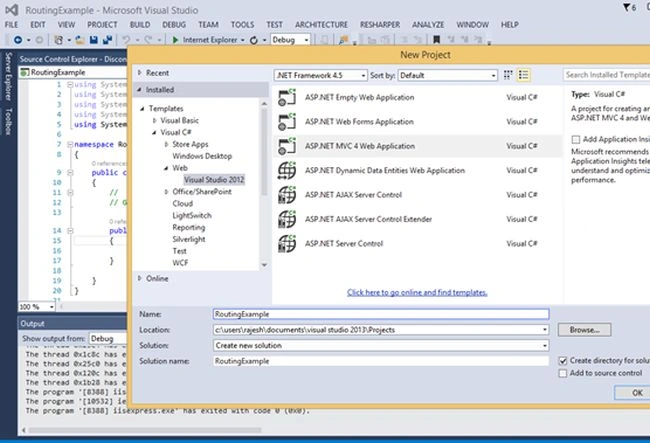
Step 2: Add two controllers. I have added Home and Second in this example.

Step 3: Add this snippet in Index action of Home Controller to redirect to Second Controller action Index.

Step 4: Choose default controller Home and default action Index in route config file.

Step 5: Create a view for Index action of Second Controller by right clicking inside method.

And add your custom message inside view. In this example I have added “This is second controller.”.

Step 6: Press F5 to run the solution.

ASP.NET MVC: Redirect from One Controller Action to Another
In this blog you will learn how to Redirect from One Controller Action to Another.


bishoe nbPosted Jan 19, 2018, 9:25 AM EST
Thanks...............
Mohammad KhalidPosted Jun 8, 2015, 10:07 PM EDT
Keep sharing your knowledge !