
- $FolderPath = "c:\Solutions"
- foreach ($solution in Get-SPSolution)
- {
- $id = $Solution.SolutionID
- $title = $Solution.Name
- $filename = $Solution.SolutionFile.Name
- $solution.SolutionFile.SaveAs("$FolderPath\$filename")
- }
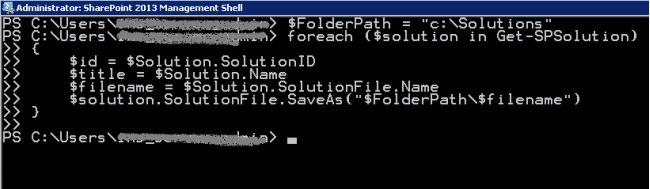
In this blog you will learn how to Download Deployed Solutions (WSP) from Central Admin with PowerShell in SharePoint 2013.
 DevSocialUpcoming · 3rd editionAI Agents ConferenceDec 1–3, 2026Live onlineFree to attend5days leftRegisterMembers onlyeBook · SharePointSharePoint Online And Office 365 AdministrationDownload now
Write a blog post and earn +250 SHARP when it is approved.
Write a blog
Join the conversation! Your thoughts help the community grow.