
When you create a Visual Studio UWP project then you'll notice that there's a Package.Appxmanifest file in the Solution Explorer. Simply open that file and click on to the Visual Assets Tab, you'll notice that there's Splash Screen option -- click on that.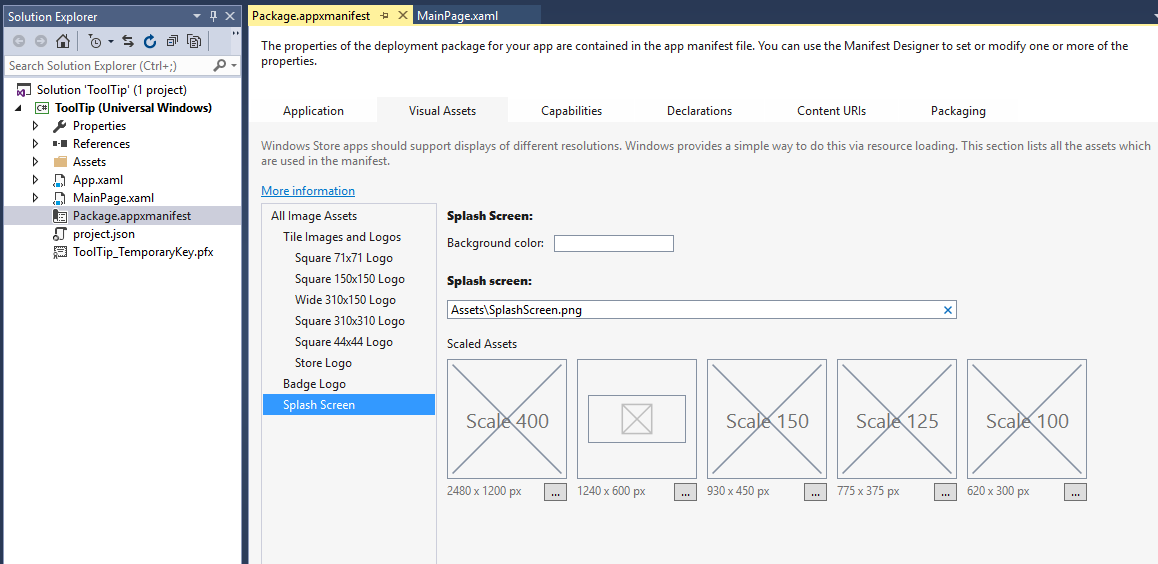
By default a cross symbol splash screen is already set in your application.
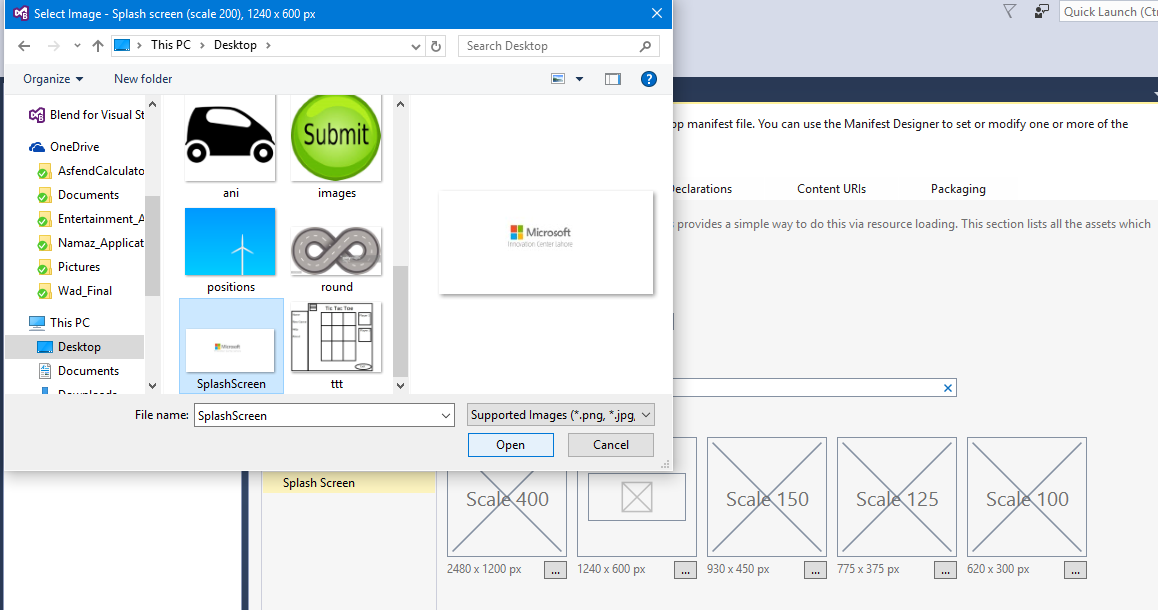
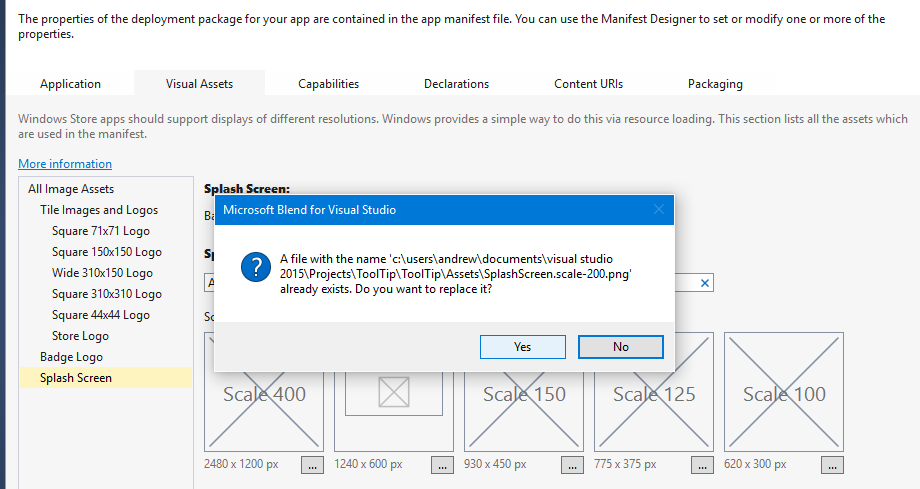
What you'll simply do is just make an image of 1240 X 600px and name it SplashScreen.png. Now just browse and give a path of your picture to your application. During this process a pop up will come out and say filename already exists. Do you want to Replace it ? Simply click the Yes button. The very next time you'll run your application you will notice that a splash screen will come first.



Santhakumar MunuswamyPosted Feb 12, 2016, 9:47 PM EST
Thanks for nice share