
Generate K2 Workflow Reports:
Navigate to the Office 365 site. Navigate to the list/library where K2 workflows are deployed. Click on List tab and then click on Application button in the ribbon interface.

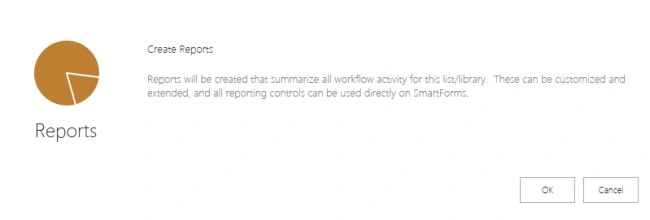
Click on Ok button on Create Reports page.
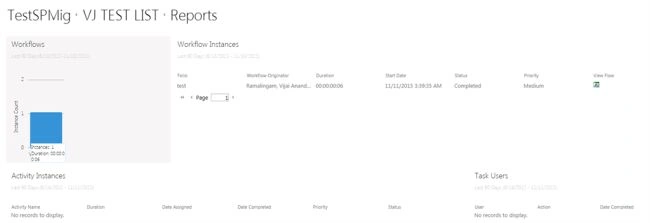
Make sure few workflow instances are started so that you could see workflow statistics as shown below.
How to Create K2 Workflow Reports in SharePoint 2013 Online
In this blog you will learn how to create basic K2 reports in SharePoint 2013 online.


Santhakumar MunuswamyPosted Nov 16, 2015, 6:40 PM EST
Nice share