
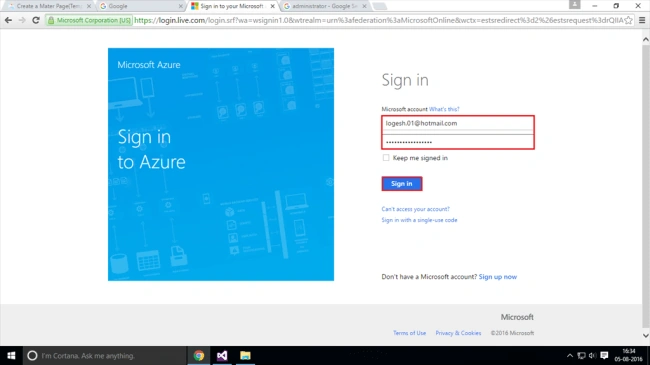
1. Go to portal.azure.com and Sign in.
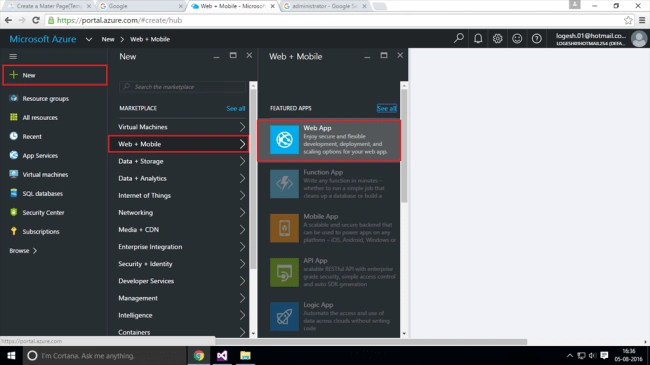
2. Click New --> select Web+Mobile --> select Web App.
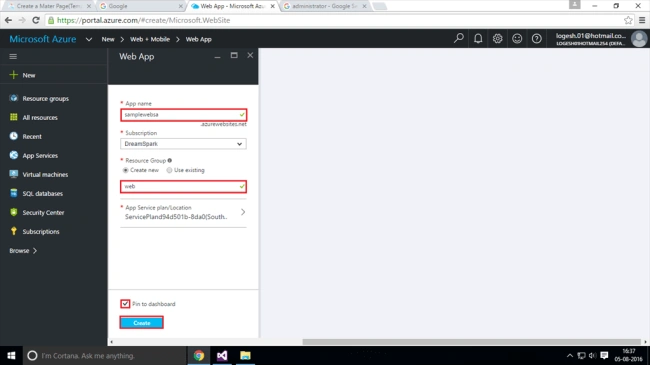
3. Give your Web App and Resource Group unique names, check the Checkbox, and click Create.
4. Go to Notifications section. You will see that the deployments have been successful.
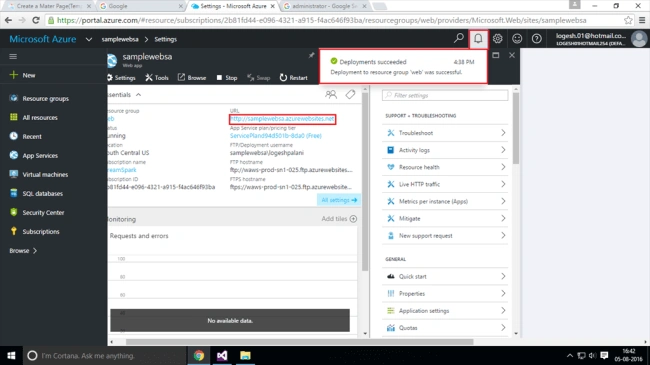
5. Now, go to browser and type the web address of the Web App.
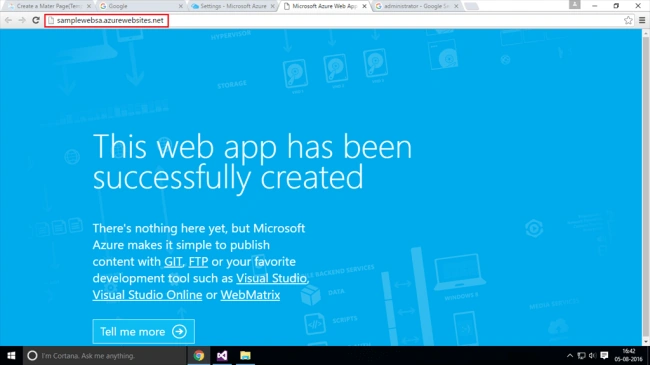
Hurray! The Web App has been created successfully.
How To Create Webapp In Azure Cloud
In this blog, you will learn how to create a Webapp in Azure Cloud.


Bhavik PatelPosted Aug 8, 2016, 1:16 AM EDT
Nice