
In this blog, you will see how to enable or disable comments in a modern SharePoint Site page.
By default, comments on site pages are enabled at the tenant level.
Enable or Disable at the tenant level
-
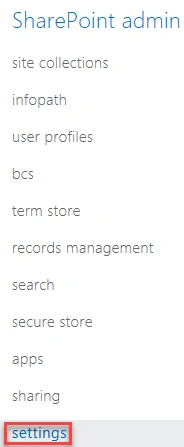
Navigate to SharePoint Admin Center.
-
In the left navigation, click Settings.
-
Select Enable or Disable Comments on Site Pages.

-
Click OK.
-
After a few seconds, it disables the comments section.
Enable or Disable at Site Page level
-
Navigate to the modern SharePoint Site page.
-
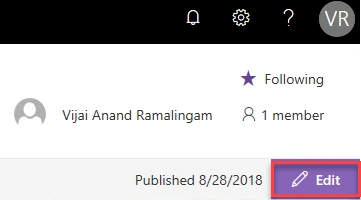
Edit the page.
-
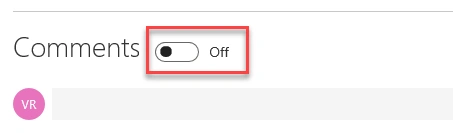
Turn off the comments.
-
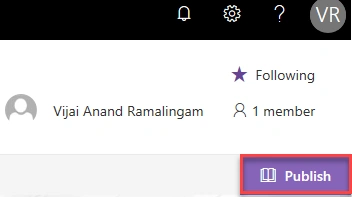
Click Publish to update the changes.
-
Comment section is now disabled.

Thus, in this blog, you saw how to enable or disable comments in Modern SharePoint Site Page.

Join the conversation! Your thoughts help the community grow.