
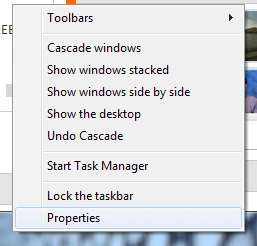
Now, on Taskbar location on screen drop down, select Left (or where ever you want to position) and click Apply button.
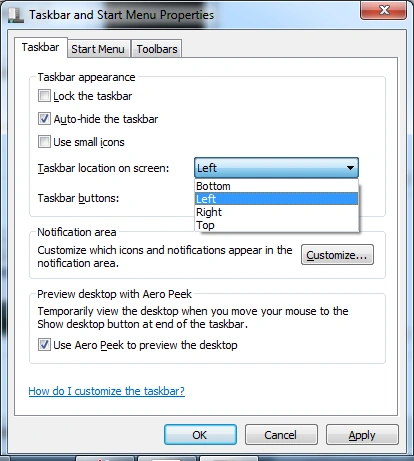
The taskbar should be positioned in the left side of the screen.

When I design some graphics, I need more space on my screen and by putting the taskbar in the left and auto hiding it gives me little extra space.
 DevSocialUpcoming · 3rd editionAI Agents ConferenceDec 1–3, 2026Live onlineFree to attend5days leftRegisterMembers onlyFeatured eBookClaude for AI-Native BuildersDownload now
Write a blog post and earn +250 SHARP when it is approved.
Write a blog
Join the conversation! Your thoughts help the community grow.