
Step 1: Creat projrct and open MainPage.xaml .
Step 2: Drag and drop 1 TextBox 1 TextBlock and 1 Button from Toolbox to Grid and resize it how much you want .
Step 3: Double click on Button and it will bring you in MainPage.xaml.cs.
Step 4: Type this code in MainPage.xaml.cs and run the project.

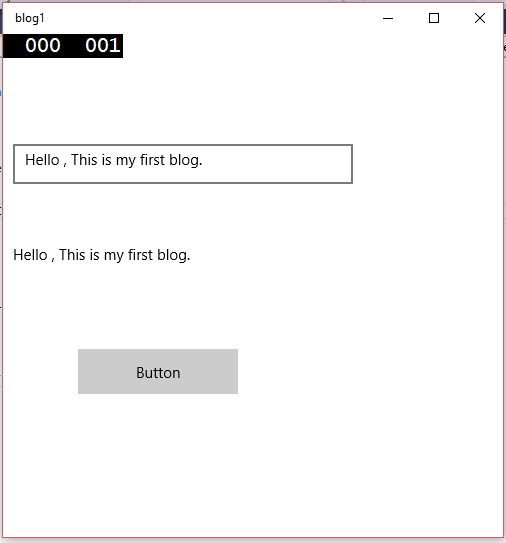
Step 5: Here will be the the output of your project.


Santhakumar MunuswamyPosted Dec 4, 2015, 8:55 AM EST
Nice share