
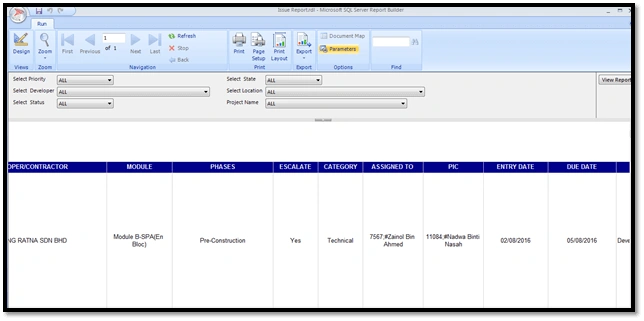
As shown above, in order to remove the special characters, we have to write some custom code in the report Properties.
Click on Report right corner, as shown in the figure, given below: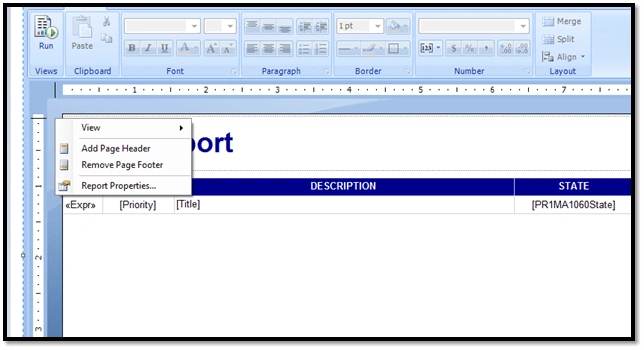
Click Report properties and select code. You will see the screen, given below:
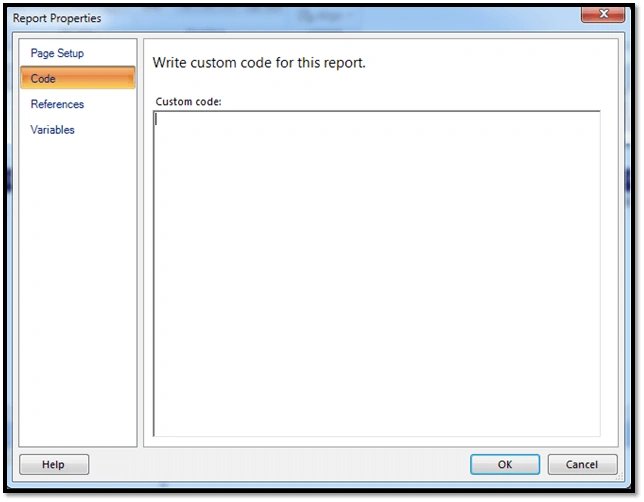
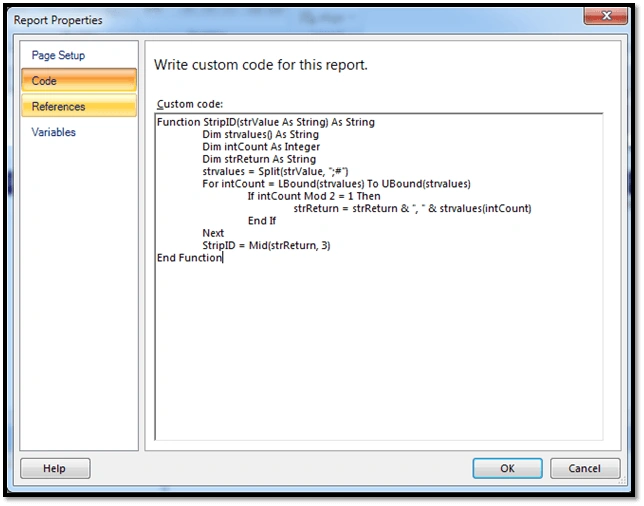
Now, copy the custom code, given below, to the blank area.
Custome Code:
Now, go the respective field, which needs to remove the special characters.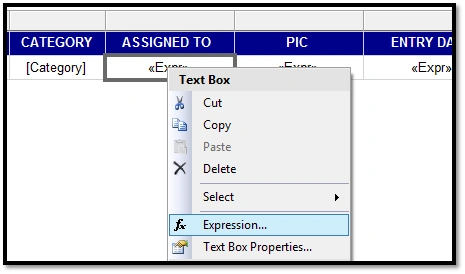
Select Expression and write the expression, given below:
In my case: =code.StripID(Fields!AssignedTo.Value)
Save and run the report.
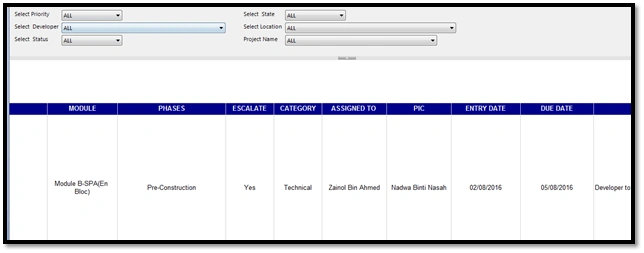
Output
Hope, you liked my blog. Please share this blog and let me know if you have any difficulties.
How To Remove Special Characters In SSRS Report Builder By Writing Some Custom Code
In this blog, I will show how to remove the special characters in SSRS report builder.


SubashPosted Sep 7, 2016, 4:40 AM EDT
Nice