
NULL conditional operator or NULL propagation operator was introduced with C# 6.0 and you will find dozens of blogs and articles on NULL conditional operator. I have also written some articles on it and following is a link for the same but I have noticed that very few people are using all the benefits of NULL conditional operator.
NULL Conditional Operator In C# 6.0
In this blog, I am going to present those hidden gems for you.
There are 2 syntaxes for NULL conditional operator, which are given below.
- NULL conditional operator for member access (?.)
- NULL conditional operator for index based access (?[)
So the first syntax “?.” is being used very popularly but the second syntax “?[” is used by very few people. But I am going to cover all those in this blog.
NULL conditional operator for member access (?.)
Have a look at the code snippet given below.
- static void Main(string[] args)
- {
- string name = null;
- int length = name.Length;
- }
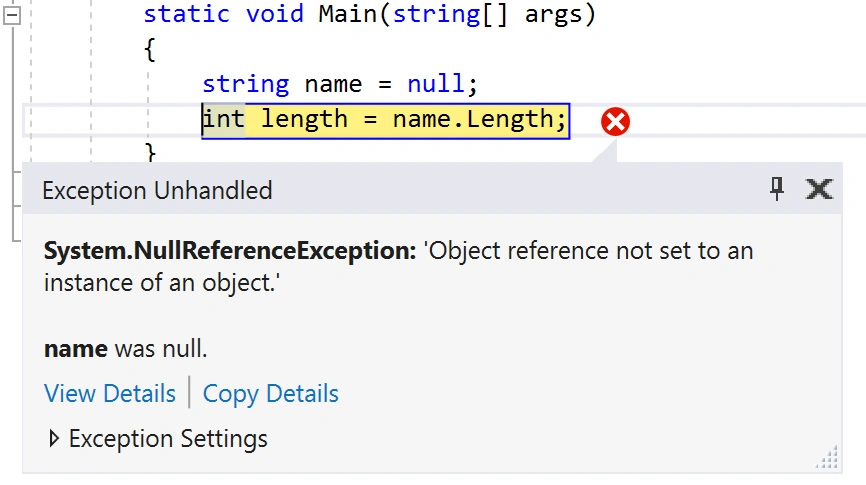
If I use the NULL conditional operator (?.), then the preceding code snippet can be written as given below.
- static void Main(string[] args)
- {
- string name = null;
- int? length = name?.Length;
- }
NULL conditional operator for member access (?.) with null-coalescing operator (??)
if you do not want to make the length variable as Nullable int type, then you can use null-coalescing operator (??) with “?.” Follow the code snippet given below for the same.
- static void Main(string[] args)
- {
- string name = null;
- int length = name?.Length ?? 0;
- }
- using static System.Console;
- namespace NULLConditionalOperatorExample
- {
- class Program
- {
- static void Main(string[] args)
- {
- Customer cust = new Customer { Id=101};
- WriteLine($"Customer id: {cust.Id} & name: {cust.Name??"N/A"}");
- WriteLine($"Customer name contains {cust.Name?.Length ??0} character(s)");
- }
- }
- class Customer
- {
- public int Id { get; set; }
- public string Name { get; set; }
- }
- }
NULL conditional operator for index based access (?[)
- static void Main(string[] args)
- {
- int[] Numbers = { 1, 2, 3, 4, 5 };
- Numbers = null;
- WriteLine($"5th element is: {Numbers[4]}");
- }
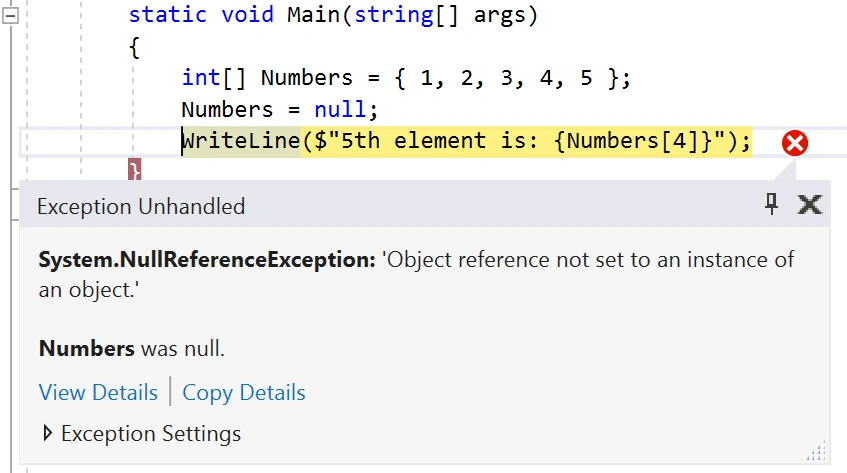
- static void Main(string[] args)
- {
- int[] Numbers = { 1, 2, 3, 4, 5 };
- Numbers = null;
- WriteLine($"5th element is: {Numbers?[4]}");
- }


Bhavesh JadavPosted Aug 30, 2018, 4:12 AM EDT
Super explanation sir, it's new for me thanks for sharing it.
Rajesh KadamPosted Mar 28, 2017, 12:13 AM EDT
Very good explanation in very simple language.. thanks