
Here I am explaining the web browser control in windows form. This control is just like a browser, it will open any web site in it.
So here are the steps for displaying web browser control.
- Open a new windows project.
- Take a textbox,web browser control and a button on the form.
- Arrange the form as shown in the following figure.
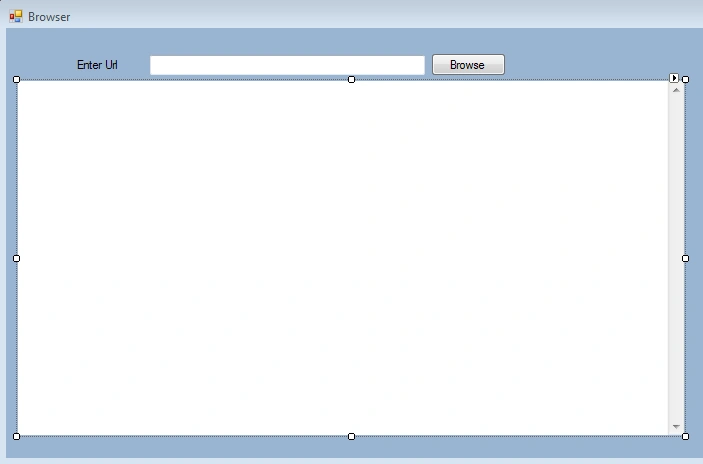
Adjust the height and width of the web browser control so that it could clearly show a web site.
Under button click, write the following code to display the url in the web browser control.
- private void button1_Click(object sender, EventArgs e)
- {
- if (textBox1.Text != null)
- {
- webBrowser1.Url = new System.Uri(textBox1.Text, System.UriKind.Absolute);
- }
- else
- {
- MessageBox.Show("Please Enter a URL");
- }
- }

Now click google.com in the textbox.
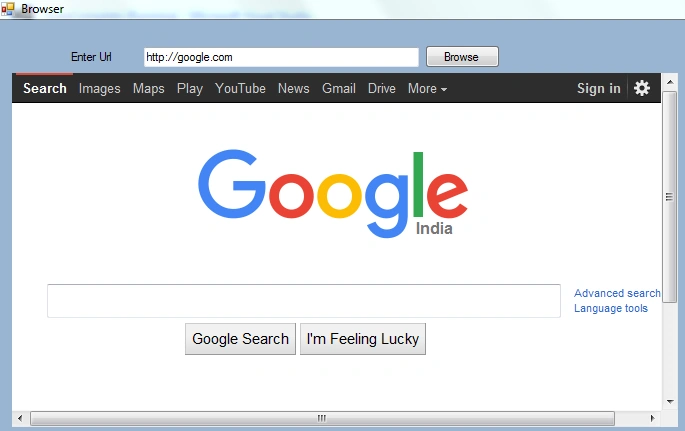
In this way the web browser works and we can open any URL in it.

Join the conversation! Your thoughts help the community grow.