Dear Team,
I have a MVC Application, in which I have got the data in datatable.
I have created a view, and also made Angular Controller file.
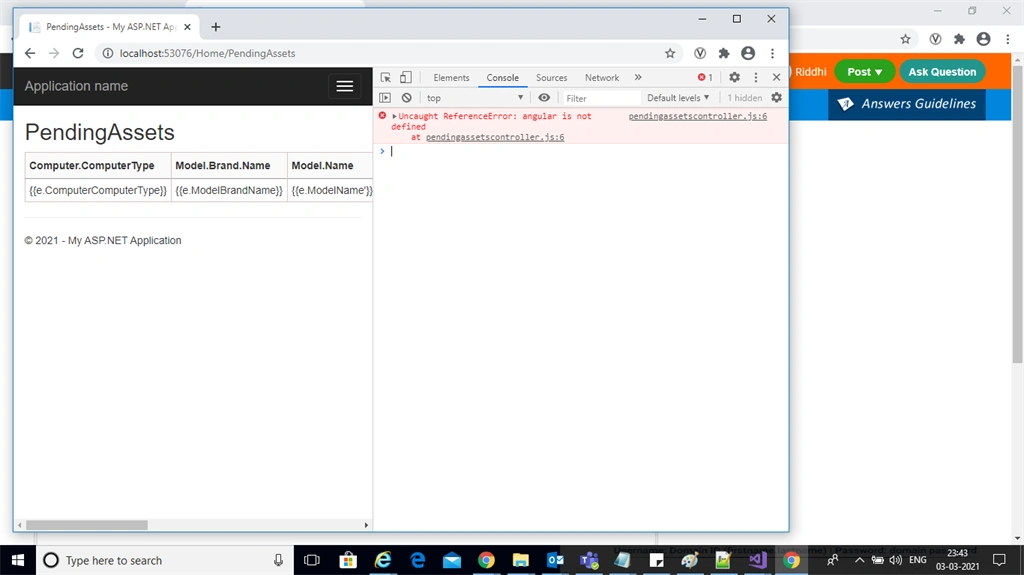
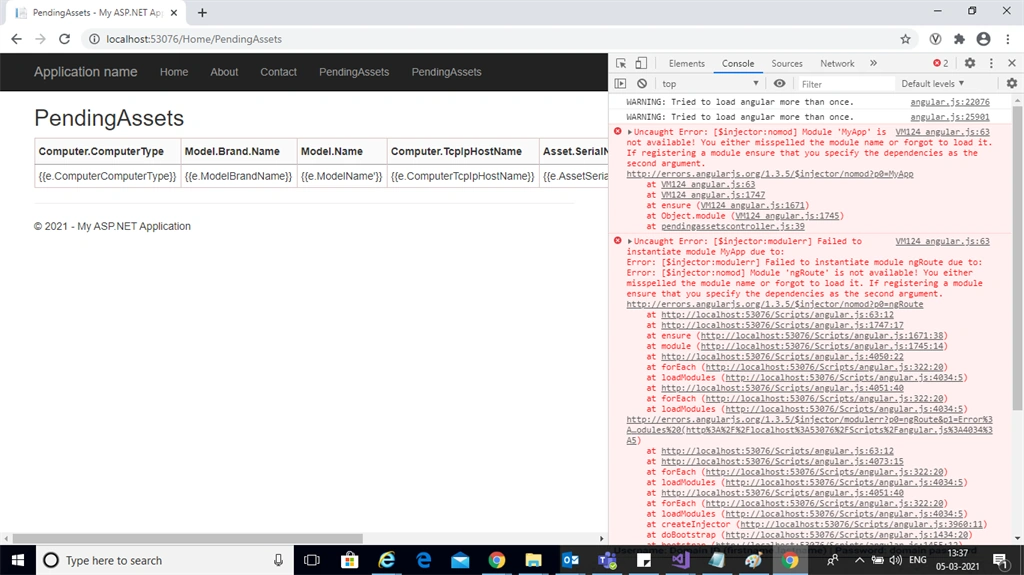
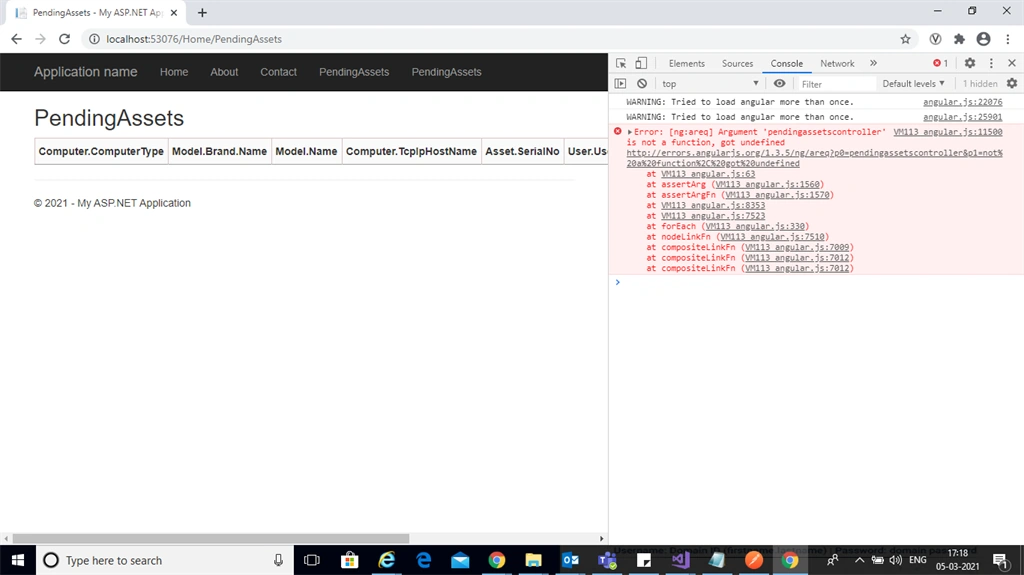
I have debugged the code, I am getting the data in datatable, but I am not able to display it in view.
My View Code -
- @{
- ViewBag.Title = "PendingAssets";
- }
PendingAssets
Computer.ComputerType Model.Brand.Name Model.Name Computer.TcpIpHostName Asset.SerialNo User.UserName RIL_Inventoried_User.UserName Asset.Field1 {{e.ComputerComputerType}} {{e.ModelBrandName}} {{e.ModelName'}} {{e.ComputerTcpIpHostName}} {{e.AssetSerialNo}} {{e.UserUserName}} {{e.RIL_Inventoried_UserUserName}} {{e.AssetField1}}








Sachin SinghRank #66 · 26.2K reputationPosted Mar 3, 2021, 2:01 PM EST
Riddhi ValechaRank #794 · 2.9K reputationPosted Mar 4, 2021, 2:31 AM EST
PendingAssets