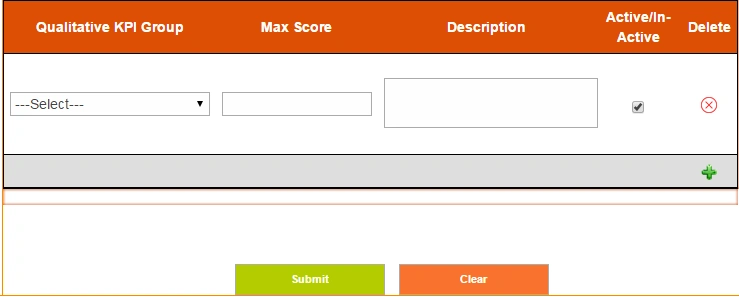
i have a grdview with add new row button in each row i have dropdown control like below image my req: when i select dropdown based on drodwn selected value create one hidden field as store some value if already selected value in another row of gridview dont create hidden field use already created hiddenfield whicih is previously selected

Suthish NairRank #92 · 22.8K pointsPosted Apr 24, 2015, 11:27 AM EDT
hf1.ID = "hf1";
Else, simply store the new value.