Dear all,
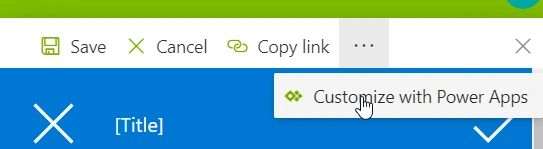
I hope you can help me with the following. I have created a list in SP Online and a PowerAutomate flow on this list. Now I would like to add a Powerapps form to this list to make the user experience more friendly. Therefore I have opened the default form with Powerapps. This opens Powerapps for this particular list.
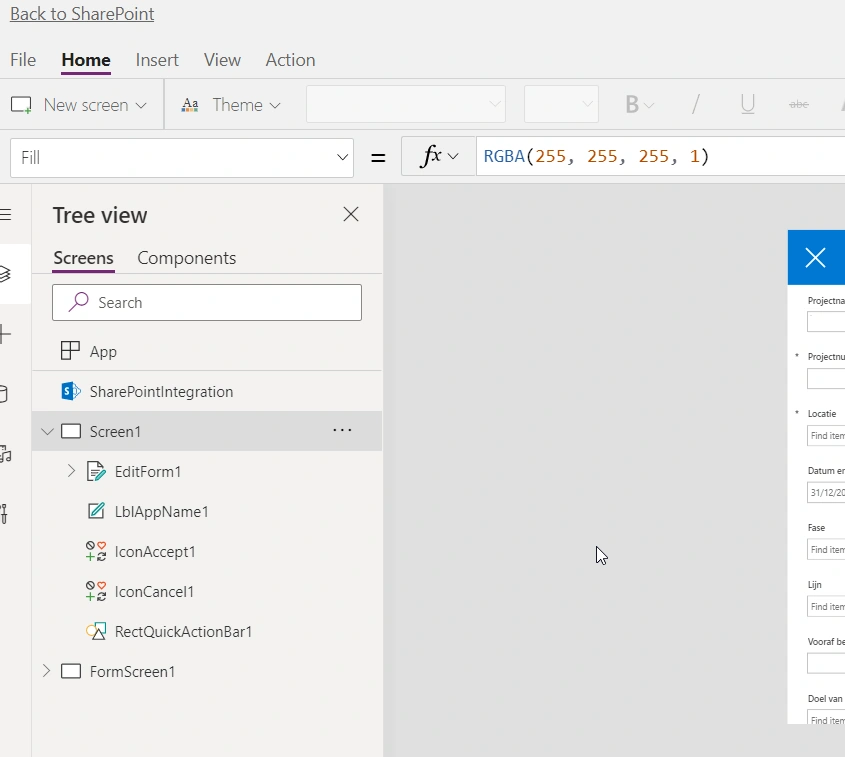
After that I have added a new screen in PowerApps:
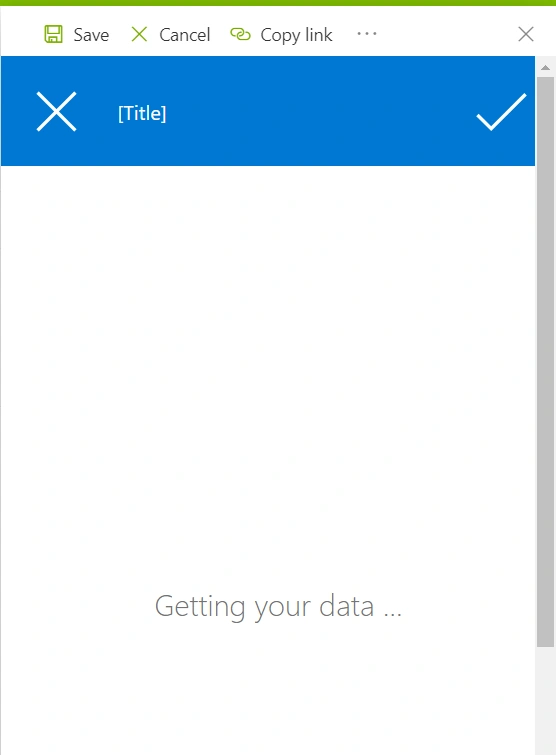
When I try to open the new screen in the list, I get a getting your data error message:
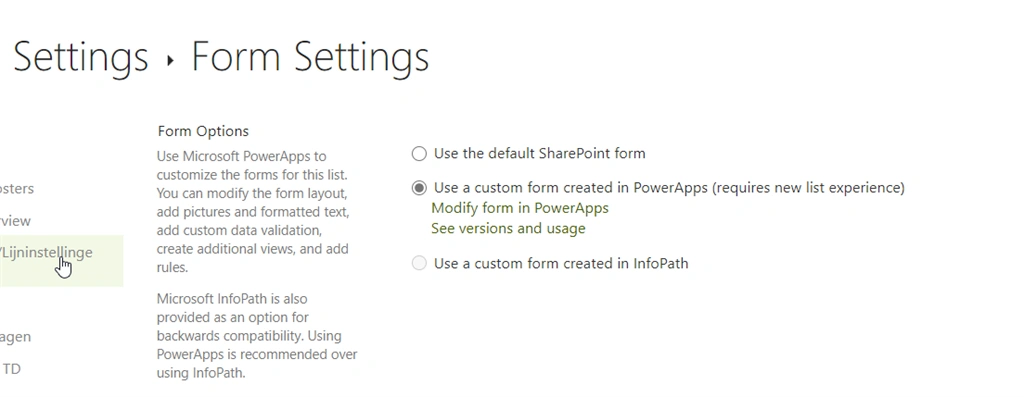
I have set the default screen to a custom Powerapps form in the form settings of the list:
Could you please tell me how I can solve this problem?
Thanks. Yannick







Vikas JhaRank #1,222 · 1.5K reputationPosted Sep 22, 2020, 7:32 AM EDT
Yannick Abraham9 reputationPosted Sep 23, 2020, 12:53 AM EDT
Vikas JhaRank #1,222 · 1.5K reputationPosted Sep 23, 2020, 4:00 AM EDT
First(Filter('Your Data Source',ID > 0))