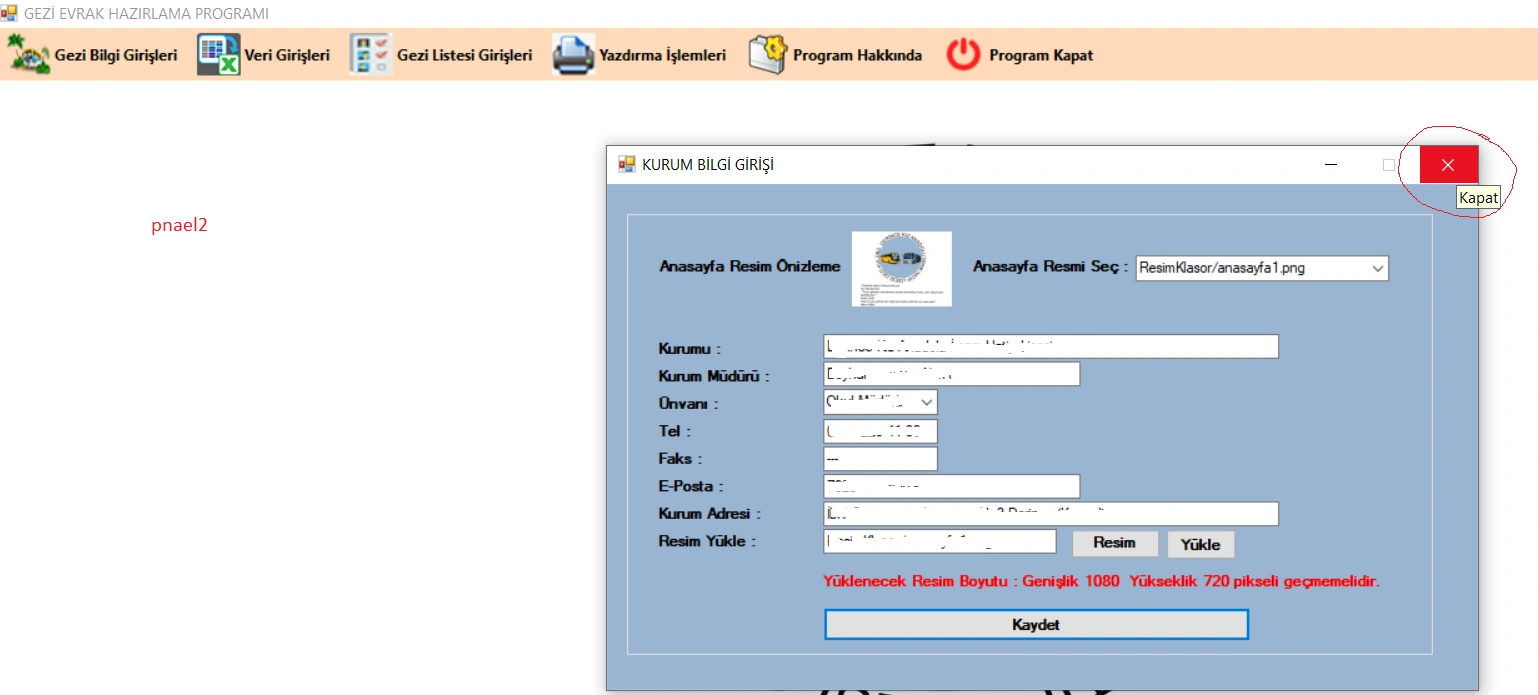
I am changing the picture in panel2 in main form. When I change the image, I want the image in the main form to change at the same time. I tried many things, but I cannot reload the main form when closing the subform. Therefore, the previous picture in panel2 is visible. Do you have an opinion on this?







Mohamed Azarudeen ZRank #297 · 8.5K reputationPosted Jul 10, 2023, 9:00 AM EDT
Hi Mehmet
In the main form, create a public method or property that allows other forms to update the image. For example, you can create a method called
UpdateImagethat takes an image as a parameter and updates the image in the panel.public void UpdateImage(Image newImage) { panel2.BackgroundImage = newImage; }In the subform, add a reference to the main form so that you can access its public methods and properties. You can achieve this by passing the instance of the main form to the constructor of the subform.
private MainForm mainForm; public SubForm(MainForm mainForm) { InitializeComponent(); this.mainForm = mainForm; }private void buttonChangeImage_Click(object sender, EventArgs e) { // Perform image selection logic, e.g., using OpenFileDialog Image newImage = GetSelectedImage(); // Call the UpdateImage method in the main form to update the image mainForm.UpdateImage(newImage); }hope this helps
Mehmet FatihRank #1,474 · 1.1K reputationPosted Jul 11, 2023, 6:50 AM EDT
It gives some errors. It is not working.