
Dear sir/ Mam,
I am using report wizard in asp.net 2010 web appication ( c# ). Actually its work fine for a given condition. but i want individual reports with respect to bankcode in my web application.
1) Below is my database

2) created dataset
3) i have used report wizard
given dataset as datasource and made group(bankcode) as shown below
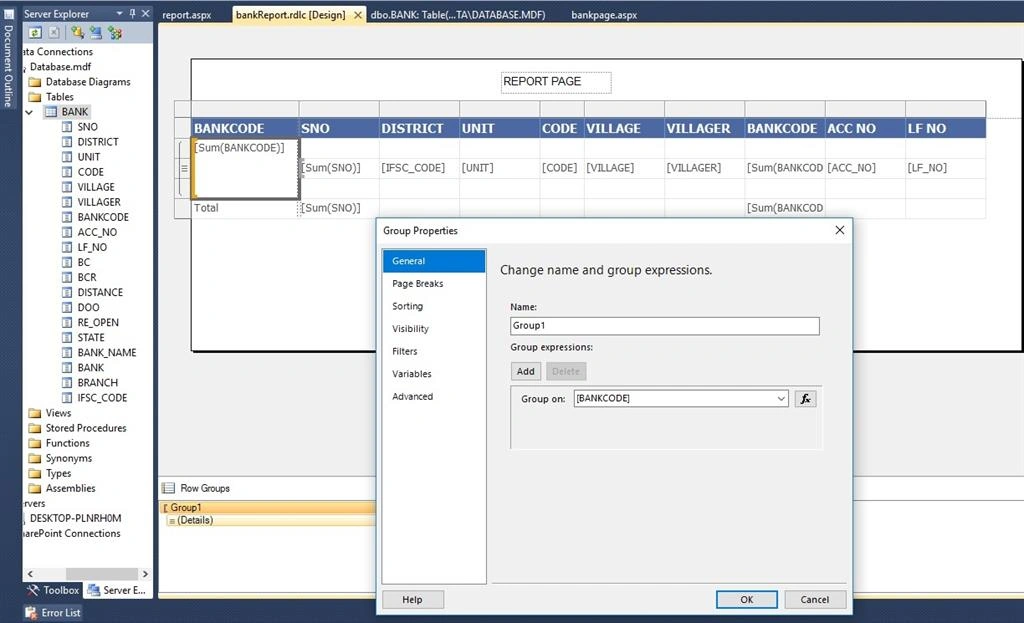
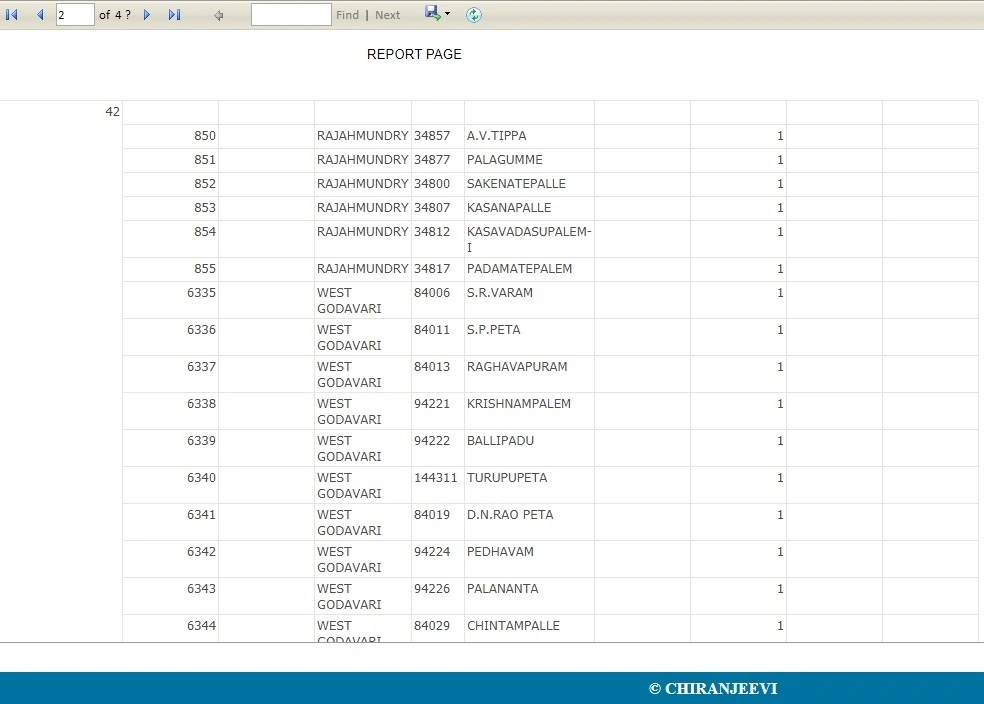
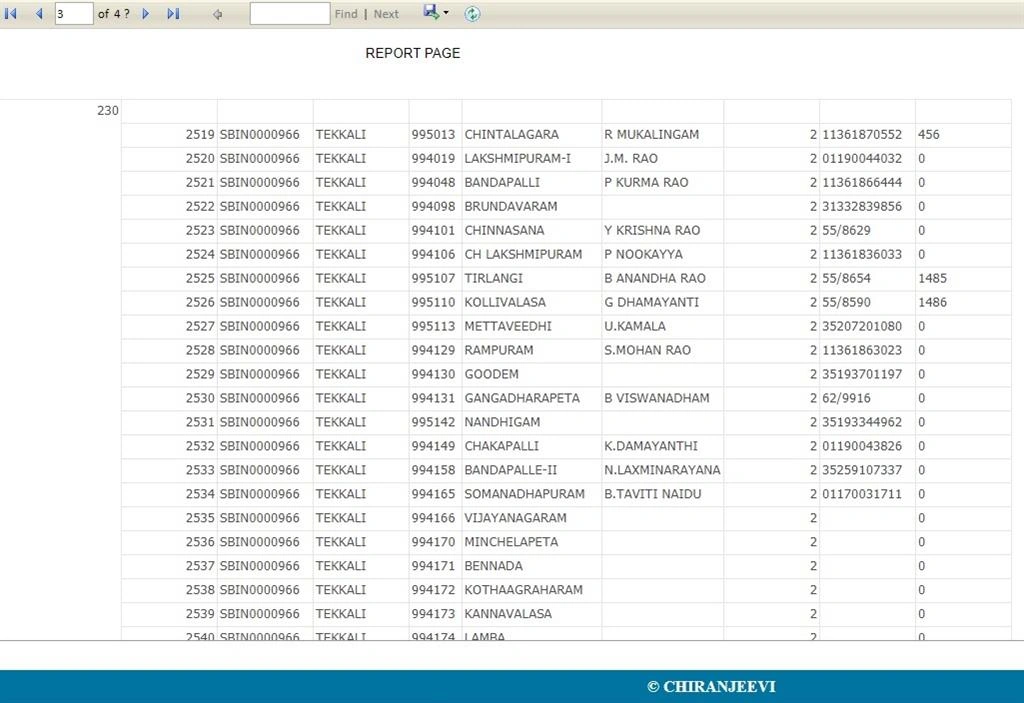
4) now the output came in groups with respect to "BANKCODE" but the problem is i need to click on next page to view the next report.
i want them seperate individual report (should display all reports at a time with page breaks and header ,footer and database field names to every page)in stead of cliking on page no.

Harish Rawat101 pointsPosted Apr 11, 2018, 12:18 AM EDT