Hi,
pls. help me to complete this code.
refer snap-1 has function to setpropeties
Refer snap-2 myerror
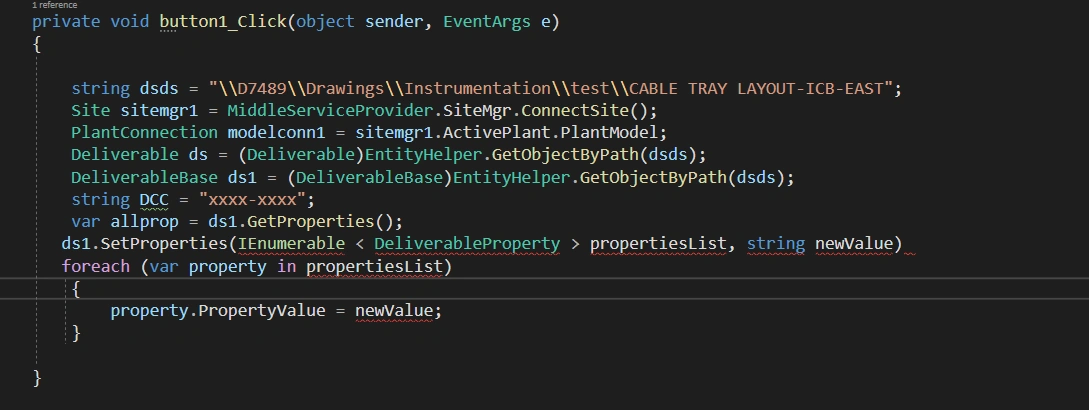
and this my code:
private void button1_Click(object sender, EventArgs e)
{
string dsds = "\\D7489\\Drawings\\Instrumentation\\test\\CABLE TRAY LAYOUT-ICB-EAST";
Site sitemgr1 = MiddleServiceProvider.SiteMgr.ConnectSite();
PlantConnection modelconn1 = sitemgr1.ActivePlant.PlantModel;
Deliverable ds = (Deliverable)EntityHelper.GetObjectByPath(dsds);
DeliverableBase ds1 = (DeliverableBase)EntityHelper.GetObjectByPath(dsds);
string DCC = "xxxx-xxxx";
var allprop = ds1.GetProperties();
ds1.SetProperties(IEnumerable < DeliverableProperty > propertiesList, string newValue)
foreach (var property in propertiesList)
{
property.PropertyValue = newValue;
}
}







Abhishek YadavRank #217 · 11.3K reputationPosted Aug 31, 2023, 3:37 AM EDT
To set a property in the custom property list of a drawing, you can use the SetProperties method of the DeliverableBase class. Here is an example of how you can do it:
private void button1_Click(object sender, EventArgs e)
{
    string dsds = "\\D7489\\Drawings\\Instrumentation\\test\\CABLE TRAY LAYOUT-ICB-EAST";
    Site sitemgr1 = MiddleServiceProvider.SiteMgr.ConnectSite();
    PlantConnection modelconn1 = sitemgr1.ActivePlant.PlantModel;
    Deliverable ds = (Deliverable)EntityHelper.GetObjectByPath(dsds);
    DeliverableBase ds1 = (DeliverableBase)EntityHelper.GetObjectByPath(dsds);
    string DCC = "xxxx-xxxx";

    // Create a list of properties you want to set
    List propertiesList = new List();
    propertiesList.Add(new DeliverableProperty("PropertyName1", "NewValue1"));
    propertiesList.Add(new DeliverableProperty("PropertyName2", "NewValue2"));
    // Add more properties as needed

    // Set the properties using the SetProperties method
    ds1.SetProperties(propertiesList, DCC);
}
Here, you need to replace "PropertyName1" and "NewValue1" with the actual property name and the desired new value for that property. You can add more properties to the
propertiesListas needed. Finally, call theSetPropertiesmethod to set the properties with the specified new value.