
Getting the following error message: The below one is just an example.
1. Login C# Corner account.
2. Click on the "Answers" menu.
3. Click on "My Account".
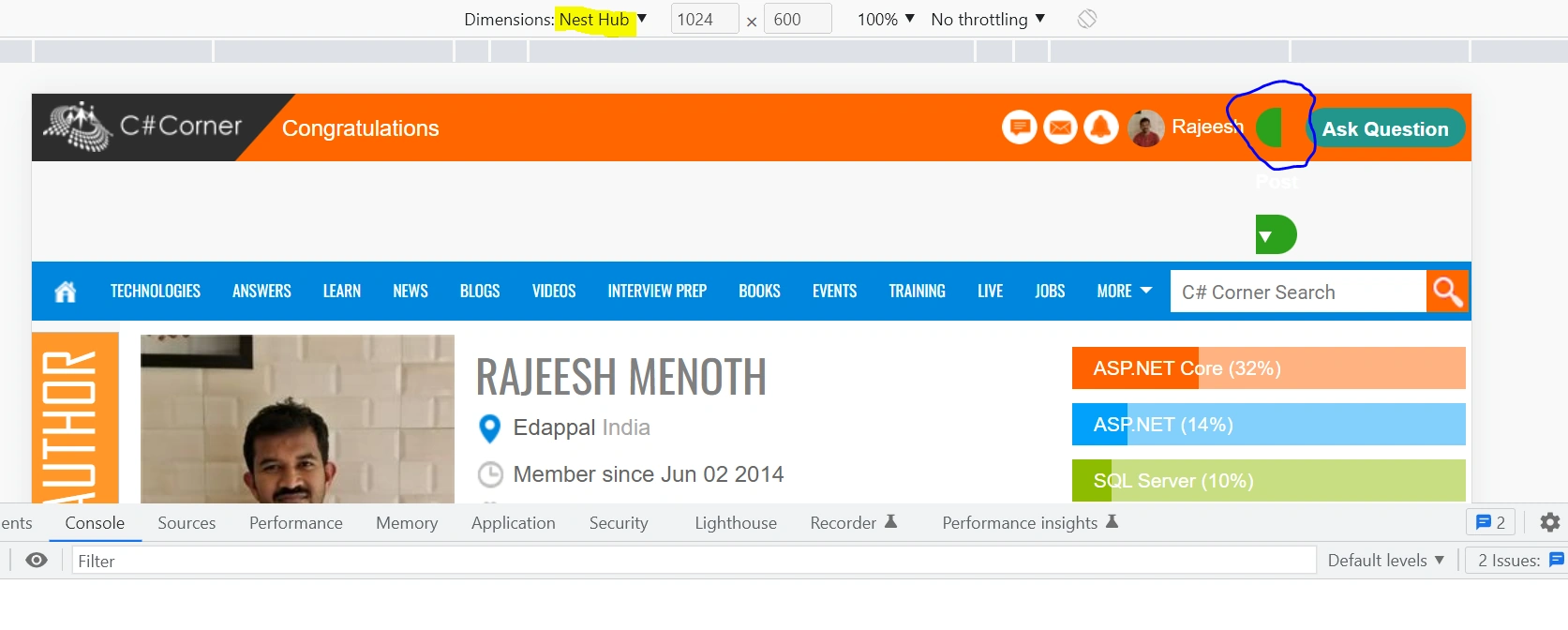
Getting the following error message: The below one is just an example.
1. Login C# Corner account.
2. Click on the "Answers" menu.
3. Click on "My Account".
Know the answer? Post it. Somebody with the same question will find it here.
Answer a question in the forums and earn +20 SHARP for every answer.
See unanswered questions Arun PottiAnswers in the forums20answers02
 Tahir AnsariAnswers in the forums5answers03
 Kamlesh KumarAnswers in the forums5answers04
 Sam HobbsAnswers in the forums4answers05
 Željko PerićAnswers in the forums3answersFull leaderboard →
 DevSocialUpcoming · 3rd editionAI Agents ConferenceDec 1–3, 2026Live onlineFree to attend5days leftRegister

Naimish MakwanaRank #324 · 7.7K reputationPosted Mar 2, 2023, 10:04 PM EST
Hello Rajeesh,
Do hard refresh of page. It seems latest css is not applied. Use cntr+F5. It will resolve your issue..
Thanks
Naimish Makwana
Tuhin PaulRank #7 · 71.9K reputationPosted Mar 2, 2023, 1:16 PM EST
Hello Rajeesh!
To resolve the issue, you can try refreshing the browser page a few times. I've faced this problem before, and refreshing the page has always worked for me.
Vishal YelveRank #178 · 13.6K reputationPosted Mar 3, 2023, 12:09 AM EST
Hi Rajeesh,
It's an CSS issue. Last time also someone raise this same issue. Where C# Corner team suggested to Referesh the page