
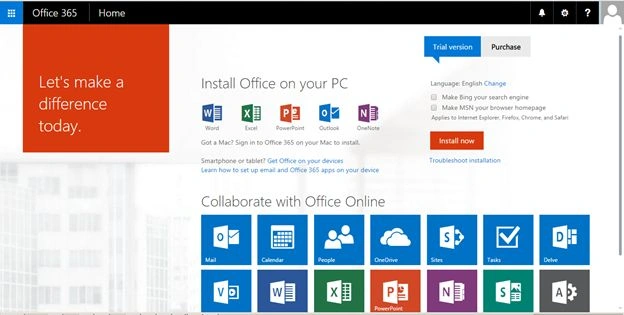
Open the following URL using your trial account username and password.
https://portal.office.com
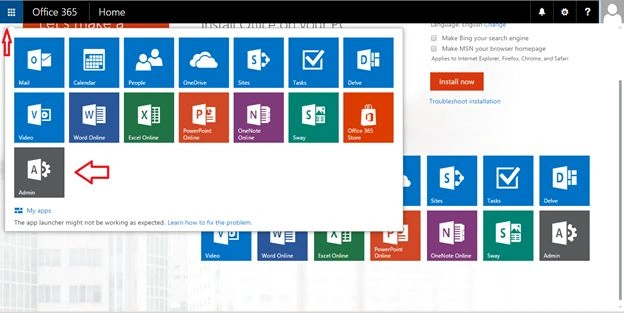
Click menu icon, then Admin category.
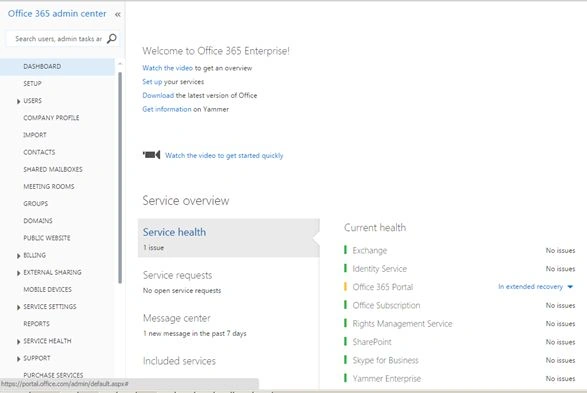
The following admin dashboard page will open.
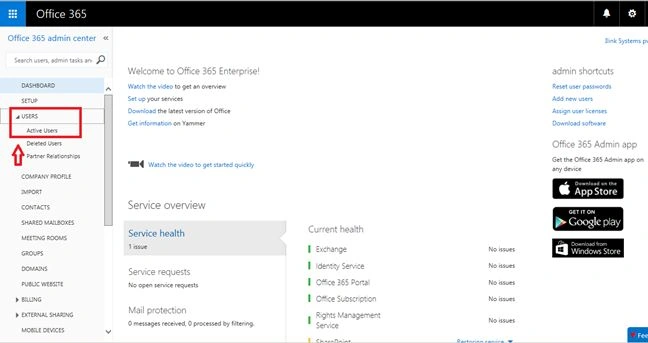
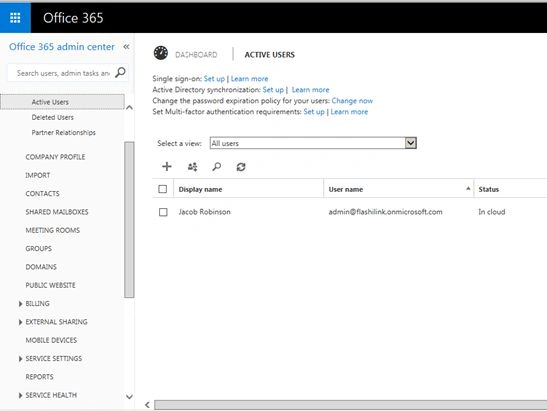
Click Active Users under USERS menu item in the left navigation.
The following screen will appear.
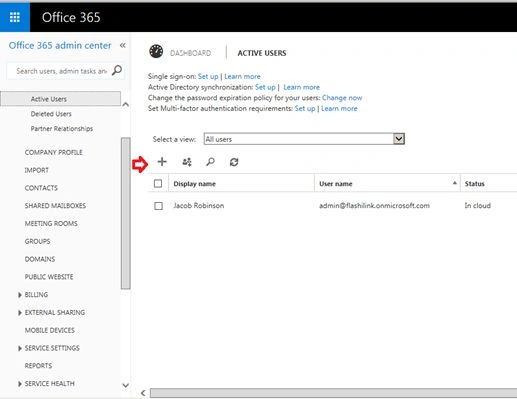
Click new menu.
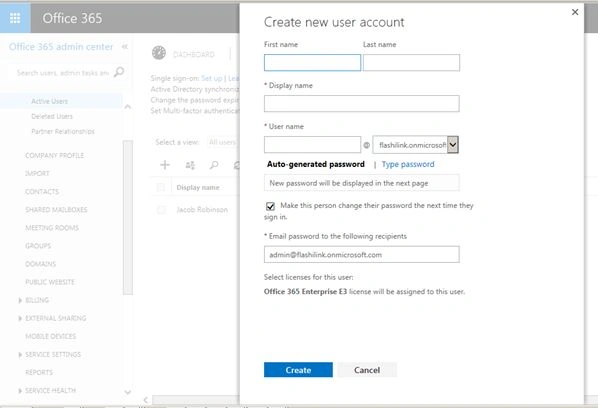
The following popup will appear.
Enter the details for new user account.
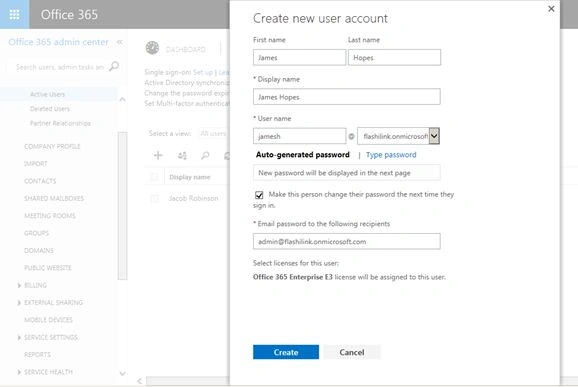
Click Create button.
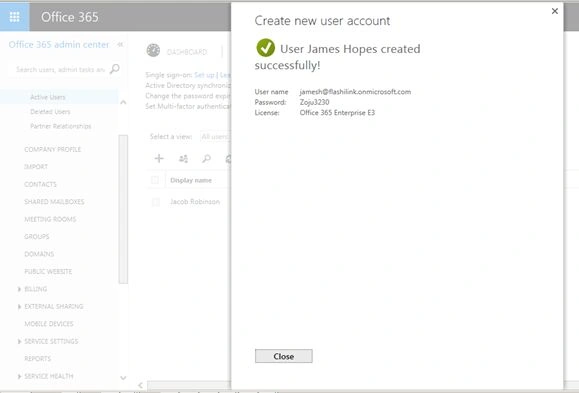
New user will be created.
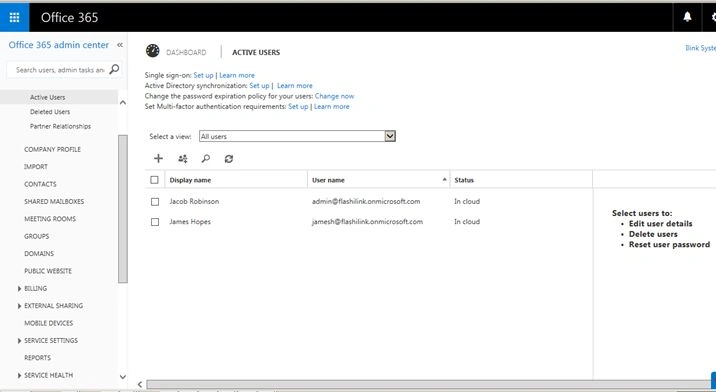
Summary
In this article we saw how to add new users in Microsoft SharePoint Office 365 Central Administration.
Add New Users To SharePoint Office 365 Central Administration
In this article I willexplain how to add new users in Microsoft SharePoint Office 365.


Michael GriffithsPosted Apr 14, 2016, 2:42 PM EDT
Nicely done
Gowtham RajamanickamTOP 100Posted Apr 8, 2016, 5:19 AM EDT
Good share
Santhakumar MunuswamyPosted Sep 7, 2015, 10:22 AM EDT
Thanks for nice share
Mohammed IbrahimPosted Sep 7, 2015, 7:51 AM EDT
nice one
Pankaj Kumar ChoudharyTOP 100Posted Sep 7, 2015, 5:00 AM EDT
Nice Explain Sir...........