

Open the team site.
Create a sample list “Employee”.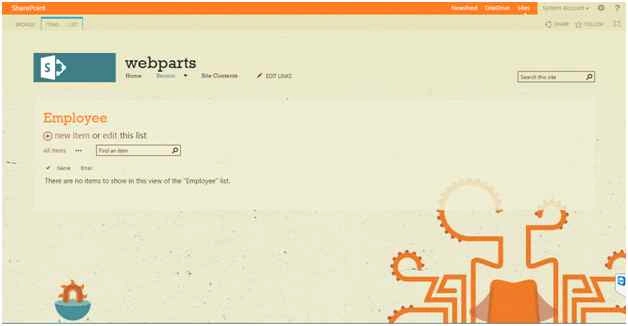
Add some values into the list.
Open Visual Studio then create a new Visual Webpart.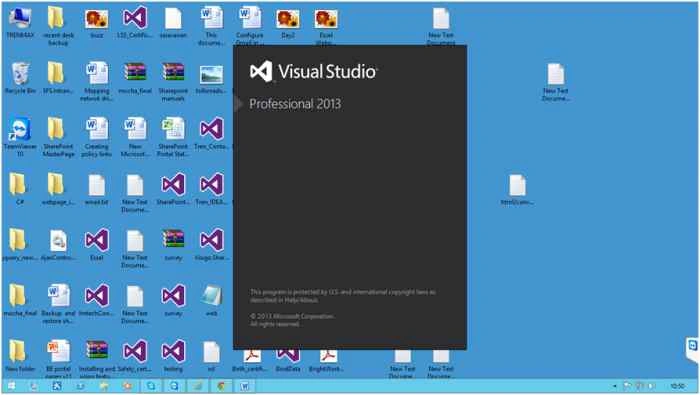
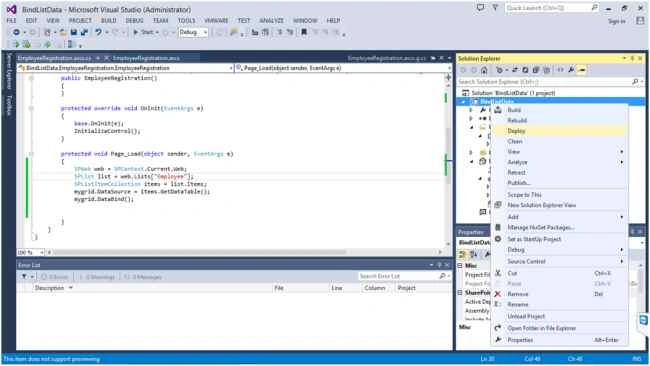
Enter a valid site URL then select Deploy as a Farm solution.
Create a new Visual Webpart in the project.
Now open EmployeeRegistration.ascx.
Create a GridView.
Code
- <asp:GridView ID="mygrid" runat="server" AutoGenerateColumns="false">
- <Columns>
- <asp:BoundField DataField="Name" HeaderText="
- Name" />
- <asp:BoundField DataField="Email" HeaderText="Email" />
- </Columns>
- </asp:GridView>

Now open EmployeeRegistration.ascx.cs.
Code
- using System;
- using System.ComponentModel;
- using System.Web.UI.WebControls.WebParts;
- using Microsoft.SharePoint;
- using System.Data;
- namespace BindListData.EmployeeRegistration
- {
- [ToolboxItemAttribute(false)]
- public partial class EmployeeRegistration : WebPart
- {
- // Uncomment the following SecurityPermission attribute only when doing Performance Profiling on a farm solution
- // using the Instrumentation method, and then remove the SecurityPermission attribute when the code is ready
- // for production. Because the SecurityPermission attribute bypasses the security check for callers of
- // your constructor, it's not recommended for production purposes.
- // [System.Security.Permissions.SecurityPermission(System.Security.Permissions.SecurityAction.Assert, UnmanagedCode = true)]
- public EmployeeRegistration()
- {
- }
- protected override void OnInit(EventArgs e)
- {
- base.OnInit(e);
- InitializeControl();
- }
- protected void Page_Load(object sender, EventArgs e)
- {
- SPWeb web = SPContext.Current.Web;
- SPList list = web.Lists["Employee"];
- SPListItemCollection items = list.Items;
- mygrid.DataSource = items.GetDataTable();
- mygrid.DataBind();
- }
- }
- }
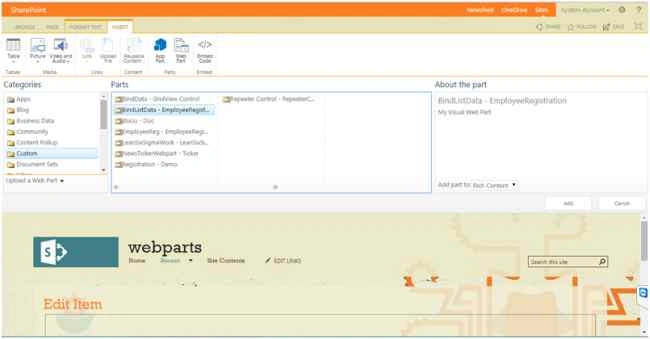
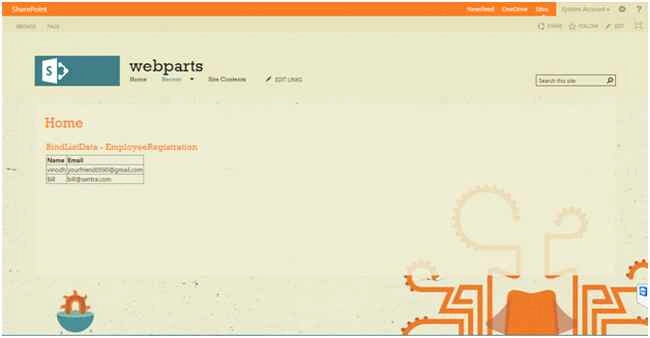
Now the result.
Happy SharePointing!
Regards: Vinodh.N (SharePoint developer / administrator).
Mahipal ReddyPosted May 25, 2018, 12:29 AM
Simple and good one
venkat KotaiahPosted Dec 8, 2017, 2:19 AM
Thanks a lot it helped me lot
Vinodh NarayananPosted Aug 25, 2015, 1:57 AM
Vaikesh K P Thanks a lot
Vaikesh K PPosted Aug 25, 2015, 1:39 AM
Nice
Vinodh NarayananPosted Aug 24, 2015, 7:44 AM
Gowtham Rajamanickam Thanks a lot
Gowtham RajamanickamPosted Aug 24, 2015, 7:25 AM
good one...
Vinodh NarayananPosted Aug 24, 2015, 12:23 AM
Karthikeyan K Thank u
Karthikeyan KPosted Aug 23, 2015, 11:26 PM
Thanks for share sir..
Vinodh NarayananPosted Aug 23, 2015, 11:14 PM
Gopi Chand thank you
Gopi ChandPosted Aug 23, 2015, 1:51 PM
Very nice
Vinodh NarayananPosted Aug 23, 2015, 12:51 PM
Santhakumar Munuswamy Thanks sir
Santhakumar MunuswamyPosted Aug 23, 2015, 11:34 AM
Thanks for Nice article
Vinodh NarayananPosted Aug 23, 2015, 9:59 AM
Thank you guys
Mohammed IbrahimPosted Aug 23, 2015, 9:48 AM
nice....
Sibeesh VenuPosted Aug 23, 2015, 3:47 AM
Nice Share
Vinodh NarayananPosted Aug 23, 2015, 2:46 AM
Thanks a lot friends
Rajeesh MenothPosted Aug 23, 2015, 2:41 AM
Nice One
RakeshPosted Aug 23, 2015, 1:28 AM
Good one