
Here are the steps:
Open the following URL.
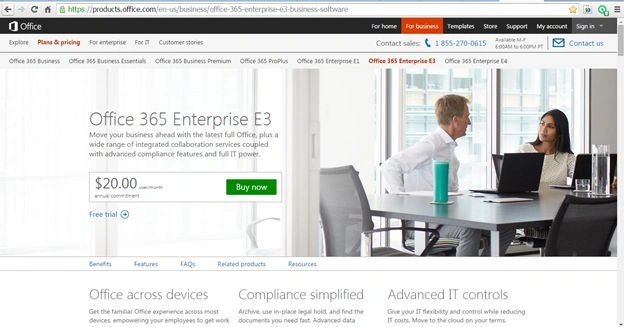
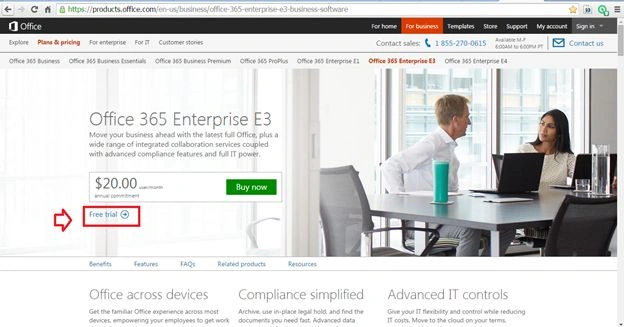
Click Free trial link.
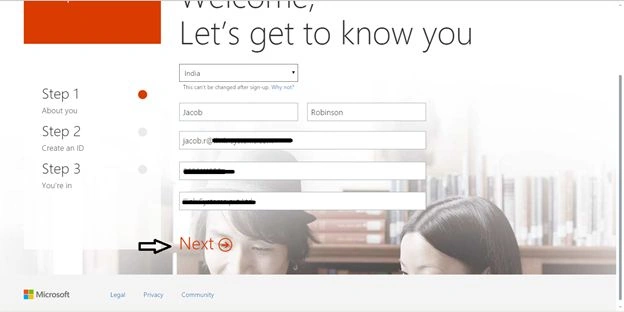
The following screen will appear.
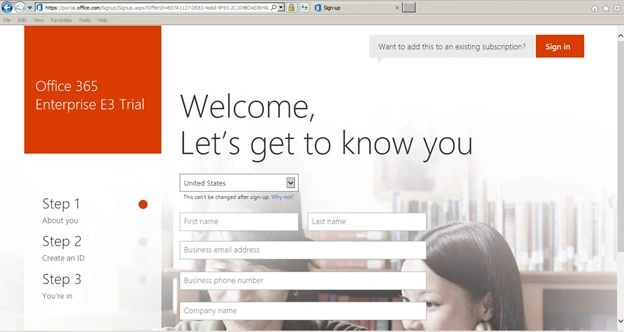
Enter the details and click Next.
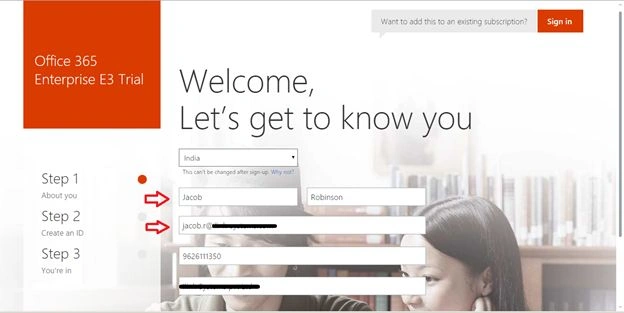
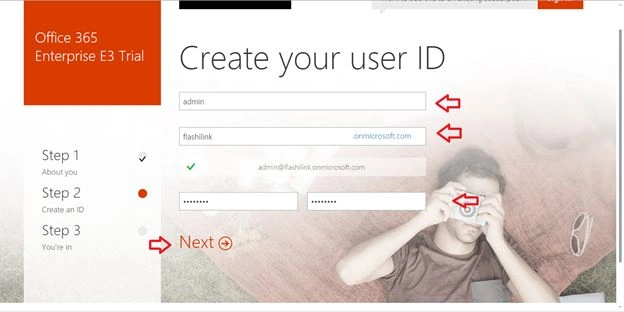
Enter User ID details and click Next.
Confirm your details.
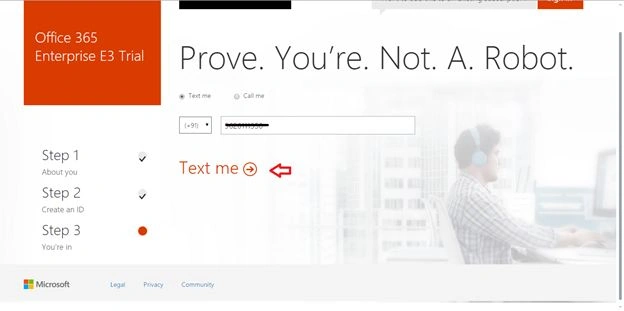
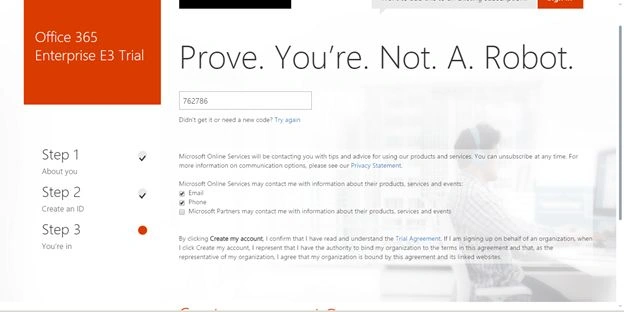
Click Create my account.
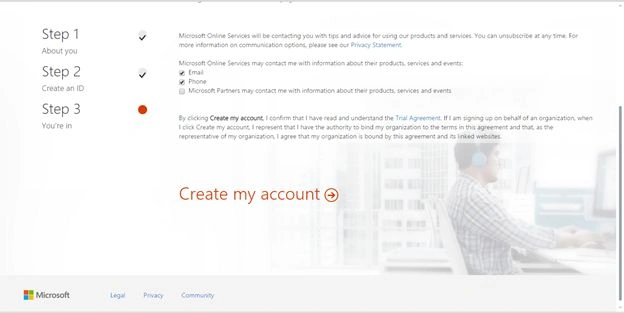
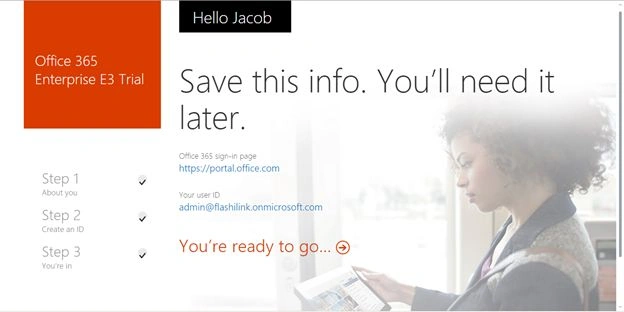
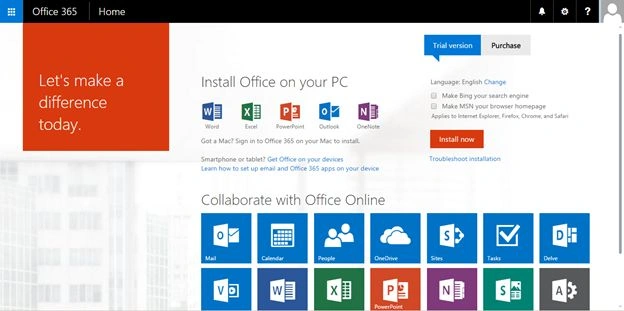
Your account will be created.
Summary
In this article we saw how to create a trial account in Microsoft SharePoint Office 365.
Create A Trial Account In SharePoint Office 365
In this article I will explain how to create a trial account in Microsoft SharePoint Office 365.


jyothi vPosted Aug 30, 2019, 6:02 AM EDT
Can we add users for this free trial account..
Mahesh SherkarPosted Apr 11, 2018, 2:47 AM EDT
Thank you so much Jacob!
Santhakumar MunuswamyPosted Sep 5, 2015, 12:14 AM EDT
Thanks for nice share