
Here are the steps:
Step 1: Go to Start, then All Programs and click Visual studio 2013.
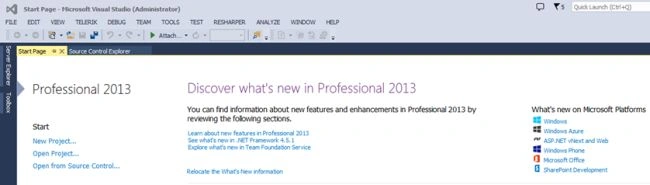
Step 2: Click File, then New and add Project.
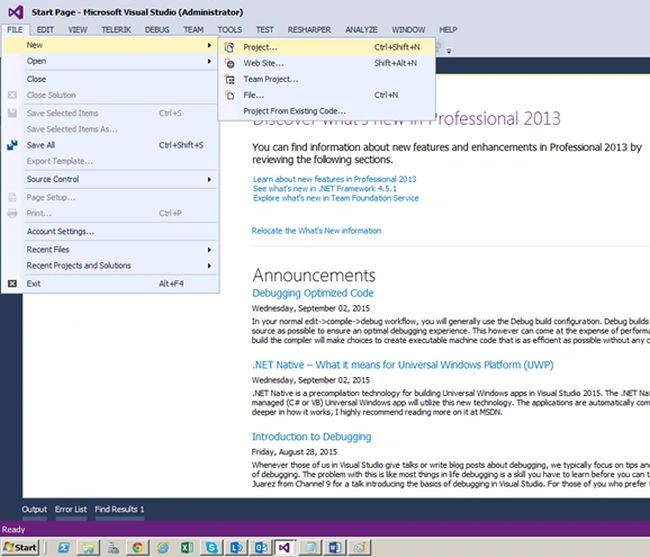
Step 3: Click Apps under Office/SharePoint and select App for SharePoint 2013. Enter the name of the app and click OK.
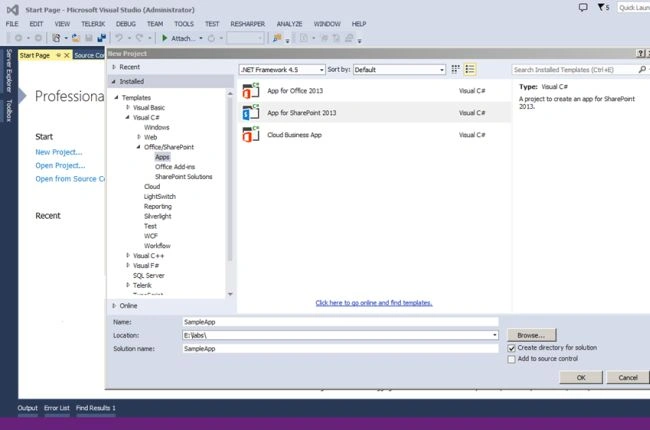
Step 4: Enter SharePoint office 365 site URL and select SharePoint-hosted and click Finish.
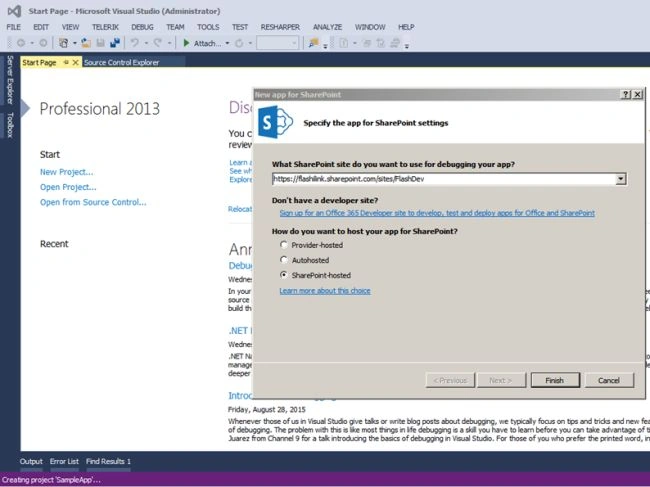
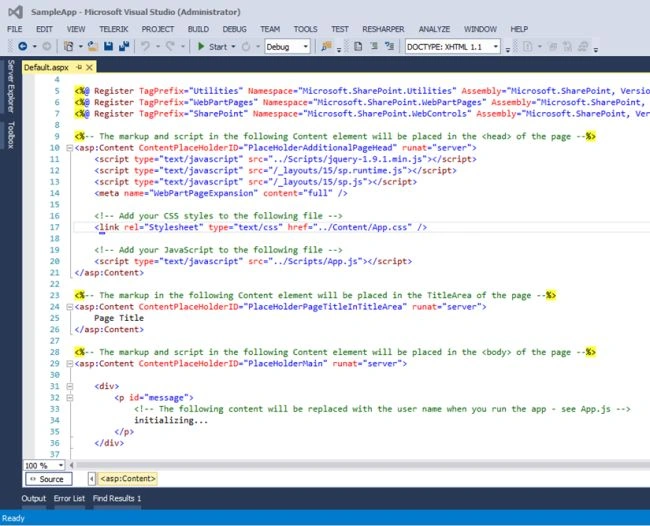
Step 5: The following screen will appear.
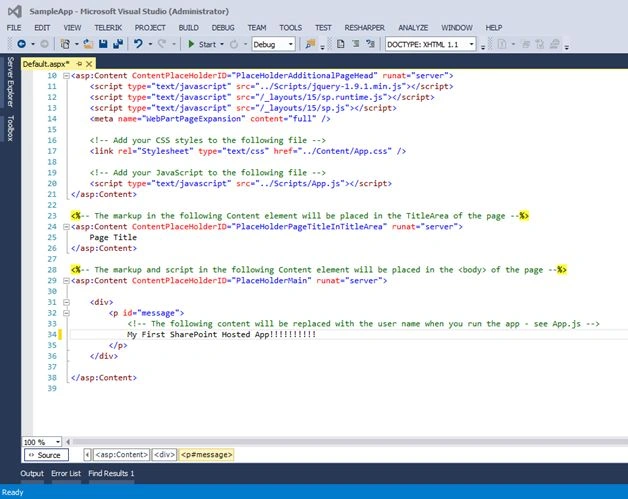
Here I have changed the message in div tag.
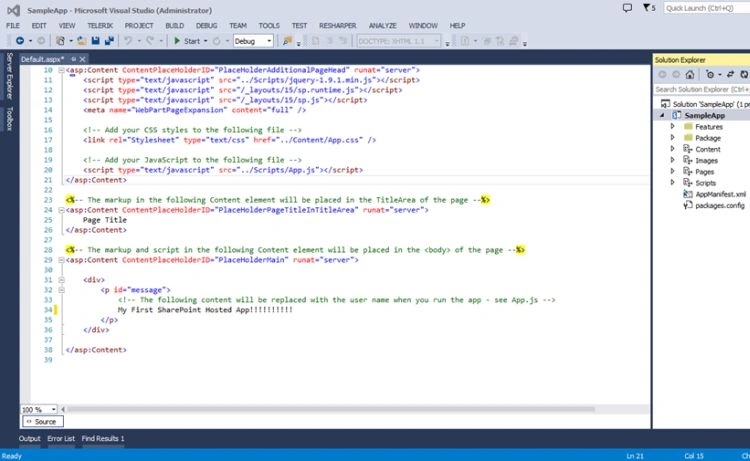
Step 6: Open Solution Explorer.
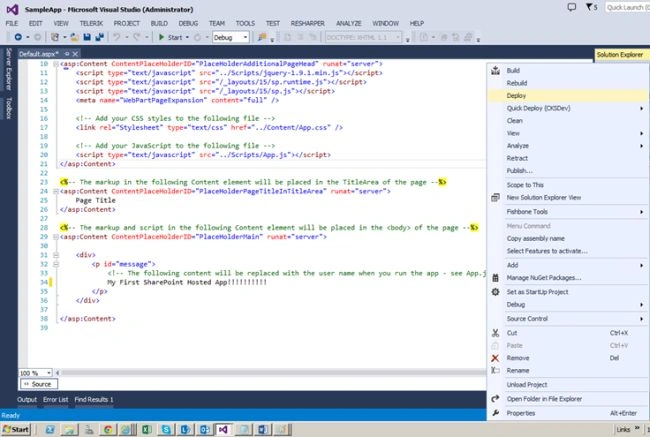
Step 7: Right click the solution, then Build and Deploy the App.
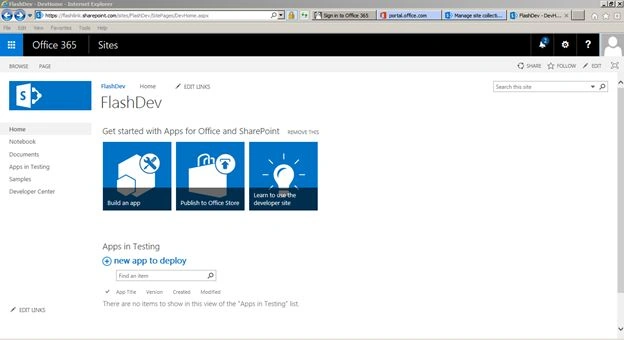
Step 8: Go to your SharePoint Office 365 site.
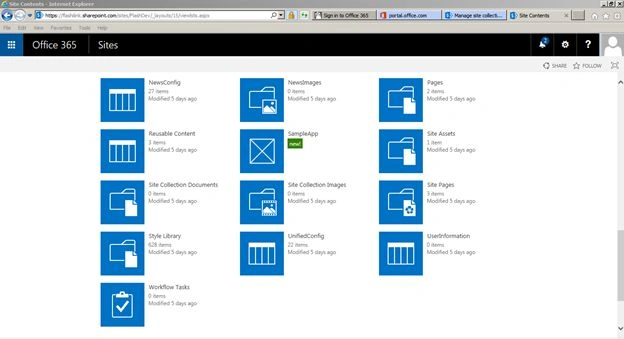
Go to Site Contents and you can see your App here:
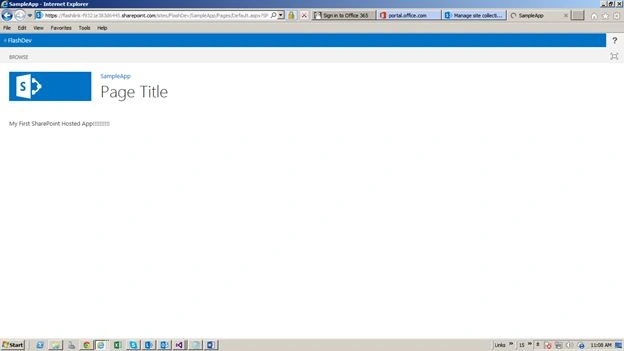
Click the App, then your app will be like the following screenshot:
Summary
In this article we saw how to create a SharePoint app using Visual Studio 2013 and deploy Microsoft SharePoint Office 365 site.
Create A SharePoint 2013 App Using Visual Studio 2013 And Deploy Office 365 Site
In this article I will explain how to create a SharePoint app using visual studio 2013 and deploy Microsoft SharePoint Office 365 site.


Baimey RajeshPosted Sep 13, 2015, 4:07 AM EDT
Hi Jacob, My company have a requirement for sharepoint with office 365 but have queries related to this. The client insist on Office 365 , but some articles say that the support for office 365 is not provided for public websites. Please lemme know any comments on the same thanks
Vipin TyagiPosted Sep 8, 2015, 10:01 PM EDT
facing configuration problem....Don't know how to use central admin
Santhakumar MunuswamyPosted Sep 8, 2015, 11:18 AM EDT
Thanks for nice share
Mohammed IbrahimPosted Sep 8, 2015, 11:09 AM EDT
nice share
RakeshPosted Sep 8, 2015, 8:30 AM EDT
Good One
Pankaj Kumar ChoudharyTOP 100Posted Sep 8, 2015, 4:45 AM EDT
Nice Explain Sir...........
Karthikeyan KPosted Sep 8, 2015, 1:58 AM EDT
Good one sir...Thanks for sharing