
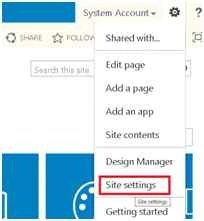
Open a SharePoint site and click the GEAR icon.
Now go to Site settings.
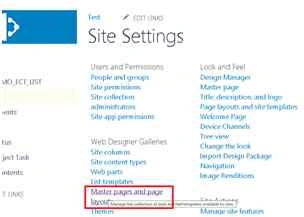
Then click on Master page and the Page layout link.
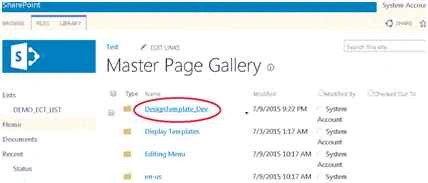
Create a folder inside it and insert all the design files with the HTML file.
Now go to the design manager.
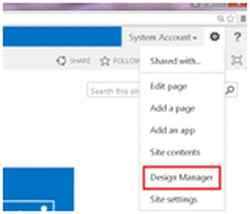
Click to open the design manager.
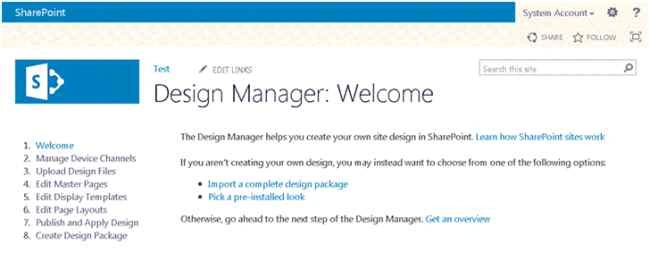
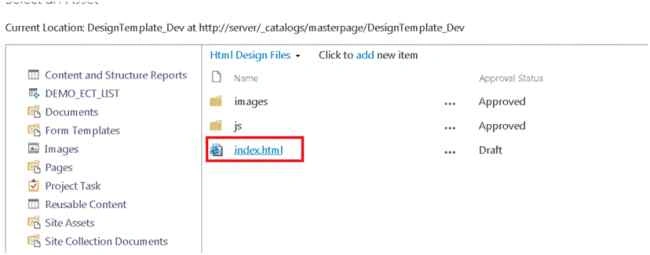
Go to the edit master page from the left navigation bar. It will open a model dialog. From that page choose the folder of where you uploaded the designed file earlier.

Now select HTML file and click on the insert button to convert it. It will redirect you to the Design Manager page and will show the conversion successful message.
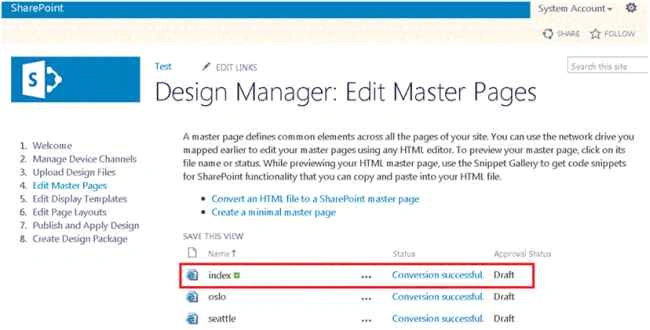
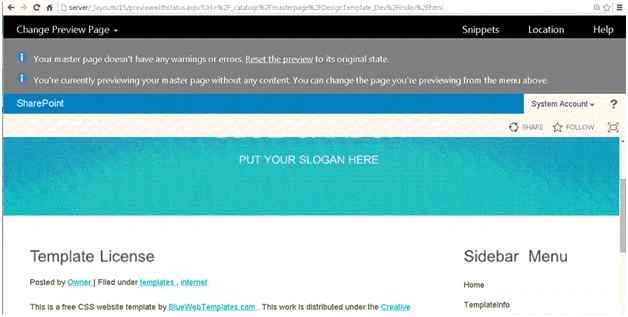
Now if you click on the index page it will open your converted file as in the following figure (in my case).
Thanks, I will write about additional issues in a while about HTML page conversions into a Master page in a few days.


uday saiPosted Dec 15, 2019, 5:32 PM EST
Html file is not adding into the edit manager page
uday saiPosted Dec 15, 2019, 5:31 PM EST
Just had a doubt
Devesh KachhawayPosted Aug 30, 2015, 2:41 AM EDT
Thanks......if you like please See this Video....https://www.youtube.com/watch?v=PT-HBl2TVtI
Santhakumar MunuswamyPosted Jul 13, 2015, 10:59 AM EDT
Nice article! Thanks for sharing
Sibeesh VenuTOP 100Posted Jul 12, 2015, 11:29 PM EDT
Nice share
Gopi ChandPosted Jul 12, 2015, 10:35 PM EDT
well done
Jacob RobinsonPosted Jul 12, 2015, 9:01 PM EDT
Good One..
RakeshPosted Jul 12, 2015, 8:35 PM EDT
Good Start sir