




Description:
I have a custom List named Employee Details which contains the following columns
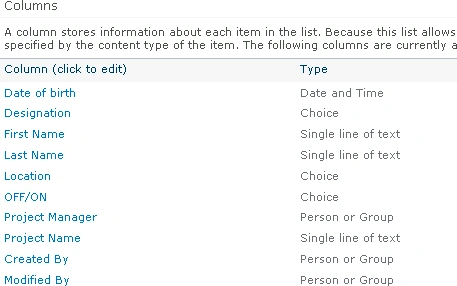
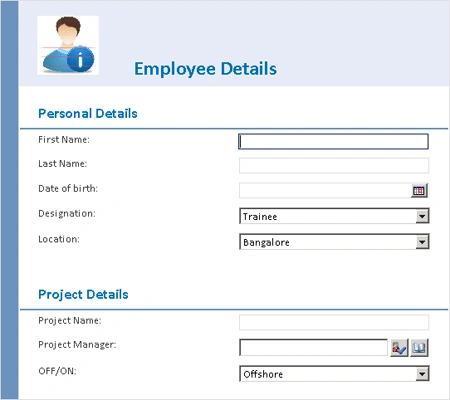
Here I am going to customize the list forms using InfoPath 2010 and the form
looks like the following
Customize SharePoint List Form:
- Go to Employee Details list.
- On the ribbon interface, click on List Tools and then click on List tab.
- Click on Customize Form which is available
in Customize List ribbon group.

- InfoPath form will be opened.
- Select all content in the form by pressing CTRL+A.
- Press Delete to delete all the content in the form.
Create Custom Layout:
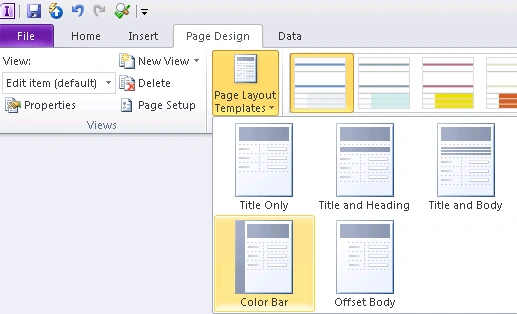
- On the Page Design tab, click Page Layout
Templates, and then click Color Bar as shown in the following
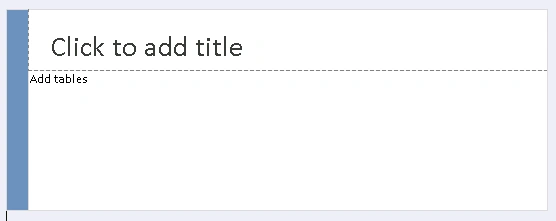
- The layout looks like the following
- Select the layout table, and then click the Center button on the Home tab of the ribbon.
- Click on Add tables placeholder text.
- On the Insert tab, click on Two - Column 2
table as shown in the following
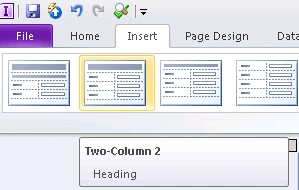
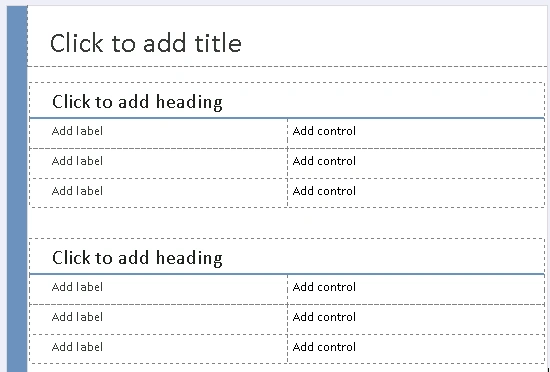
- Add one more Two - Column 2 table.
- The layout looks like the following
Add a header image to the form:
- Click on "Click to add title" placeholder text.
- On the Insert menu, click on Picture.
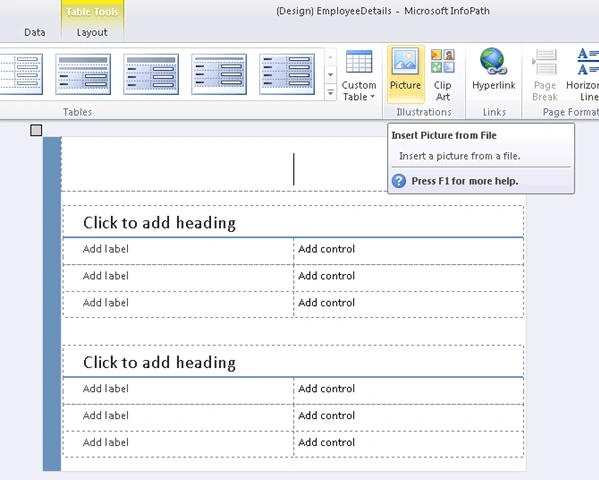
- Browse for the picture and then click on Insert.
- Add the text Employee Details and change the Shading color.
- Title looks like the following

Insert the fields in the custom layout:
- From the Fields task pane, Drag and drop
the fields to the form. You should highlight both columns when you release
the mouse so that the label for the control will appear automatically in the
left column.
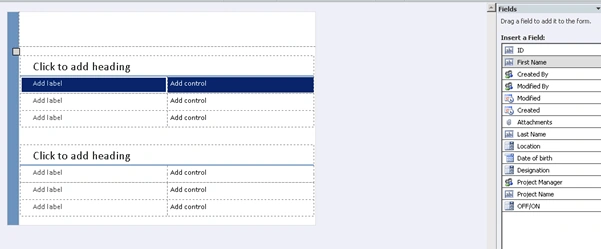
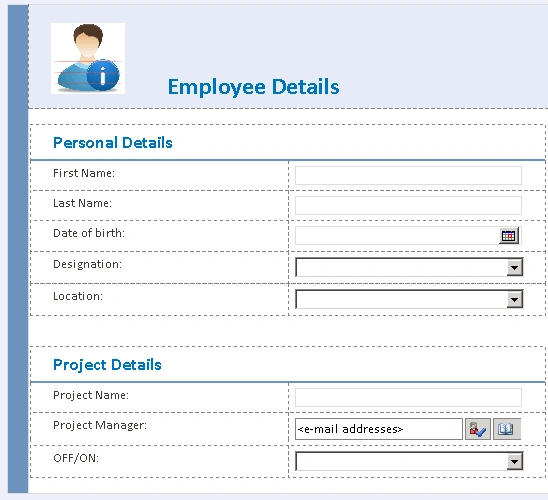
- Customized form looks like the following
- On the Home tab, click on Preview.

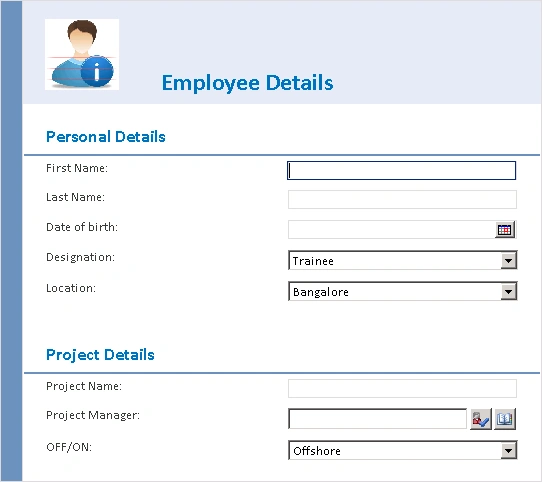
- The form looks like the following
Publish the InfoPath form to SharePoint:
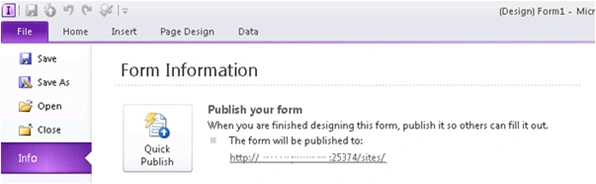
- Go to File => Info and then click on Quick
Publish.
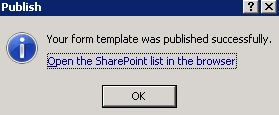
- Publishing...
- Form template is successfully published.
InfoPath form in SharePoint Edit or New form:
- Open the SharePoint Site.
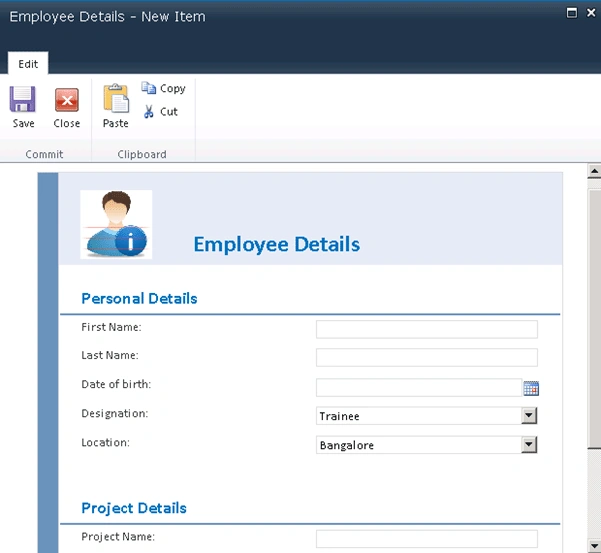
- Go to Employee Details list and add a new item.
- New form will be an InfoPath form as shown
in the following.
sateesh babuPosted Aug 24, 2011, 10:49 AM
Hi Vijai, I have seen your article on infopath and it looks good and helpful for me. I need some code/logic to be implemented in infopath after customization..i.e.we need to generate a predefined number(ex:starts from 5000 onwards) when user clicks save or submit button after entering the details and the number should be saved in a column(ex:request no) for search purpose. I appreciate if you could help me Thanks in Advance Sateesh Babu.
Sivaraman DhamodaranPosted Aug 22, 2011, 2:35 AM
You presented it Nicely Vijai. Keep it Up. If you add some more description on each step, your go even more nice.