
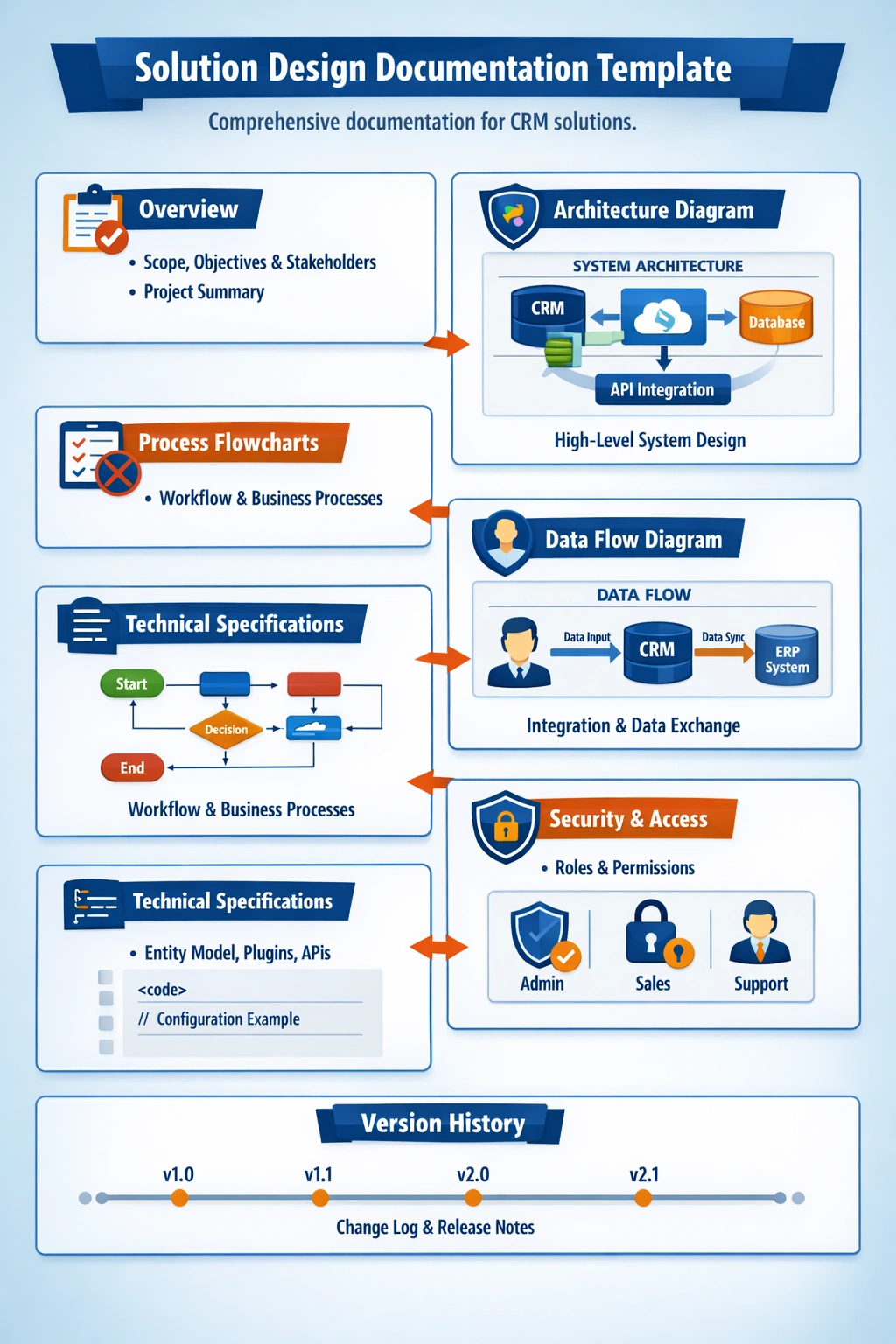
Solution design documentation provides a structured record of how a system or CRM solution is built and maintained. It includes diagrams, flowcharts, and technical specifications that describe architecture, data flow, and business processes. This documentation ensures clarity, consistency, and collaboration among developers and stakeholders. Regular updates keep it aligned with system changes and support efficient troubleshooting and future enhancements.
🧩 Step-by-Step Approach
1. Define documentation standards
Establish templates for design documents, diagrams, and flowcharts.
Include version control and naming conventions.
Use tools like Azure DevOps Wiki, Confluence, or SharePoint for centralized storage.
2. Capture solution architecture
Document system components: CRM, integrations, databases, APIs.
Create architecture diagrams showing data flow between systems.
Highlight dependencies and external services.
3. Create process flowcharts
Use Visio, Lucidchart, or Draw.io to visualize workflows.
Include triggers, actions, and outcomes for each process.
Example: Lead-to-Opportunity flow in Dynamics 365.
4. Write technical specifications
Detail entity structures, fields, relationships, and business rules.
Include plugin logic, Power Automate flows, and integration endpoints.
Add pseudocode or configuration snippets where relevant.
5. Maintain version history
Track changes in Azure DevOps or Git.
Include changelogs in documentation.
Use tags or branches for major releases.
6. Review and update regularly
Schedule periodic reviews after deployments.
Update diagrams and specs when new features are added.
Assign ownership for documentation maintenance.
Join the conversation! Your thoughts help the community grow.