
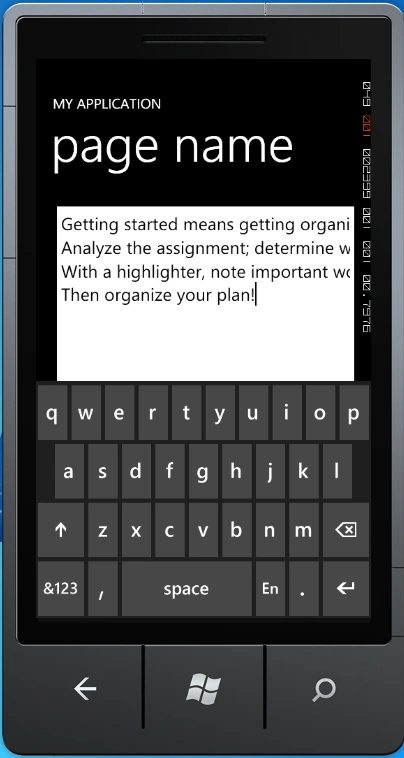
There are many techniques to disable it. I will tell you my technique now:
Change the property of textbox as seen below:
IsHitTestVisible="True" (in XAML)
or
textBox1.IsHitTestVisible = false; (dynamically)
This technique will disable Virtual Keyboard.
As dheeraj warned me: you might need to install new patch of WP7 Tools here
This method might not work with RTM.
Hope it helps!


Ibrahim ErsoyPosted Feb 6, 2011, 10:46 PM EST
Hi dheeraj, Did you install new patch? http://www.microsoft.com/downloads/en/details.aspx?FamilyID=49b9d0c5-6597-4313-912a-f0cca9c7d277
dheeraj pkPosted Feb 6, 2011, 7:40 PM EST
It is not working...