
In this article I am going to explain toyou about Google Maps and how to integrate it to search any location in ASP.NET.
Google Maps is a Web-based service that provides detailed information about geographical regions and sites around the world. Google Maps began as a C++ desktop program designed by Lars and Jens Eilstrup Rasmussen at Where 2 Technologies. In October 2004, the company was acquired by Google, which converted it into a web application.
Nowadays Google Maps is used in every application for various requirements. Here in this article I am going to discuss how to integrate Google Maps to search any location in ASP.NET.
First of all, to integrate Google Maps create a new project in Visual studio. Add a new webform as follows.
Design the webform as in the following:
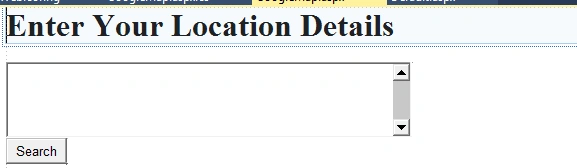
Add the following script in the head section.
- <head runat="server">
- <title></title>
- <!DOCTYPE link href="https://maps/documentation/javascript/examples/default.css" rel="stylesheet" />
- <html>
- <script src="https://maps.googleapis.com/maps/api/js?v=3.exp&sensor=false" type="text/javascript"></script>
- <script>
- var mapcode;
- var diag;
- function initialize() {
- mapcode = new google.maps.Geocoder();
- var lnt = new google.maps.LatLng(26.45, 82.85);
- var diagChoice = {
- zoom: 9,
- center: lnt,
- diagId: google.maps.MapTypeId.ROADMAP
- }
- diag = new google.maps.Map(document.getElementById('map_populate'), diagChoice);
- }
- function getmap() {
- var completeaddress = document.getElementById('txt_location').value;
- mapcode.geocode({ 'address': completeaddress }, function (results, status) {
- if (status == google.maps.GeocoderStatus.OK) {
- diag.setCenter(results[0].geometry.location);
- var hint = new google.maps.Marker({
- diag: diag,
- position: results[0].geometry.location
- });
- } else {
- alert('Location Not Tracked. ' + status);
- }
- });
- }
- google.maps.event.addDomListener(window, 'load', initialize);
- </script>
- </html>
- </head>
- <body>
- <form id="form1" runat="server">
- <div>
- <h1>Enter Your Location Details</h1>
- </div>
- <div>
- <asp:TextBox ID="txt_location" TextMode="MultiLine" Width="400px" Height="70px" runat="server"></asp:TextBox>
- </div>
- <div>
- <input type="button" value="Search" onclick="getmap()">
- </div>
- <div id="map_populate" style="width:100%; height:500px; border: 5px solid #5E5454;">
- </div>
- </form>
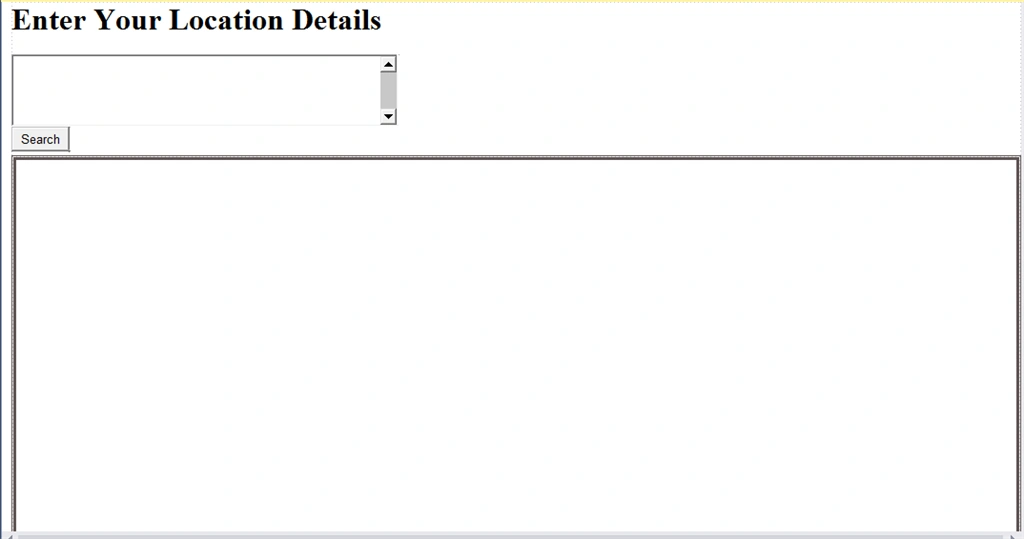
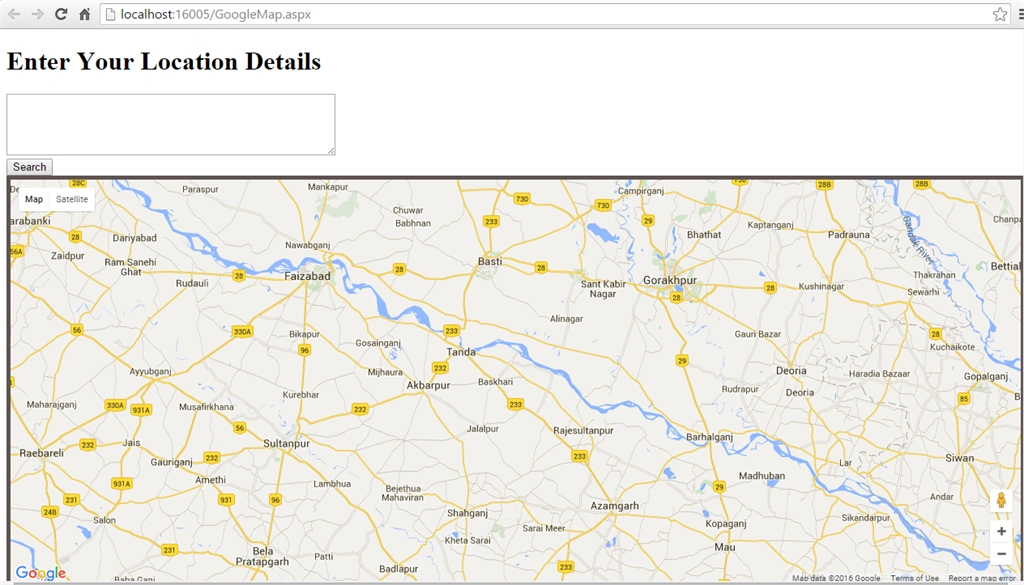
Now save and run the application.
Now type any location and press the search button, it will search the location and will be shown in the div.
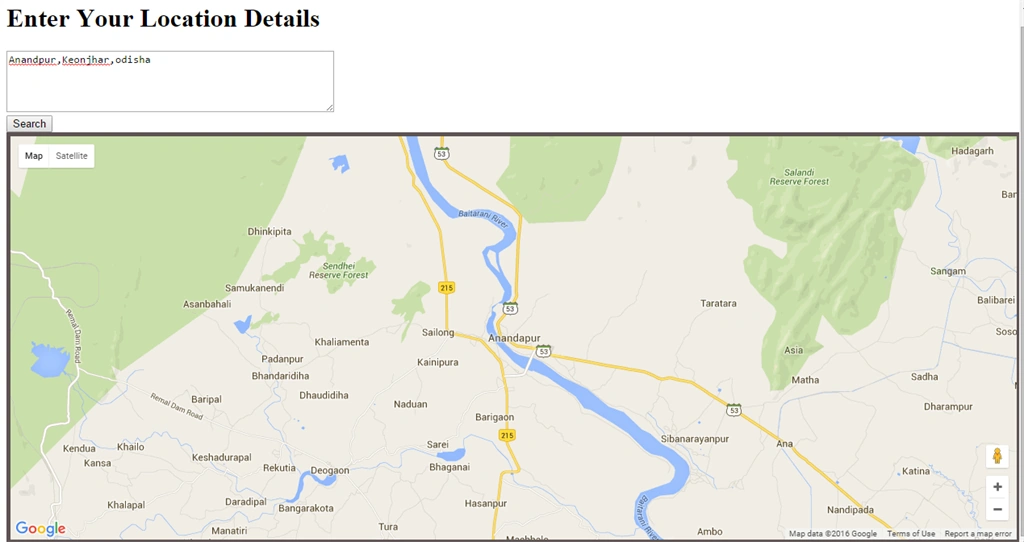
In this way we can search any location detail in Google maps.
Read more articles on Google Map implementation:


Steven AlloccaPosted Nov 9, 2023, 3:08 PM EST
This is worthless
HieuPosted May 17, 2021, 11:17 PM EDT
I got request denied error. please help. Thanks
Shakheul SagorPosted Apr 10, 2018, 11:31 PM EDT
Oops! Something went wrong.This page didn't load Google Maps correctly. See the JavaScript console for technical details. Above error shows when the form is load. Please help ...
Aditya KumarPosted May 29, 2017, 9:52 PM EDT
Hello Sir, Unable to download the source code. After clicking on it takes me to below link
Vignesh ManiTOP 100Posted Mar 1, 2016, 12:41 AM EST
Good
Gowtham KTOP 100Posted Feb 29, 2016, 6:14 AM EST
Good One, Thanks for sharing
Raja TPosted Feb 29, 2016, 4:22 AM EST
Nice,Thanks for sharing
Pankaj Kumar ChoudharyTOP 100Posted Feb 29, 2016, 4:20 AM EST
Nice Explain Sir........
Amit Kumar SinghPosted Feb 29, 2016, 3:15 AM EST
Nice one
Shriram PophaliPosted Feb 29, 2016, 1:49 AM EST
Nice article
Sibeesh VenuTOP 100Posted Feb 29, 2016, 1:47 AM EST
Nice Share