

Microsoft Expression studio is a collection of professional design tools to
create standards based websites, rich desktop applications also enabling
designers and developers to create dynamic applications. One of the design tools
that I am going to explain over here is known as "Microsoft Expression Web"
which is specifically designed to help web developers to create high-quality
websites. Expression Web lets you create website live on the server as well as
create it offline and then upload to the server.
So let's learn how to use a CSS website template which is downloaded outside the
Expression web.
- First of all search for a template as many
of the sites provide free templates, download any one from them of your
choice as I have tried from the link "http://www.freecsstemplates.org/css-templates/
", where hundreds of templates are given.
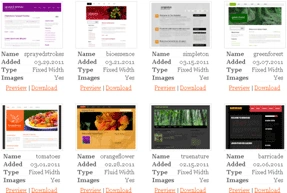
- Choose any one of the template and click
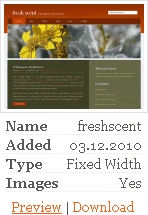
on Download:
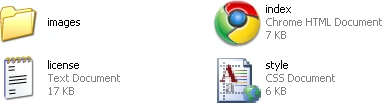
- Go to the folder where you have downloaded the template and as it will be a zip file so extract it.
- In the extracted folder you got four
things:
- Now open your Expression web:
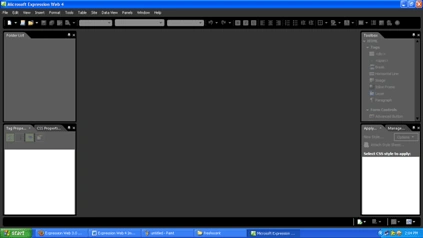
Note: If you got anything open then close it from the file menu.
- From the menu bar click on the Site and
then New site as follows:
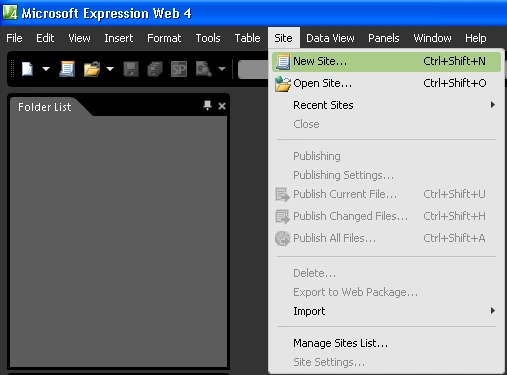
- You see a pop-up window appeared asking
the properties for your website, so click on empty website and also set the
location where you want to save it.
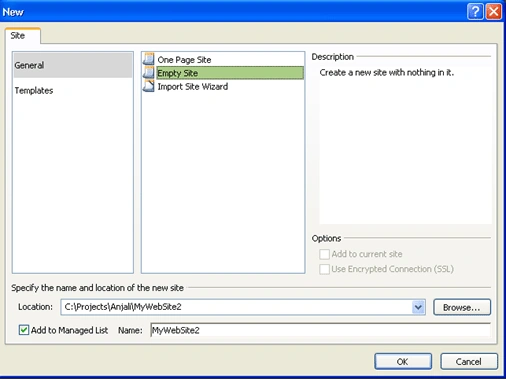
- If you have done this correctly then your
window with a site view open should be like this only:
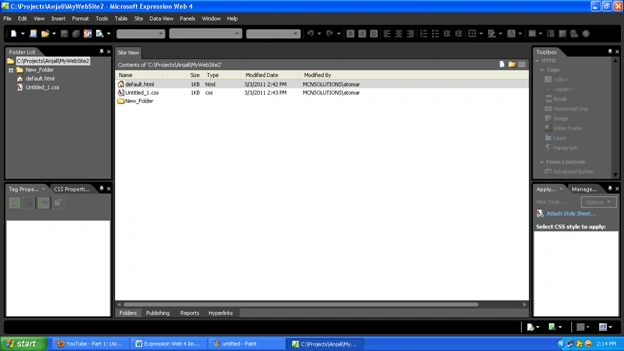
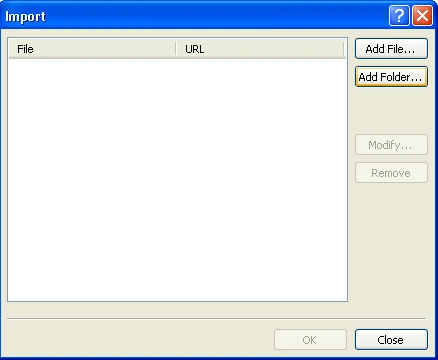
- Again from the file menu import the file :
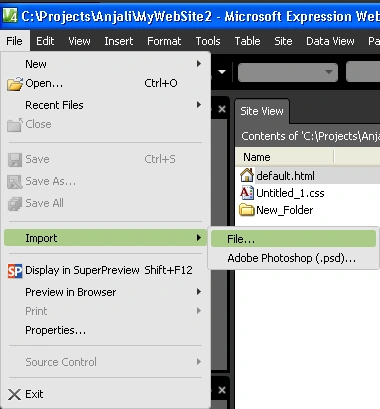
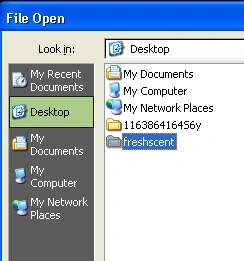
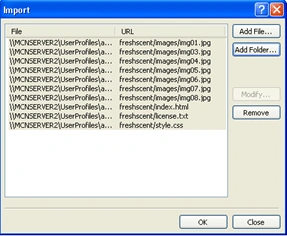
- From the following window add the
downloaded folder from the location where you have saved it and hit "OK".
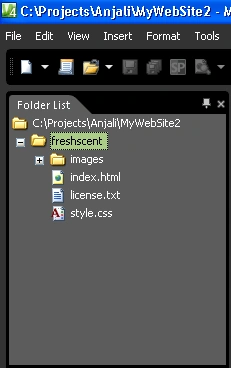
- Now you can see the folder you import is
in the left hand side corner under the head folder list:
- Double click on the index.html and you
will find your favorite template is there and you can easily change it
according to your need:
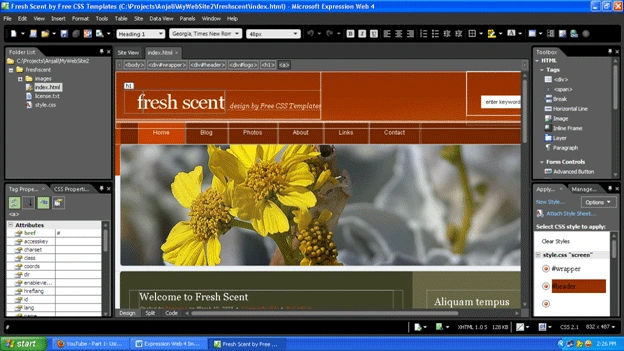
- If you want to see/change the code:
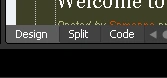
- Last but not the least you can now create a website of your own choice with the help of this template.
John TaylorPosted Jan 3, 2012, 12:15 PM
Wrong image is posted of what the site should look like. The empty site should and will be blank if instructions are followed,- that is unless I'm really messed up J.T. Still I am grateful for the tutor.