

Introduction
In this article, I will introduce how to download a file in Angular with a button click and show an example.
Prerequisites
- Basic knowledge of Angular
- Visual Studio Code
- Node and NPM installed
- Bootstrap
For this article, I have created an Angular project using Angular 12. For creating an Angular project, we need to follow the following steps:
Create an Angular Project
Let's create a new angular project by using the following command.
Code
ng new fileDownloadExampleOpen a project in Visual Studio Code using the following commands.
Code
cd fileDownloadExample
Code .
Now in Visual Studio, your project looks as below.

App.Component.html
Code
<a [href]="fileUrl" download="file.txt">DownloadFile</a>App.Component.ts
JavaScript
import { Component, OnInit } from '@angular/core';
import { DomSanitizer } from '@angular/platform-browser';

@Component({
    selector: 'my-app',
    templateUrl: './app.component.html',
    styleUrls: ['./app.component.css']
})
export class AppComponent implements OnInit {
    name = 'Angular 5';
    fileUrl;
    constructor(private sanitizer: DomSanitizer) {}
    ngOnInit() {
        const data = 'some text';
        const blob = new Blob([data], {
            type: 'application/octet-stream'
        });
        this.fileUrl = this.sanitizer.bypassSecurityTrustResourceUrl(window.URL.createObjectURL(blob));
    }
}
Now Run the project using the following command
Code
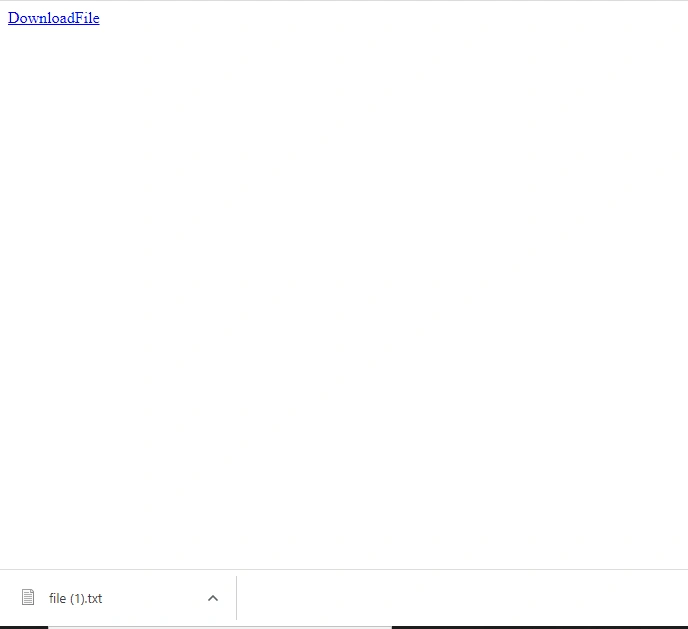
npm startand click on the link and you will see the downloaded file
Summary
In this article, I have discussed the implementation of downloading a file in Angular with a button click.
Join the conversation! Your thoughts help the community grow.